12 Getting Started
Getting Started
Initial Settings
Do the following initial settings at the
following times: (1) Before you operate the
system for the first time, (2) after replacing
the car battery, and (3) after resetting the
system.
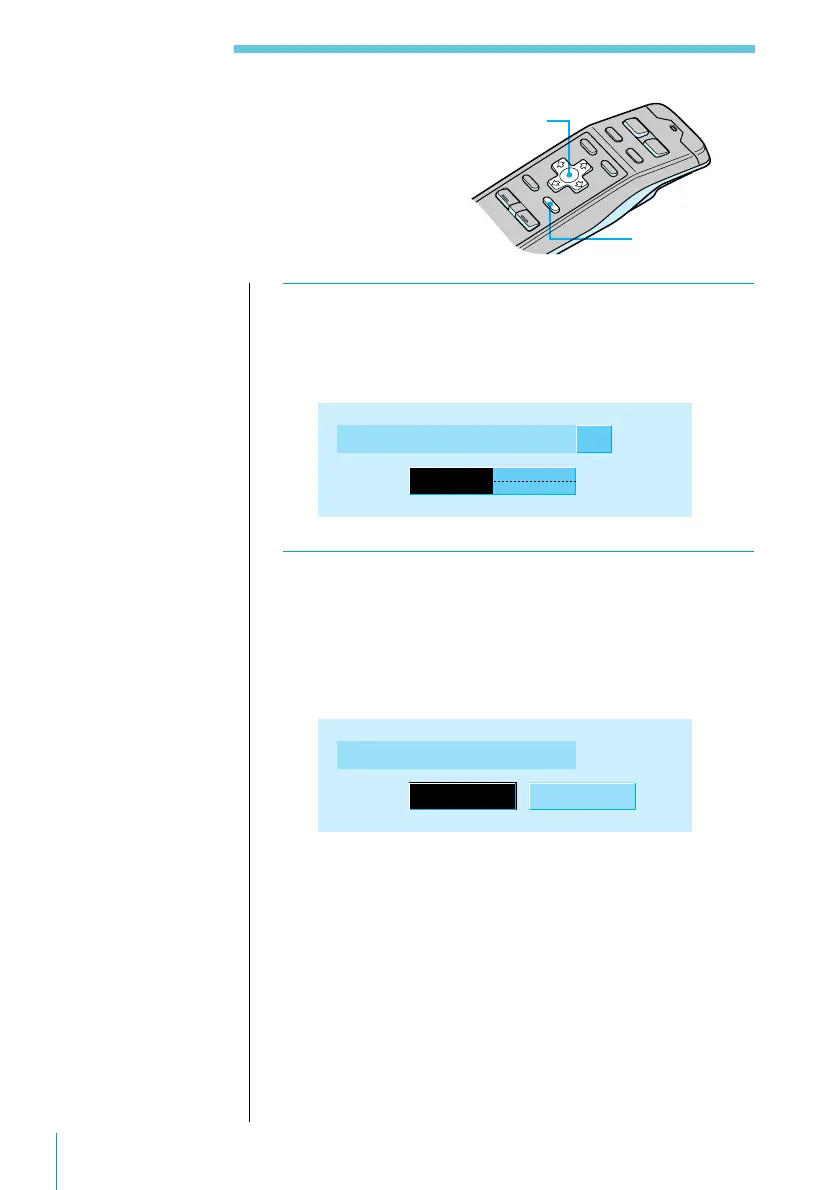
1 Press the reset button (see page 5).
The Contrast indication appears.
Press ? or /. The contrast is adjustable in 15 steps.
Contrast 8
2 Press ENTER.
The ACC Position indication appears.
Press ? or /. Select “yes” if your car’s ignition
switch has an ACC position; select “no” if your car’s
ignition switch has no ACC position.
ACC Position
yes no
Cursor buttons
ENTER button
Note
You can specify the
ACC position and
cross-over network
settings only in the
initial setting
procedure. To change
these settings
afterwards, press the
reset button and repeat
the procedure.



 To Next Page