Additional Settings
51
Additional Settings
Set up Menu
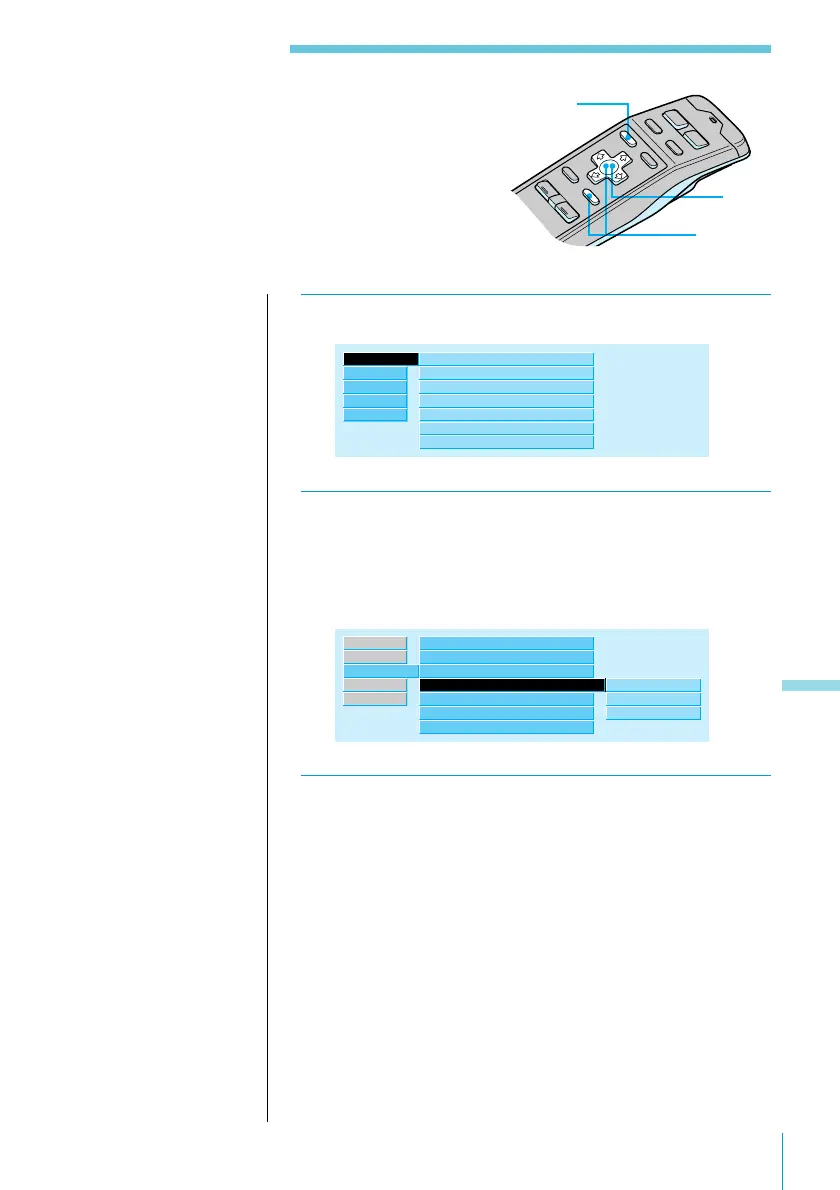
Use the Set up menu to set the contrast, clock,
beep, and rotary remote.
1 Press MENU and select “Set up.”
Set up ”
Contrast 8
Clock
Beep
off
off
Display
Font Style
on
Bold
Rotary Remote
RDS
Source
Exit
R.Mode
norm
SEEK/AMS
SEEK/AMS
2 Press / to move to the sub menu, then select
an item using > or ..
The current setting appears to the right of the sub
menu item.
Font Style Bold
Clock
Beep
off”
on
Rotary Remote
on
Time Set
off
norm
SEEK/AMS
SEEK/AMS
Set up ”
RDS
AUX
Exit
R.Mode
8
Contrast
Display
on
3 Change the setting and press ENTER.
The new setting appears to the right of the sub menu
item.
Sub menu items and their settings are explained in the
table on the next page.
Additional Settings
3
2
1



 To Next Page