56 Additional Settings
Additional Settings
Selecting the Cross-over Network
Pattern
Your system comes with 10 cross-over network patterns.
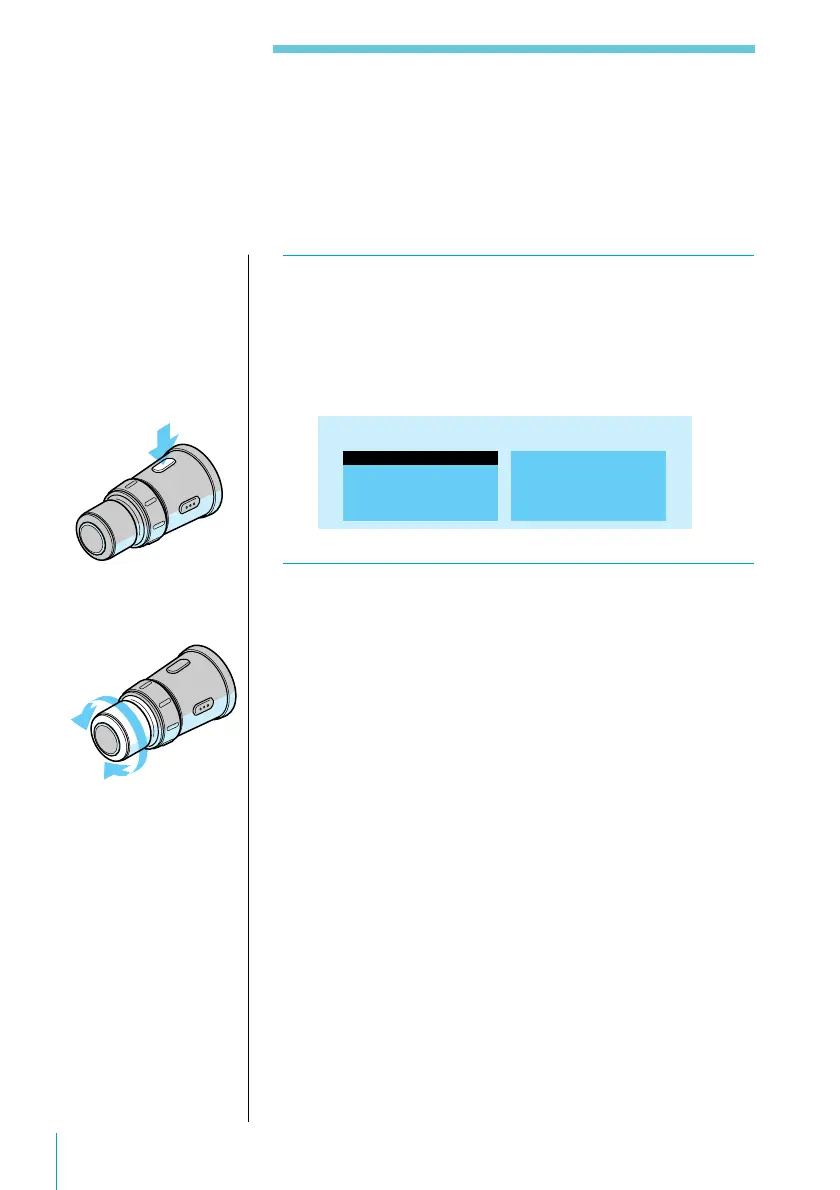
1 Press SOUND on the rotary commander twice
to display the Cross-over Network list.
Each press of the button changes the display as
follows: Parametric EQ list n Cross-over Network
list n previous display.
6.MEMORY 6
7.MEMORY 7
8.MEMORY 8
9.MEMORY 9
10.MEMORY10
1.MEMORY 1
2.MEMORY 2
3.MEMORY 3
4.MEMORY 4
5.MEMORY 5
Cross-over Network
2 With the list displayed, rotate VOL/DISC/
PRESET on the rotary remote to select a
preset pattern.
After appearing for 10 seconds, the list is replaced by
the normal display.
Useful tips
To change the contents
of the preset cross-over
network patterns
consult your Sony
dealer.



 To Next Page