Listening to CDs
31
Listening to CDs
Scrolling Titles Automatically
When playing CD TEXT discs or MDs using an optional
MD changer, the track or disc title appears automatically
whenever a new disc or track is played. Follow the
procedure below to specify the automatic scrolling of titles
of more than 10 characters.
1 While playing a CD, press MENU.
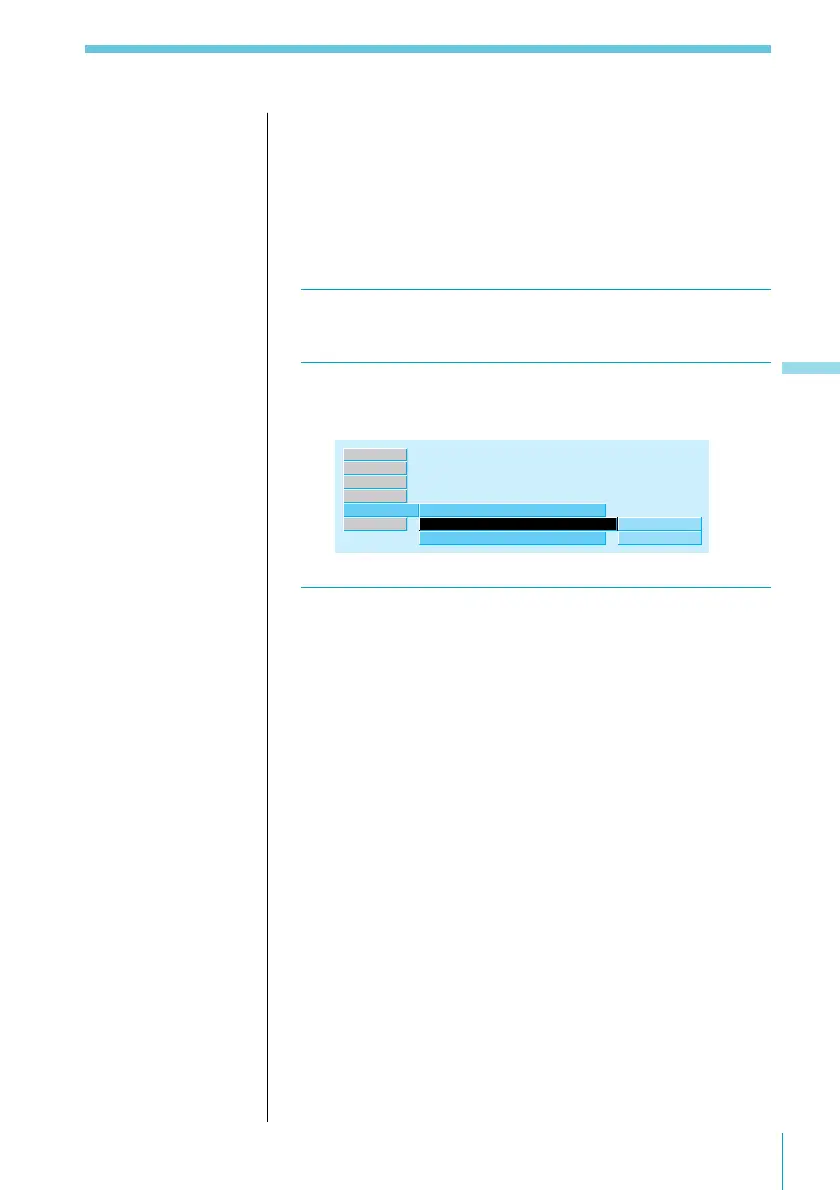
2 Select “Name,” press / to move to the sub
menu, then select “Auto Scroll” using > or ..
Disc Name
on
off
TEXT
Disc Memo
Auto Scroll
”
off
Name ”
Source
P.Mode
Exit
Set up
RDS
3 Press /, then > or . to select “on,” then
ENTER.
To cancel the scrolling of titles
Select “off” in Step 3 and press the ENTER button.



 To Next Page