32 Listening to the Radio
Listening to the Radio
FM/MW/LW
indication
Preset
station
Frequency
Listening to the Radio
Before using the radio, you can store your favourite radio stations in the system’s
memory for instant tuning at a later time (see “Presetting Radio Stations with the
Strongest Signals (BTM)” on page 37).
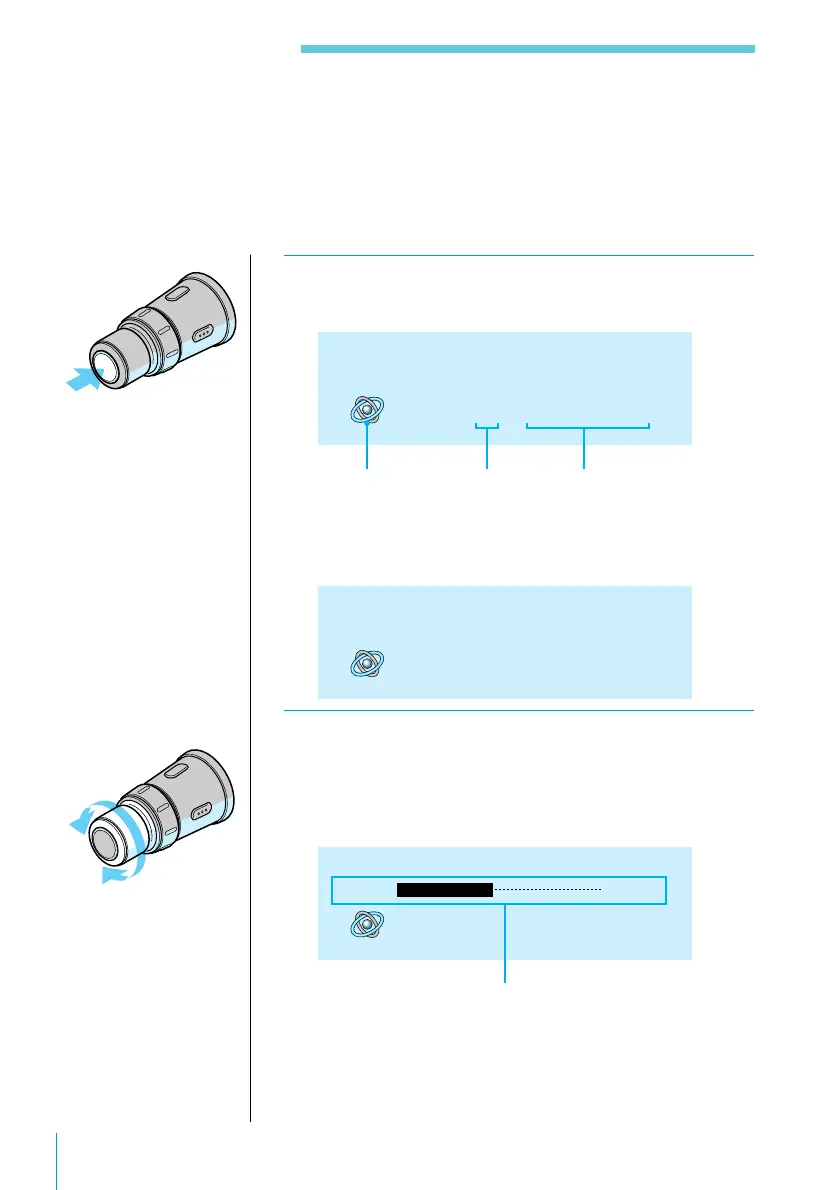
1 Press SOURCE repeatedly to select FM, MW,
or LW.
STEREO
FM 4 97.70 MHz
When you tune in an FM station that transmits RDS
data, the station name appears in the display.
FM 4 BBC R1
2 Rotate VOL/DISC/PRESET to adjust the
volume.
Turn the remote clockwise to increase the volume;
turn it counterclockwise to decrease the volume.
FM 4 BBC R1
STEREO
Volume -20dB
Volume indication
Note
“No name” appears if
the received station
does not transmit RDS
data.



 To Next Page