About Optional Equipment
57
About Optional Equipment
About Optional Equipment
Listening to an Optional CD/MD
Changer
If an optional CD or MD changer is connected to your system, you can locate and
listen to discs in that changer in the same way that you can with the system’s CD
changer.
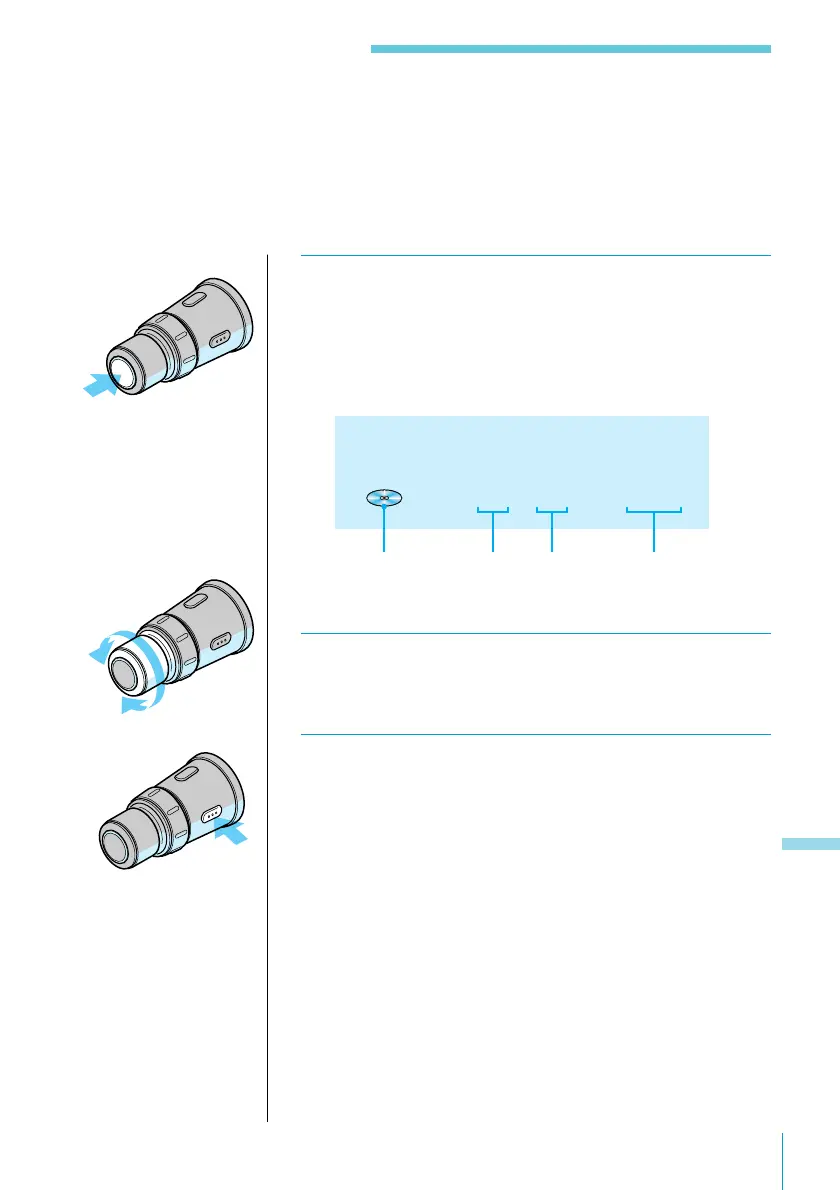
1 Press SOURCE repeatedly to select “CD2” or
“MD.”
Pressing the button changes the programme source as
follows:
CD1 n CD2 n MD n FM n MW n LW.
CD2 1 1 3.45
2 Rotate VOL/DISC/PRESET to adjust the
volume.
3 Press OFF to turn off the system.
CD indication
Disc
number
Track
number
Playing time of
the current track



 To Next Page