To disable Bluetooth
®
function, Tap ( ).
Pairing/Connecting Bluetooth
®
Devices
Search for and pair nearby Bluetooth
®
devices. Paired Bluetooth
®
devices can be connected simply.
Enable the Bluetooth
®
function on the Bluetooth
®
devices being paired beforehand.
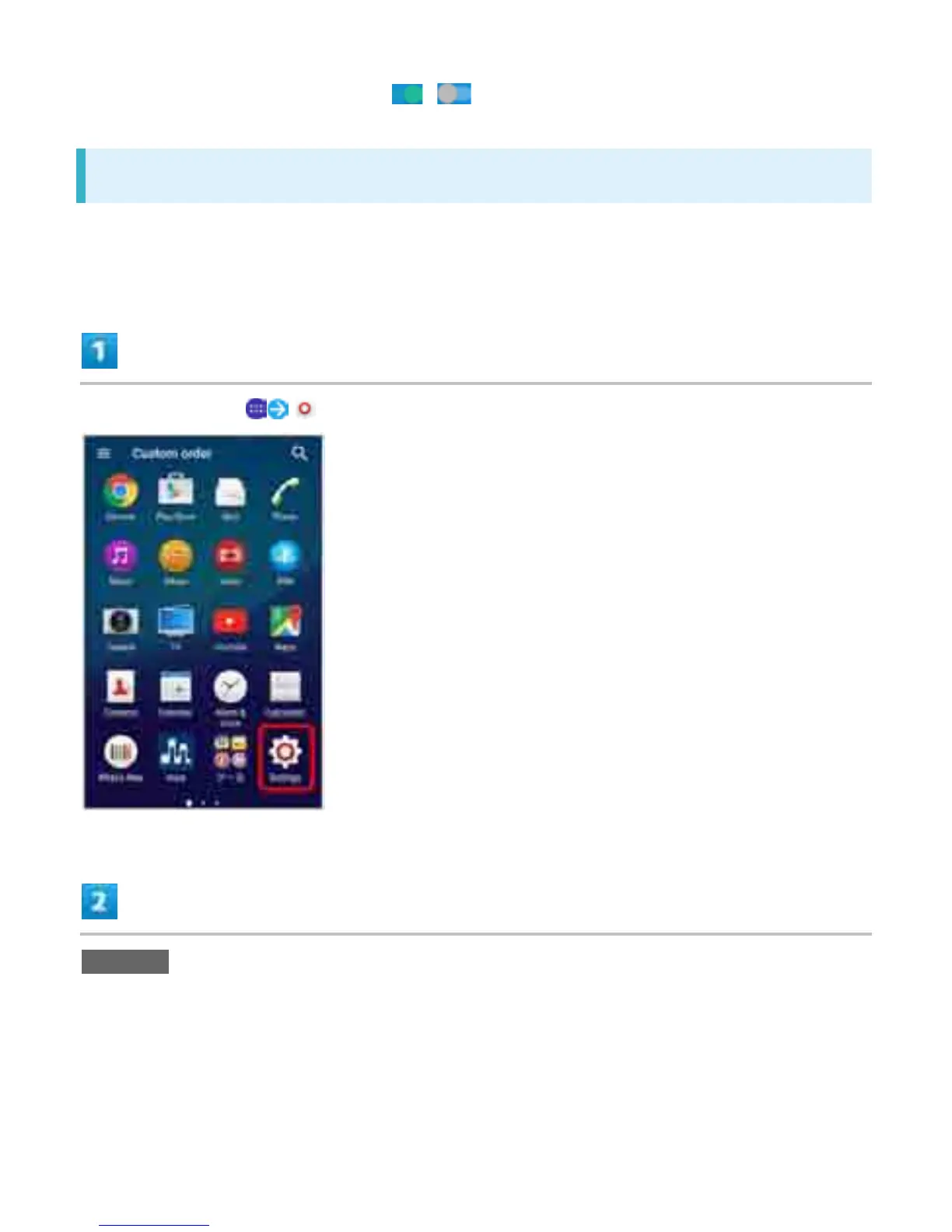
In Home Screen, (Settings)
Bluetooth
26


 To Next Page