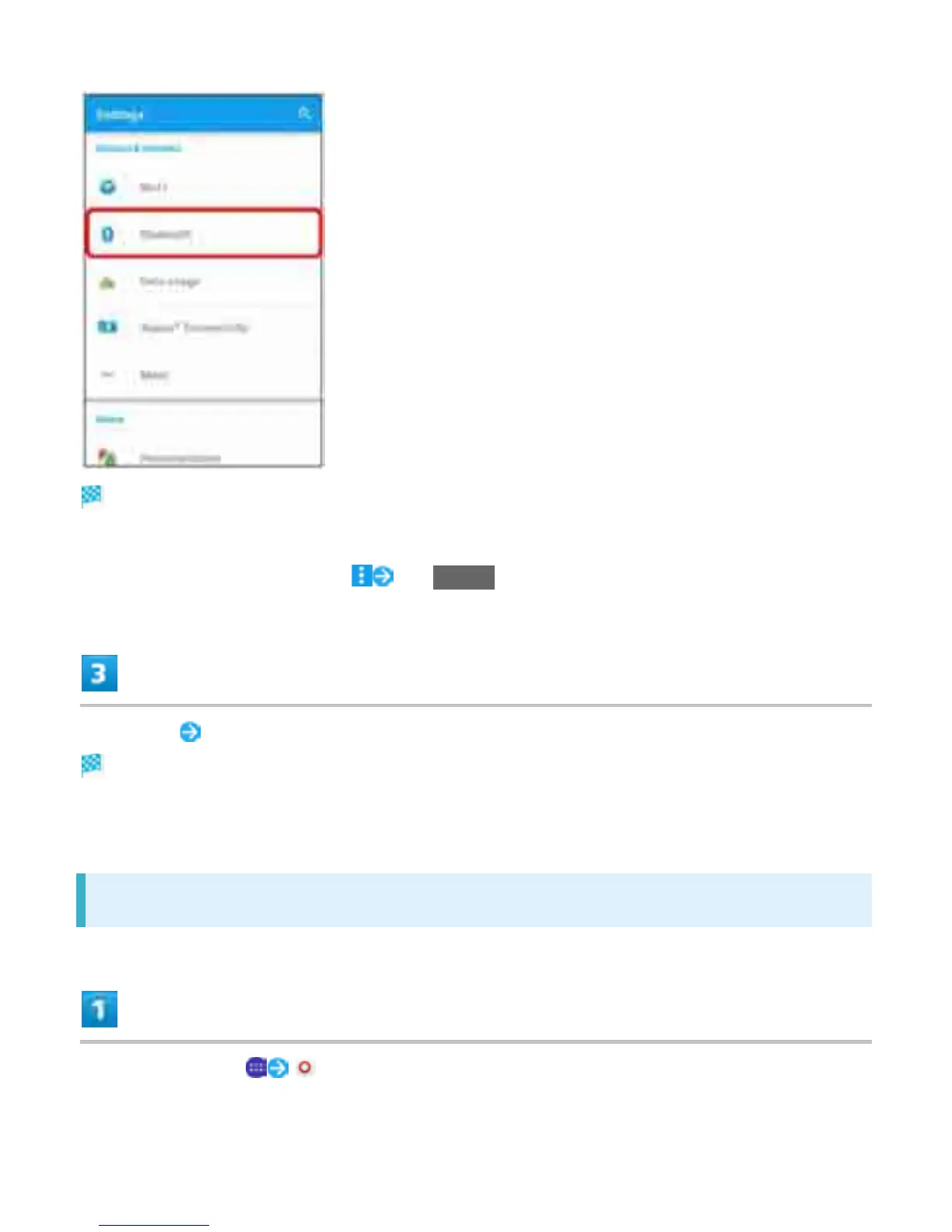
Bluetooth
®
settings open.
Nearby Bluetooth
®
devices appear in "Available devices."
If a target device is not found, Tap Refresh and search again.
Tap device Follow onscreen instructions to accept device
The Bluetooth
®
device is paired to handset. Paired Bluetooth
®
devices appear in "Paired devices."
Methods for accepting differ depending on devices being paired.
Connecting to Paired Bluetooth
®
Devices
In Home Screen, (Settings)
27


 To Next Page