Installation and set-up manual 208668 31
CRANEX Novus e 3. Installing the unit
Connection using the IP based method
1. Standalone confi guration: Connect one end
of the Ethernet cable to the unit (the connector
at the rear of the column) and the other end to
the PC.
Network confi guration: Connect one end of
the Ethernet cable to the unit (the connector
at the rear of the column) and the other end to
the network.
2. Switch the Unit on.
3. PC: Start the PC. Then open the dental
imaging software that was previously installed
and select Settings:
- SCANORA software: Select Tools / Cranex
Novus e Settings and then the Settings tab.
- DIGORA for Windows software: Select
Options / Cranex Novus e Settings and then
the Settings tab.
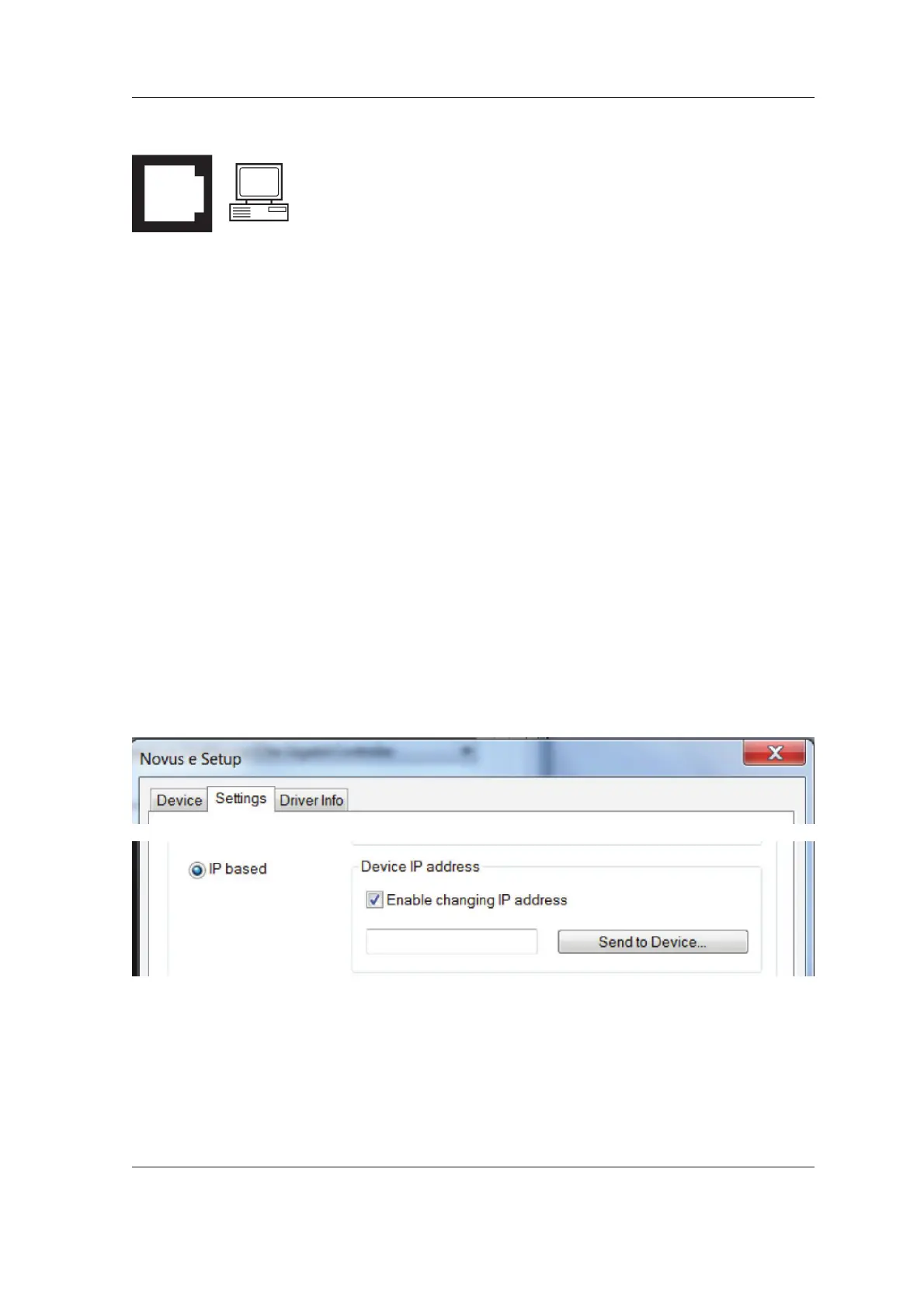
4. PC: In the Device Connection section, click
the IP based radio button to select it.
Then click the Enable changing IP address
check box to activate the IP-address fi eld.



 To Next Page