32 Installation and set-up manual 208668
3. Installing the unit CRANEX Novus e
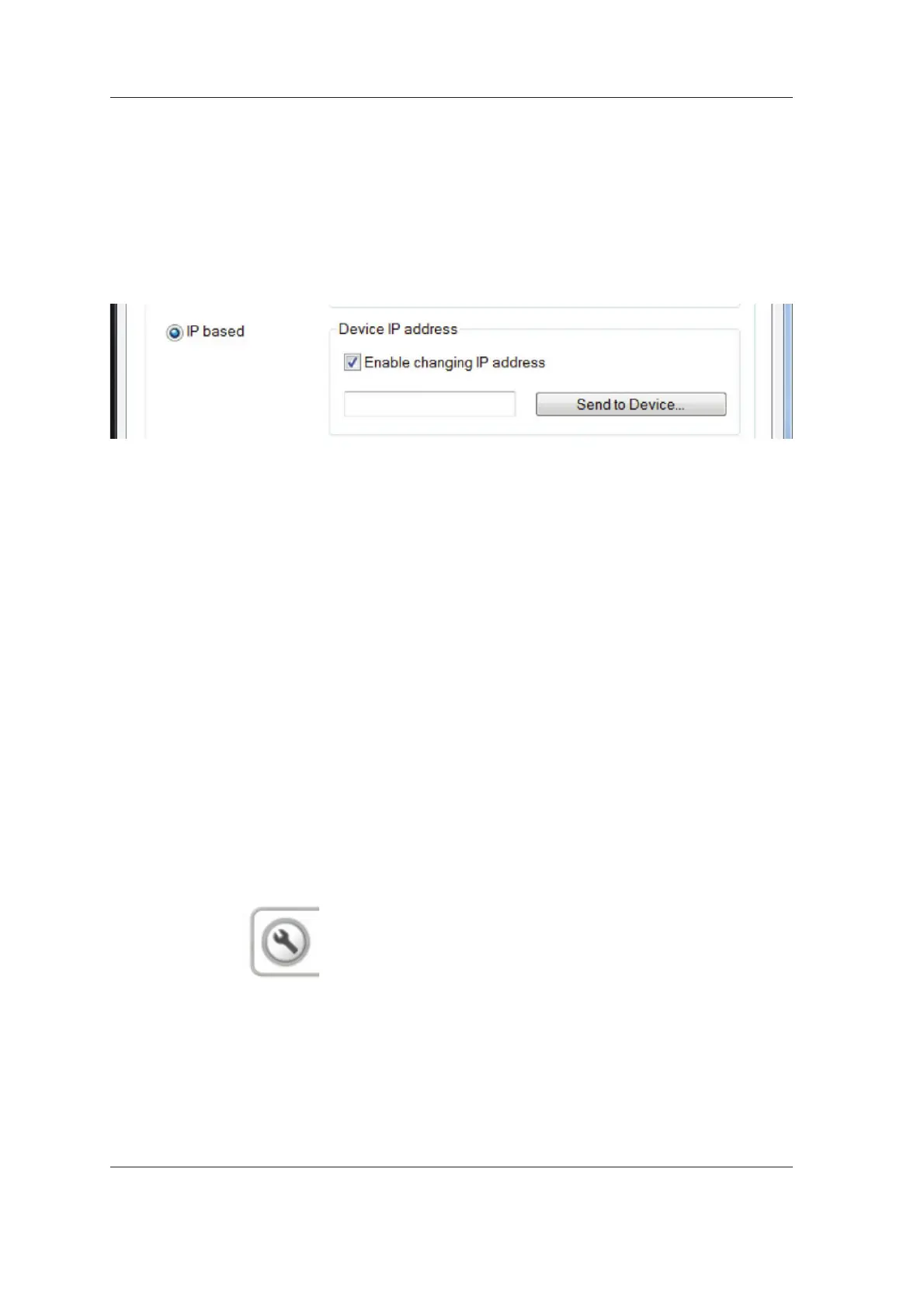
5. Standalone confi guration:
PC: Key in the desired IP-address of the unit,
for example 194.9.227.250, into the IP-
address fi eld.
Network confi guration:
PC: Key in the new IP-address (obtained from
the network administrator) into the IP-address
fi eld.
IMPORTANT NOTE:
The unit can have any IP address but the
unit and PC must always be in the same
subnet. The subnet mask of the unit is fi xed to
255.255.255.0.
NOTE:
With the network confi guration the default
IP address of the unit must be changed to
the IP address obtained from your local IP
administrator.
With standalone confi guration you can avoid
changing the IP address of the unit by setting
the IP address of the PC to the same sub net
as the default value of the unit. After changing
the PC IP address in this way, and entering
the default or current IP address of the unit
into the IP-address fi eld, as instructed above,
proceed to step 12 to fi nish the confi guration.
6. Touch the service key on the main control
panel of the unit.
194.9.227.250



 To Next Page