Installation and set-up manual 208668 33
CRANEX Novus e 3. Installing the unit
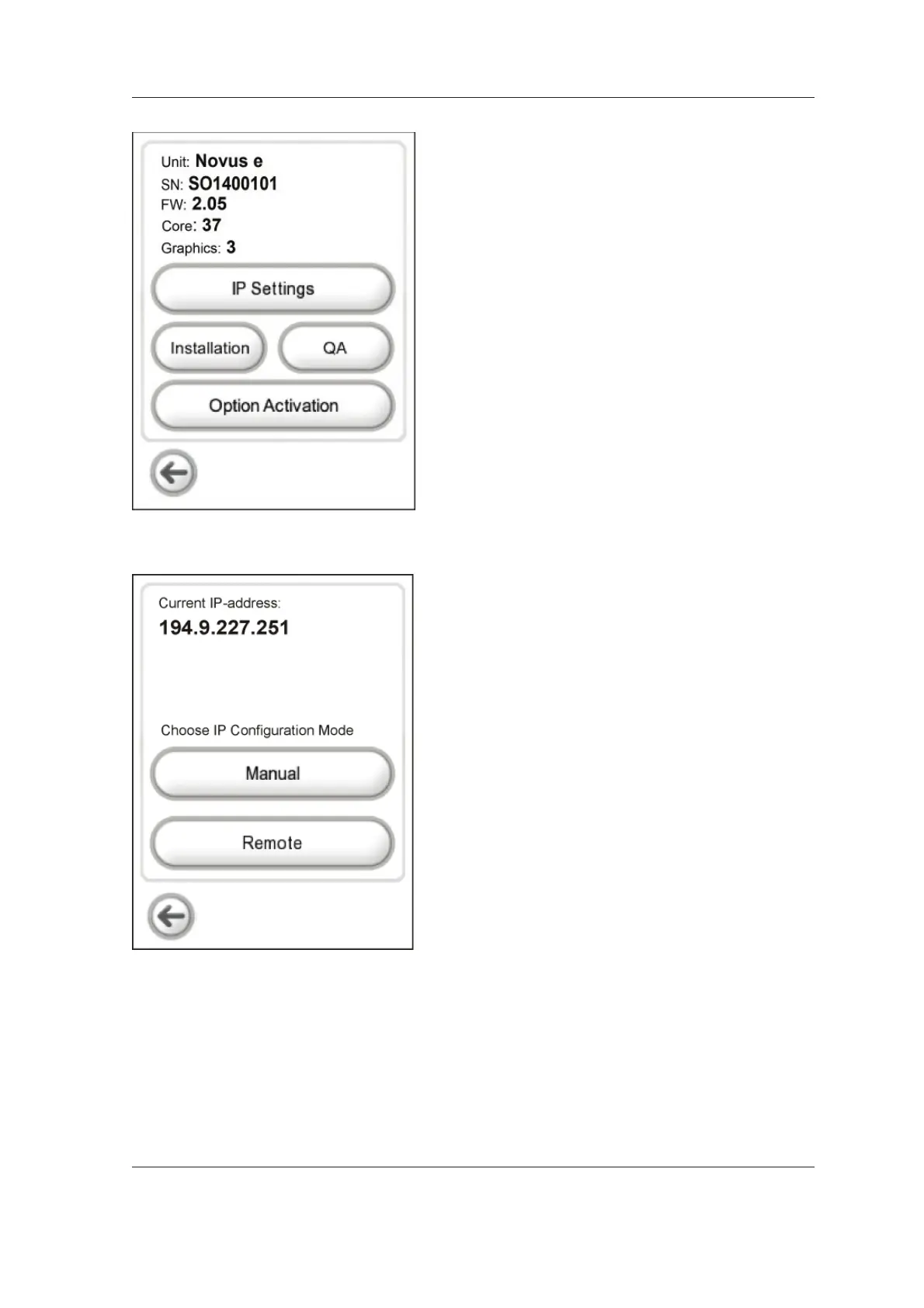
7. The confi guration screen will appear. It shows
the unit serial number and the fi rmware
version numbers.
There are also four function keys, IP Settings,
Installation, QA and Option Activation.
Select IP Settings
NOTE:
See section 4.1 for information about
Installation, section 3.11 for information
about Option Activation and section 4.4 for
information about QA.
8. The IP confi guration screen, with two
confi guration mode function keys; Manual and
Remote, will appear.
Select Remote.



 To Next Page