38 Installation and set-up manual 208668
3. Installing the unit CRANEX Novus e
3. PC: Click OK to connect the PC to the unit.
NOTE:
An automatic technique will automatically
locate the unit within the local area network
and connect the PC.
4. PC: Repeat the above process for all the other
PCs in the network. Make sure that you give
each PC a different Workstation identifi er,
both number and additional workstation
information.
5. Check the installation by starting image
capture using the imaging software.
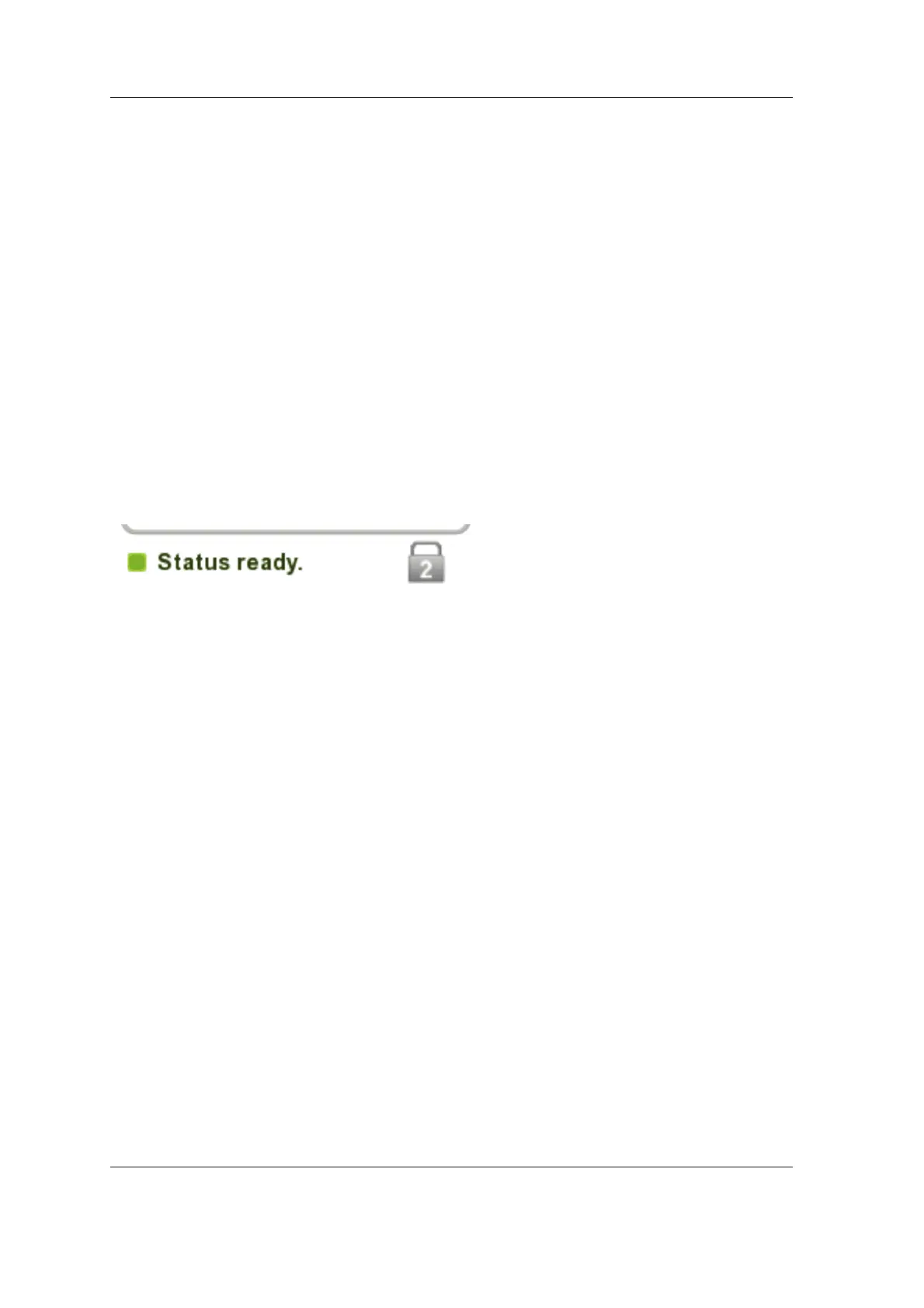
If the Use Multi-Connect was selected the
Workstation identifi er of the PC (1 - 8) being
used will appear on the unit display.



 To Next Page