Installation and set-up manual 208668 37
CRANEX Novus e 3. Installing the unit
MULTICONNECT™
MULTICONNECT allows the unit to be used by
several PCs within a network. A PC must "reserve"
the unit before it can be used.
1. PC:
- SCANORA software: In the Tools / Cranex
Novus e Setup window select the Settings
page.
- DIGORA for Windows software: In the
Options / Cranex Novus e Setup window
select the Settings page.
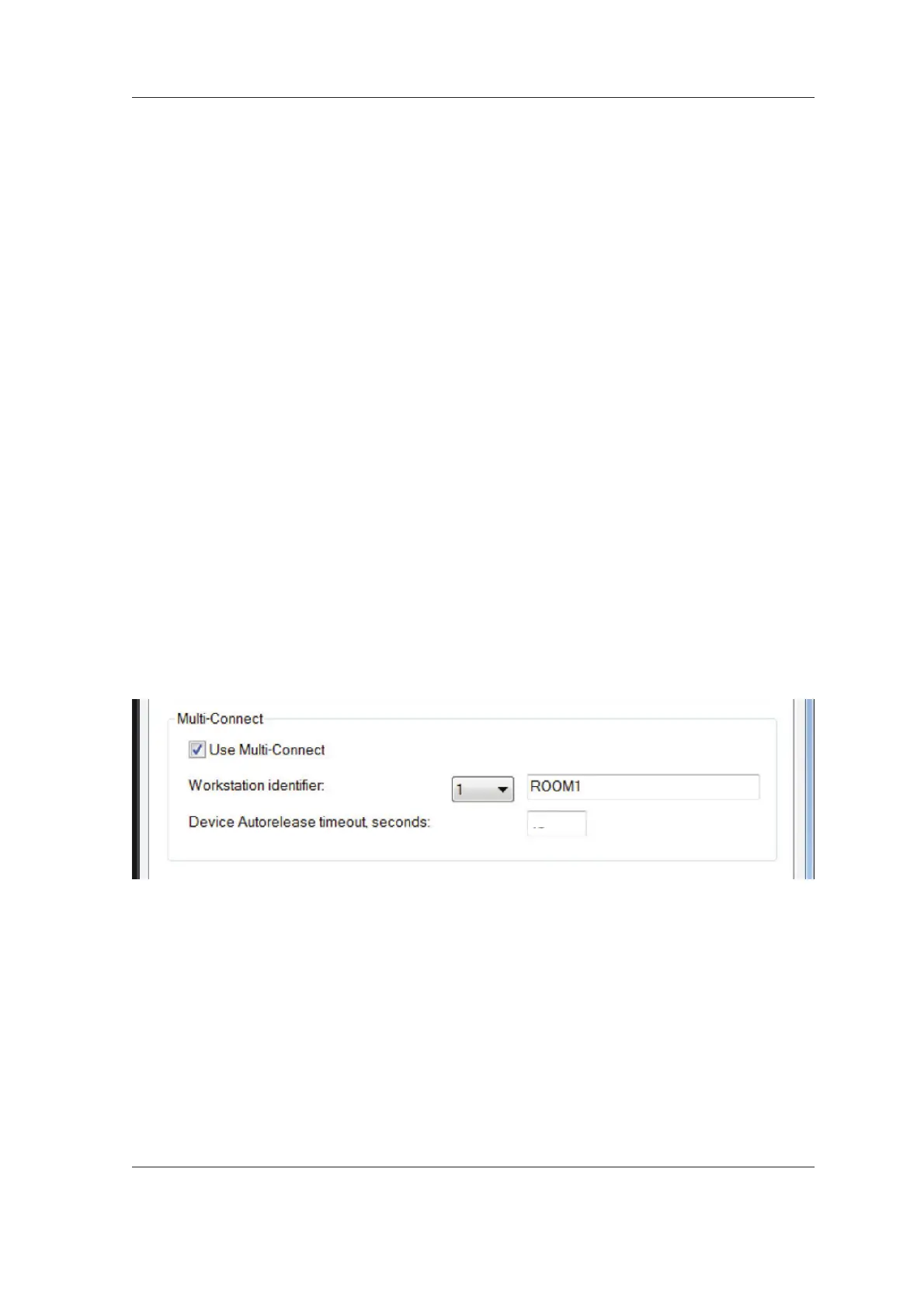
2. PC: Click the Use Multi-Connect check box
to select it and then, from the drop down
list, select a unique Workstation identifi er
number (between 1 and 8) for the PC being
confi gured.
Additional workstation information, for
example, user name, location etc, can be
entered into the fi eld next to the work station
identifi er number.
NOTE:
Each PC in the system MUST have a different
Workstation identifi er.
The Device Autorelease timeout is the length
of time that the unit will remain reserved and
usable by a PC. After the set time elapses the
PC automati cally releases the unit so that it
can be used by another PC in the network (the
unit can be reserved in advance from another
PC).
The default setting is 300 seconds. This can
be changed by keying in a new value.
300



 To Next Page