Installation and set-up manual 208668 67
CRANEX Novus e 6. The exhibition stand
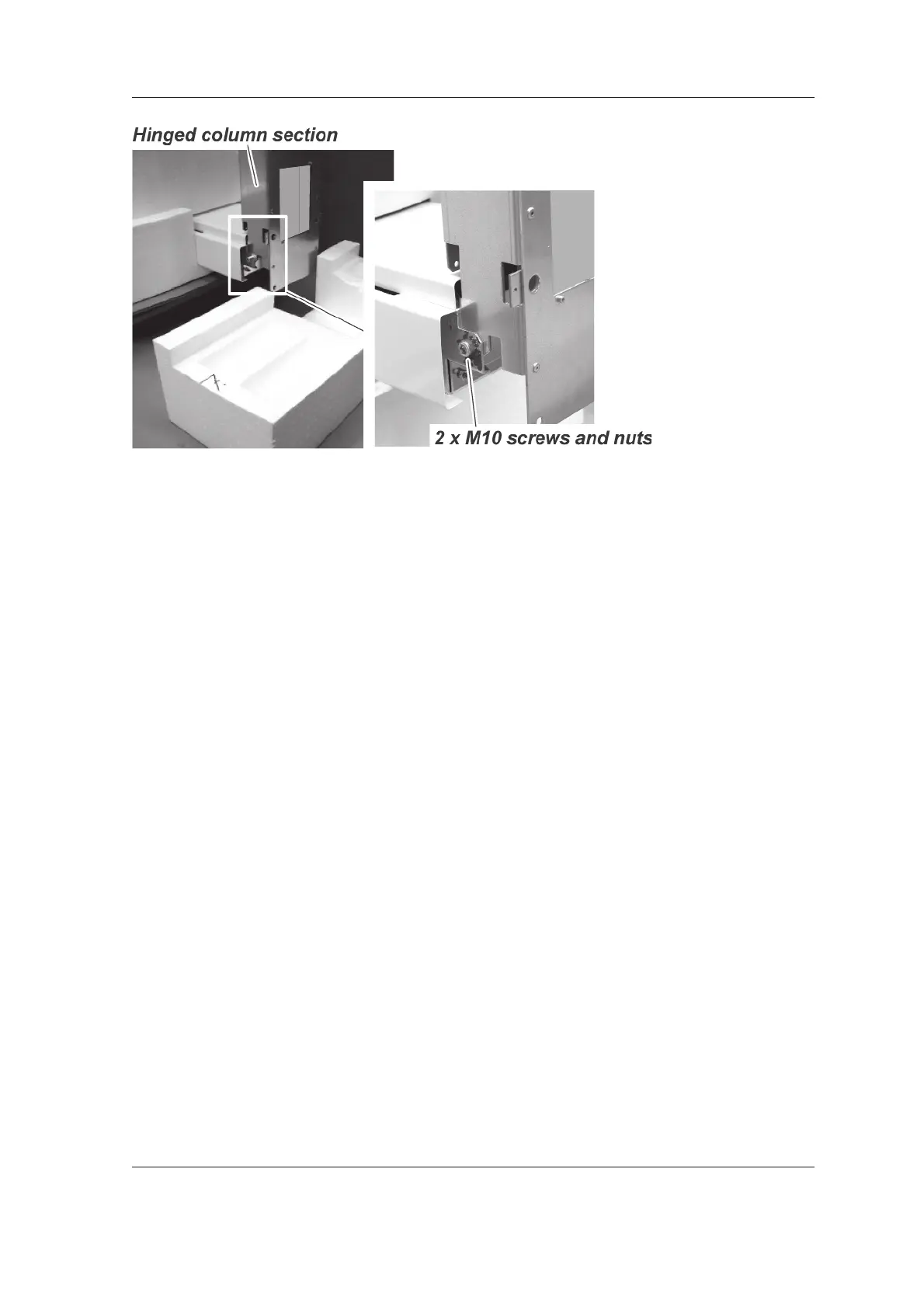
4. Remove the hinged column section from the
bottom of the column (2 x M10 screws and
nuts).
5. Position the assembled exhibition stand
near the bottom of the column. Place some
protective material on the fl oor and then turn
the exhibition stand over onto its back.
6. Lift the bottom of the column until the fi xing
holes on the sides of the column are level with
the fi xing holes on the sides of the exhibition
stand. Place some packing material under the
column to hold it in position.
7. Slide the exhibition stand towards the bottom
of the column until the fi xing holes at the sides
of the exhibition stand line up with the fi xing
holes at the sides of the unit column.
Then slide the main power and interface panel
into the Exhibition stand. Make sure that you
do not damage the cables when doing this.



 To Next Page