3 Getting Started
l Charge the battery before using the total station if the equipment has been stored for longer than
six months.
Inserting the Main Battery
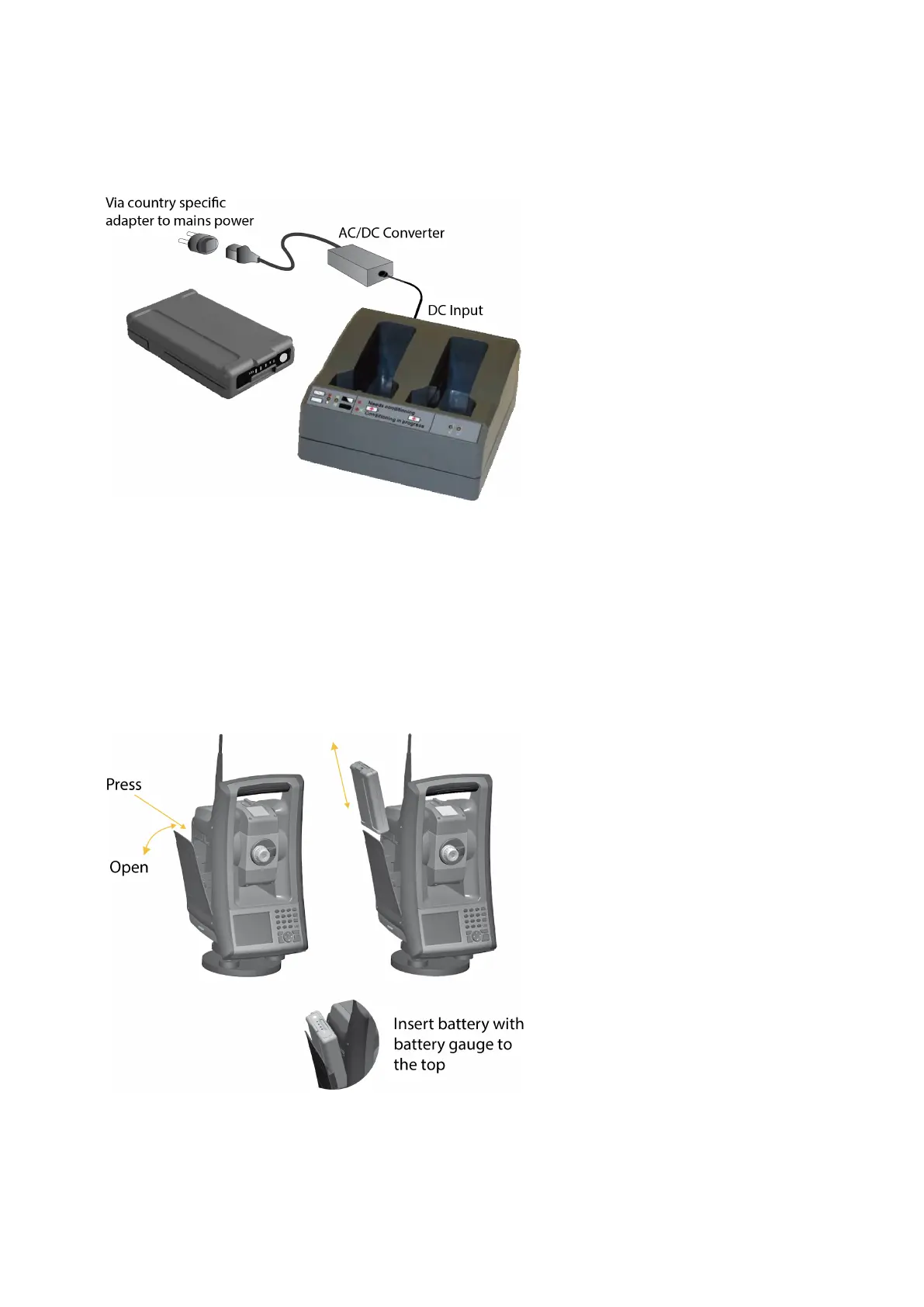
The FOCUS 35 Total Station internal battery fits into the battery compartment on the side of the
instrument. This battery can easily be removed and replaced.
To insert the battery:
1. Press gently on the battery release button to open the battery compartment door.
2. Slide the battery into the battery compartment with the battery connectors positioned towards the
bottom of the instrument.
FOCUS 35 Total Station User Guide | 24



 To Next Page