4 Setup
Measurement Stability
Take into account that instruments require sufficient time to adjust to the ambient temperature. The
following rule-of-thumb for a high precision measurement applies: Temperature difference in degree
Celsius (°C) x 2 = duration in minutes required for the instrument to adjust to the new temperature.
Avoid sighting across fields with intense heat shimmer by sun light, e.g., at noon.
Starting the Instrument
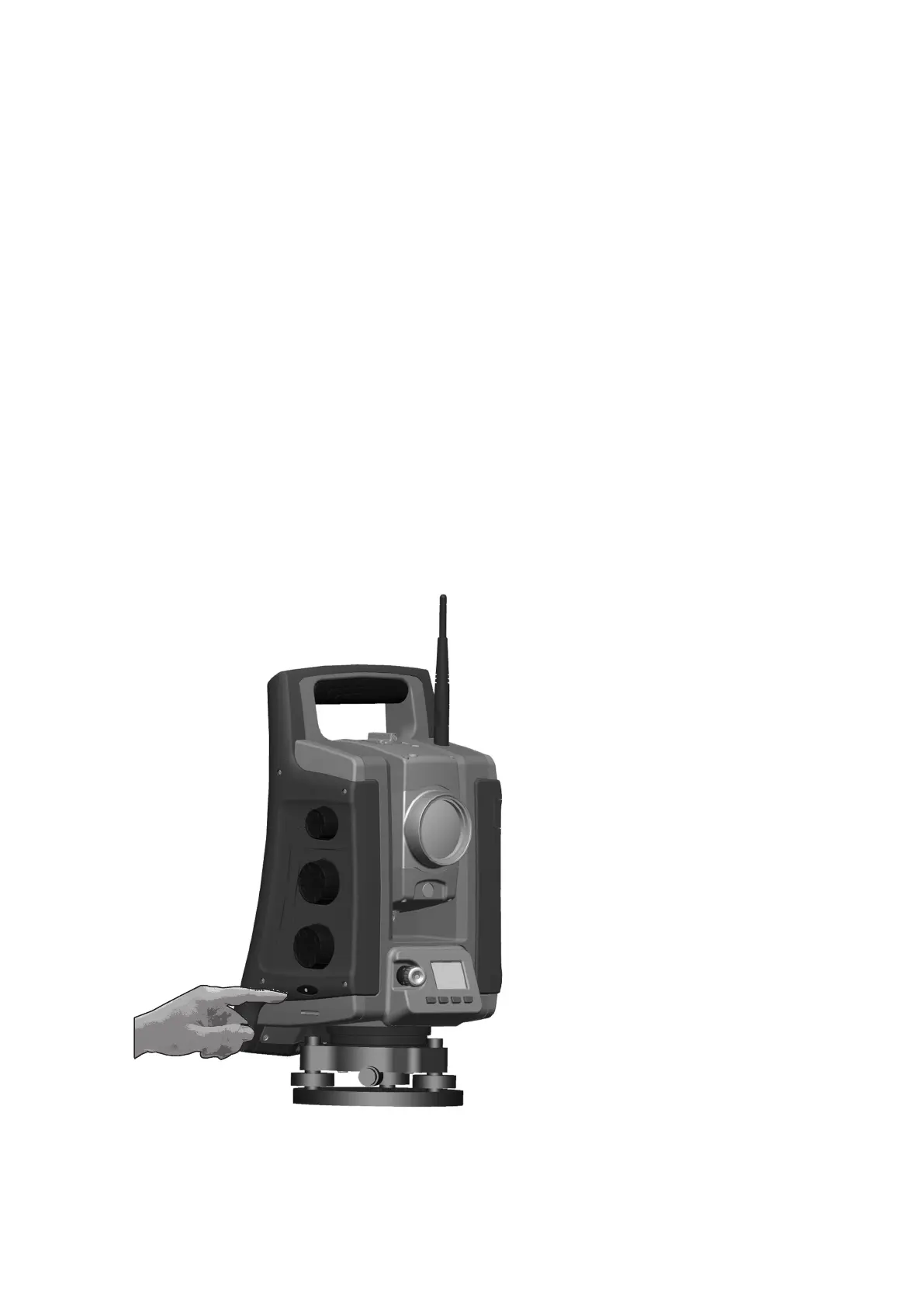
To start the instrument please press the on/off button about 1 second (one single beep) on right side of
the instrument. This will also start the Windows CE operating system.
This section describes sequentially how different settings can be done in the field software in Face1
Control Unit as well as in the Face2 Control Unit.
l The settings in the Face2 interface are accessible only without starting the field software. It is
recommended especially if you want to work in Robotic mode.
l When the Windows CE operating system starts, select your field software from the start menu.
Please refer to your Survey field application documentation for supplementary information.
FOCUS 35 Total Station User Guide | 47



 To Next Page