4 Setup
Robotic and RX versions
If you are using an external controller (independent with radio or cable) with field software that has been
started, the controller with field software controls Face2 display.
Screen Actions and Comments
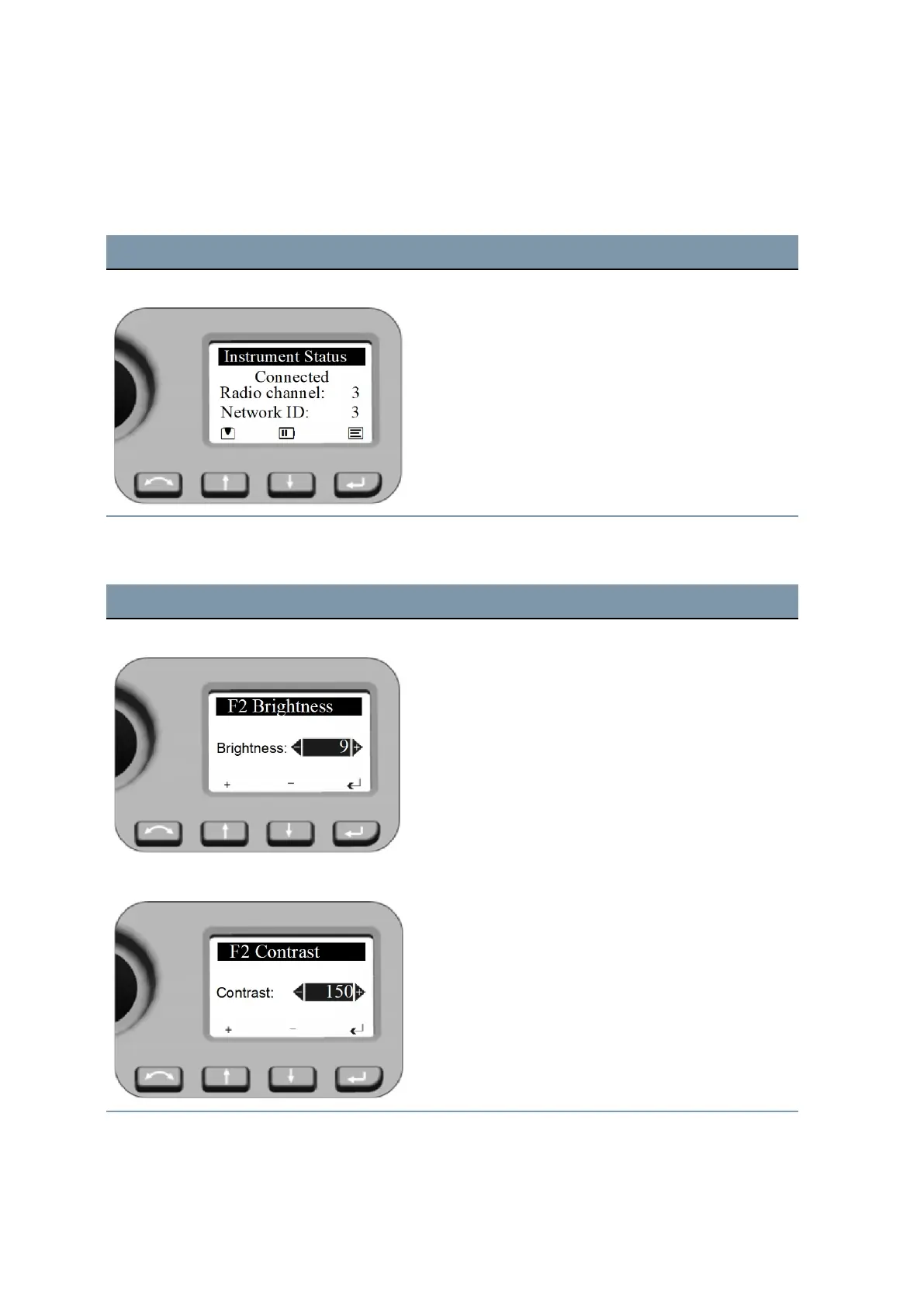
F2 Display while Robotic mode The Face2 Display in this configuration shows no
measurement results.
NOTE – While using the field software at the external
Control Unit the Level Menu or Main Menu from the Face2
display can be opened.
Brightness and Contrast
Screen Actions and Comments
Brightness Menu
Select with a long press of N key the setting menu for
Brightness.
Adjust the Brightness by pressing N or O.
Confirm the selection with P.
Brightness range: 0 - 20
Contrast Menu
Select with a long press of N key the setting menu for
Contrast.
Adjust the contrast by pressing N or O.
Confirm the selection with P.
Contrast range: 0 - 256
FOCUS 35 Total Station User Guide | 59



 To Next Page