3 Getting Started
Setting Up and Running ActiveSync technology
Please use the Hirose-USB cable to connect the FOCUS 35 Total Station with a USB port of your
computer. The instrument will switch on automatically.
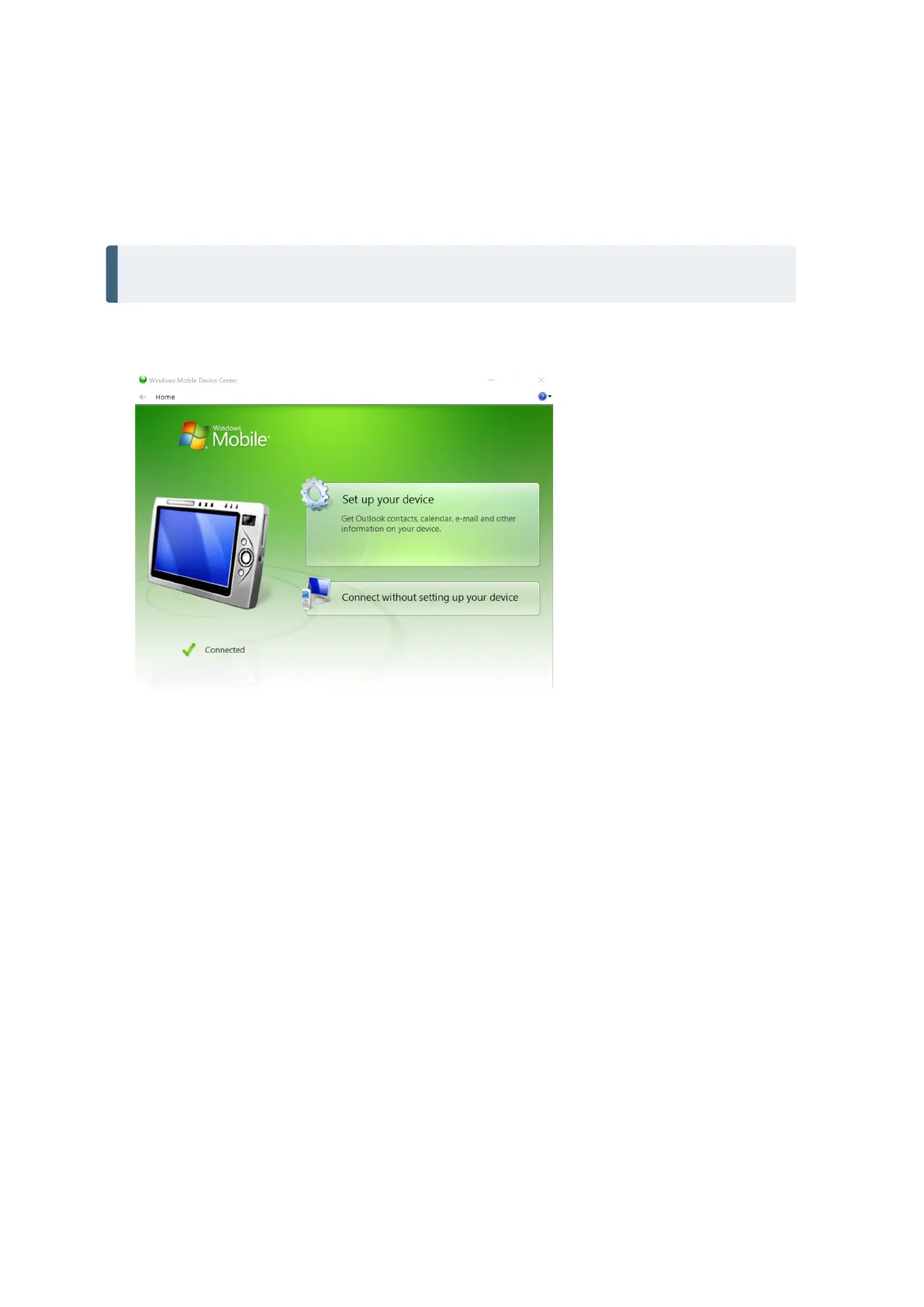
NOTE – Microsoft ActiveSync technology or the Windows Mobile Device Center will start
automatically, depending on the operating system that is installed on your computer.
Do the following:
1. Program ActiveSync starts automatically.
2. If you select Connect without setting up your device, you are set up as a guest and the dialog does
not appear asking which items to synchronize. Go to Enter the device name and click Set Up. The
Home screen appears:.
FOCUS 35 Total Station User Guide | 37



 To Next Page