4 Setup
NOTE – Setting function for brightness and contrast is available on every F2 menu.
Main Menu Face2 - Information and Settings
With the Face2 display, you can access a number of functions and routines without starting the field
software at Control Unit Face1.
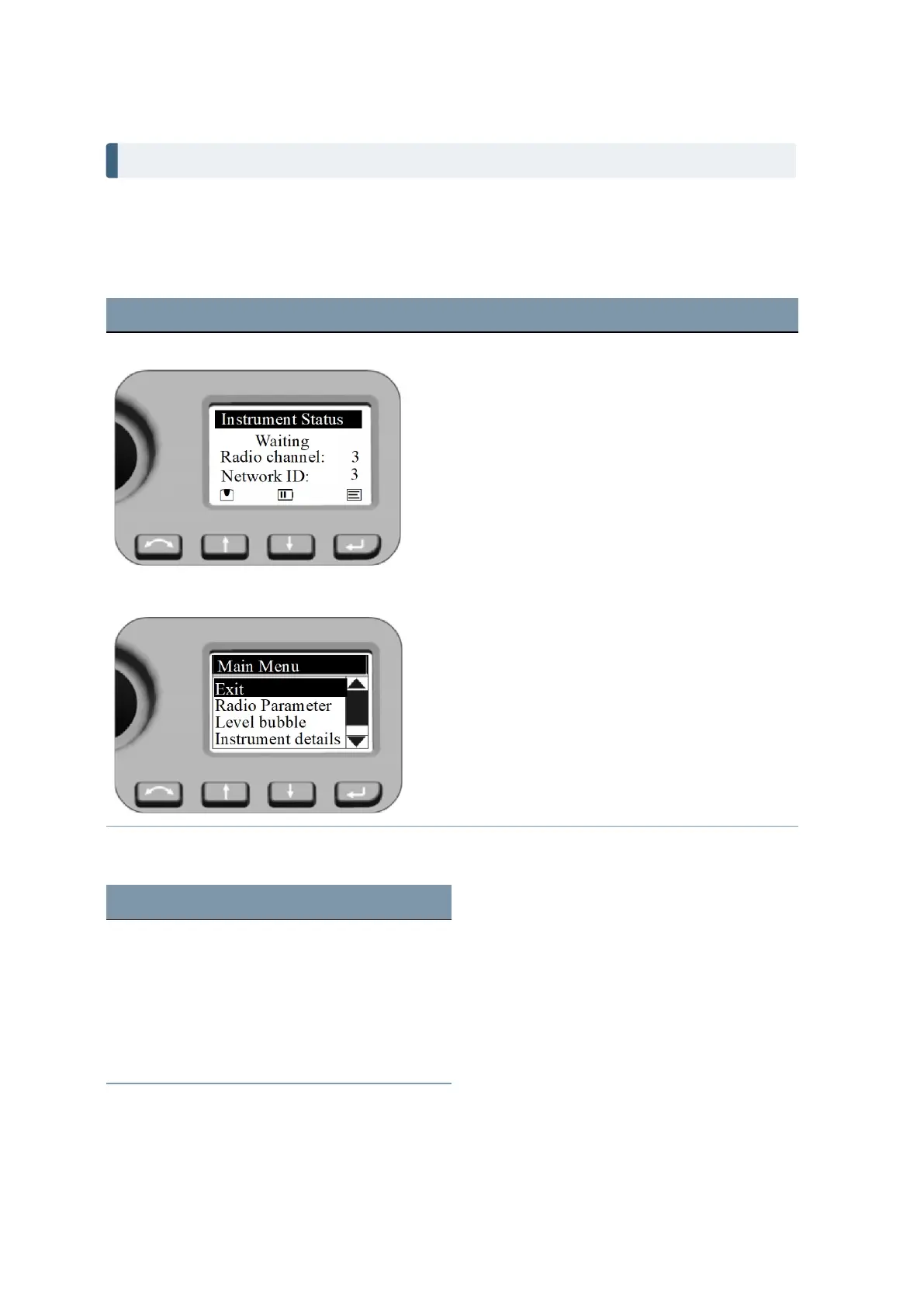
Screen Actions and Comments
Instrument Status Menu
Select Main Menu by pressing P.
Main Menu
Navigate with the N or O key in the Main Menu to
highlight the item you want to select.
Confirm a selection by pressing the P key.
The Main Menu is structured as follows:
Content See ...
Exit
Radio Parameter page 61
Level bubble page 61
Instrument details page 61
Service menu page 62
FOCUS 35 Total Station User Guide | 60



 To Next Page