4 Setup
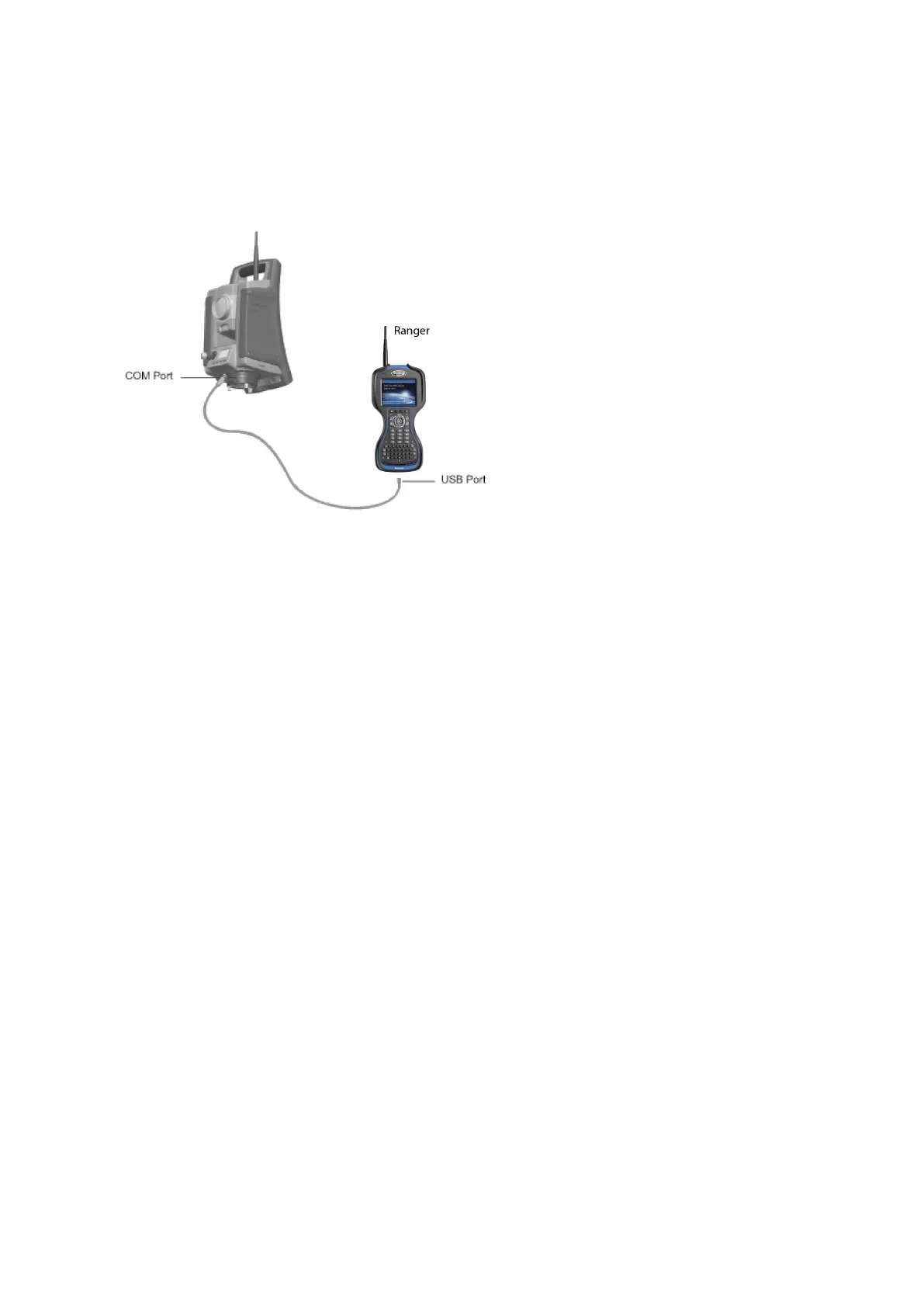
The image shows an external controller connected to the FOCUS 35 Total Station with cable for
measurements.
Connecting with Bluetooth wireless technology - LockNGo
Instrument Version
The data collector is connected directly to the instrument via Bluetooth wireless technology.
All models of the FOCUS 35 Total Station can be connected to a Bluetooth-enabled controller, though
most configurations only allow for short-range communications. Beginning in July 2019, the LockNGo
version of the FOCUS 35 total station contains Class 1 Long Rage Bluetooth. When paired with a
controller that also has Class 1 Bluetooth this allows for communications over Bluetooth up to 200 m
away, without a radio.
Bluetooth range varies based on environmental conditions such as physical obstructions or interference
from other nearby devices. Range also varies based on the transmitter strength and receiver sensitivity
of both the controller and the FOCUS 35 total station.
LockNGo models whose part number begins with “7847” contain Class 1 Bluetooth. LockNGo models
whose part number begins with “7844” contain Class 2 Bluetooth.
Connecting with Radio - Robotic and RX Instrument Versions
The data collector is connected to the instrument via the radio using one of two methods:
l Integrated: Data collector with integrated radio, connected directly to the FOCUS 35 total station.
l Radio bridge: Data collector connected to a radio bridge (an external radio), which can
communicate with the FOCUS 35 total station. The external data collector is connected to the
external radio via Bluetooth wireless technology.
FOCUS 35 Total Station User Guide | 83



 To Next Page