4 Setup
Screen Actions and Comments
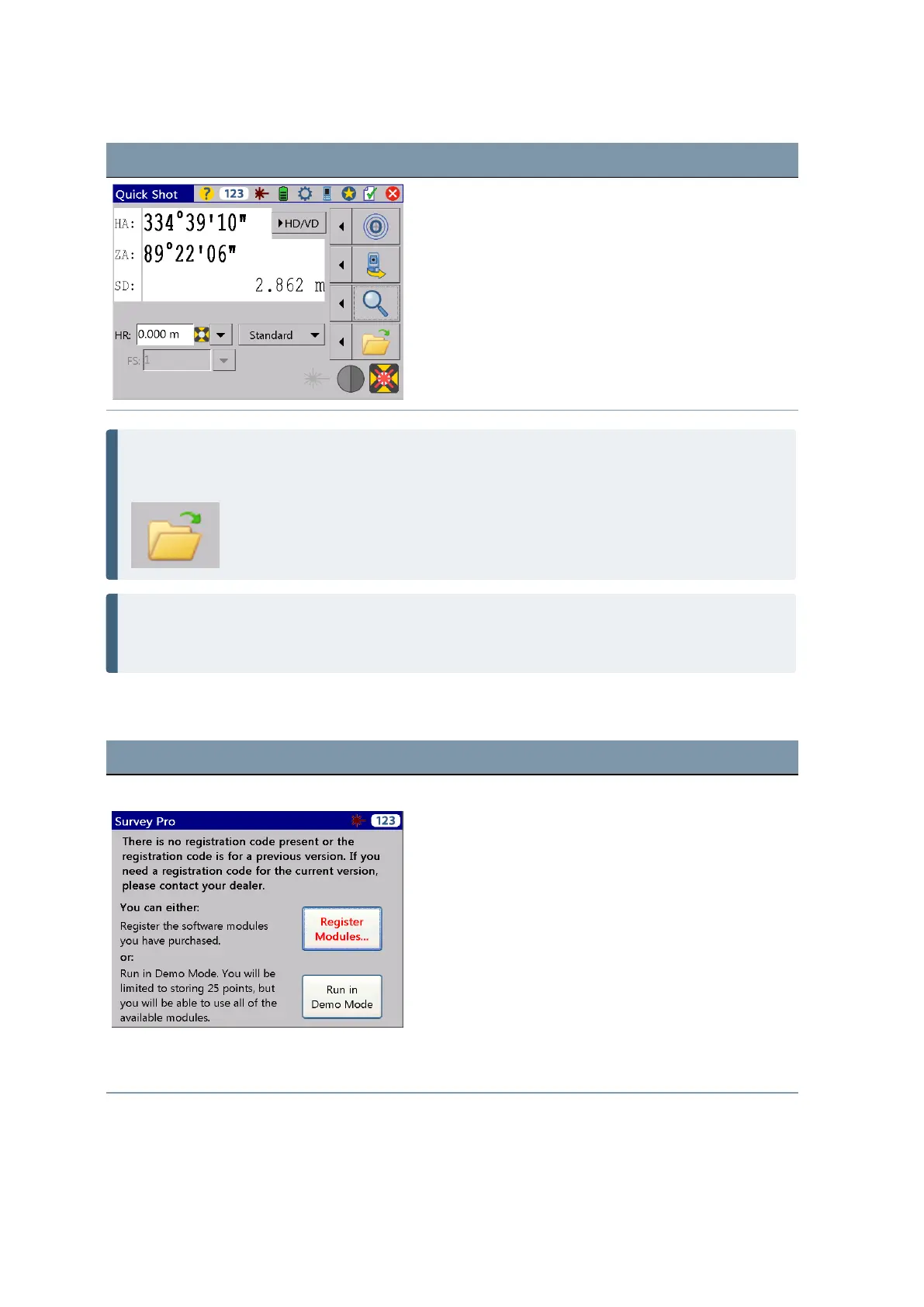
NOTE – Survey Pro cannot start without a job being open, so you have to open or create a new job
(file). In case you close the Quick Shot menu before you open or create a new job, Survey Pro will
be closed.
NOTE – If the laser pointer is in use it can be switched OFF in two different ways: 1. Switch OFF the
laser pointer and the instrument will still stay in reflectorless mode. 2. Change from reflectorless
mode into prism mode and the instrument will stay in prism mode.
Lookup and register the Survey Pro Software
Screen Actions and Comments
Registration Modules menu After the initial start of the Survey Pro software, the
following menu will appear. Please select Register
Modules and enter your registration code(s).
How to enter codes Please use the keyboard on the screen to enter
registration code.
FOCUS 35 Total Station User Guide | 50



 To Next Page