3 Getting Started
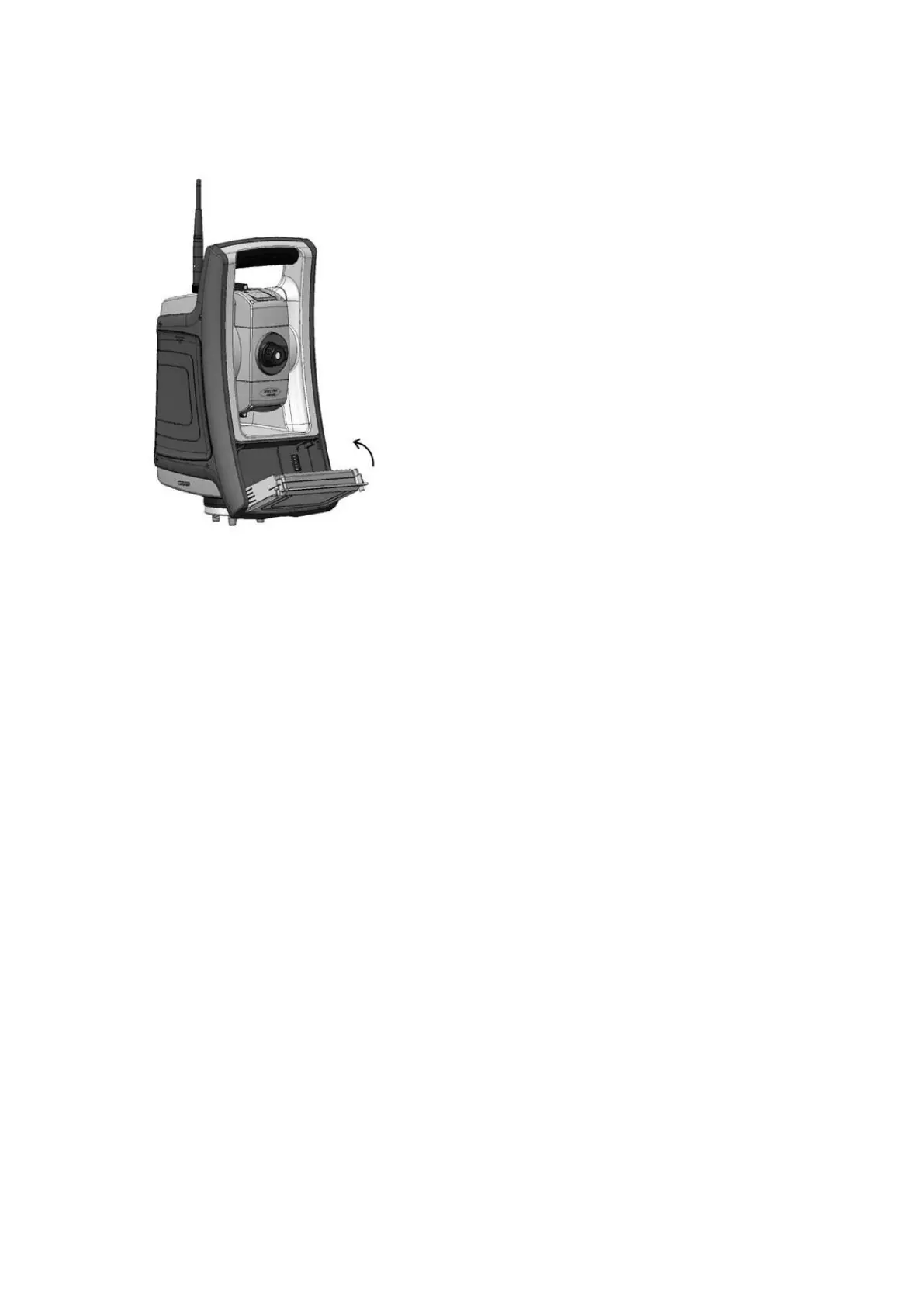
3. Close the battery compartment door, ensuring that both battery release buttons click into place.
Suspend Mode
The FOCUS 35 Total Station is equipped with an internal support module (support capacitor) that enables
you to suspend (“hotswap” or replace) the instrument battery within a period of 30 seconds from the
time you open the battery door.
To resume, press the power button for about one second, until you hear one single beep.
The internal support module is always charged when the instrument is powered on.
If you leave the FOCUS 35 Total Station idle, it goes into suspend mode after 120 minutes by default.
If the FOCUS 35 Total Station has not been restarted when the suspend period (default 120 minutes) has
elapsed, the instrument powers down and has to reboot when started again.
If the internal support module runs low on power the FOCUS 35 Total Station powers down sooner. Fully
charged and under normal conditions, the internal support battery should have capacity for about five
suspend sequences.
For more information please read Power Management, page 97.
FOCUS 35 Total Station User Guide | 26



 To Next Page