3 Getting Started
3. A pop-up confirms the tool is from Trimble and asks for confirmation to run; choose Yes.
4. A command window opens and displays the changed registry values. Press any key to exit the
application once it is complete.
Disconnecting ActiveSync
CAUTION – To avoid disconnection problems, close ActiveSync before removing the cable. Next
remove the cable from the computer and then the cable from the instrument.
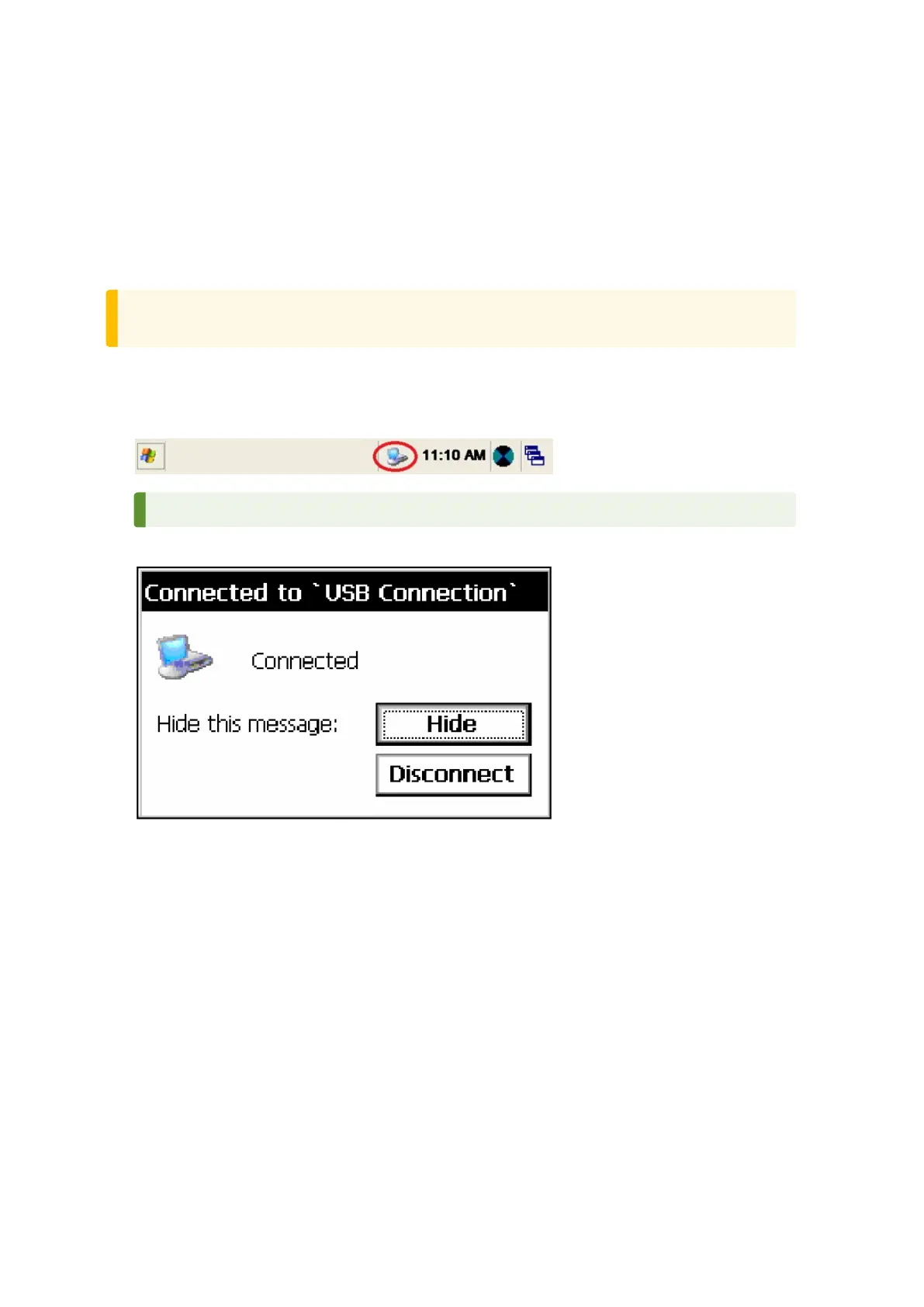
To disconnect ActiveSync:
1. Double-tap the connection icon in the task bar at the bottom of the screen, see image below for
location of icon.
TIP – You have to wait a few seconds until the next screen appears.
2. Tap Disconnect and then remove the cable:
For more information about ActiveSync, refer to the help or visit the Microsoft website.
Laser Information
For more information, see Laser Safety, page 4.
FOCUS 35 Total Station User Guide | 41



 To Next Page