3 Getting Started
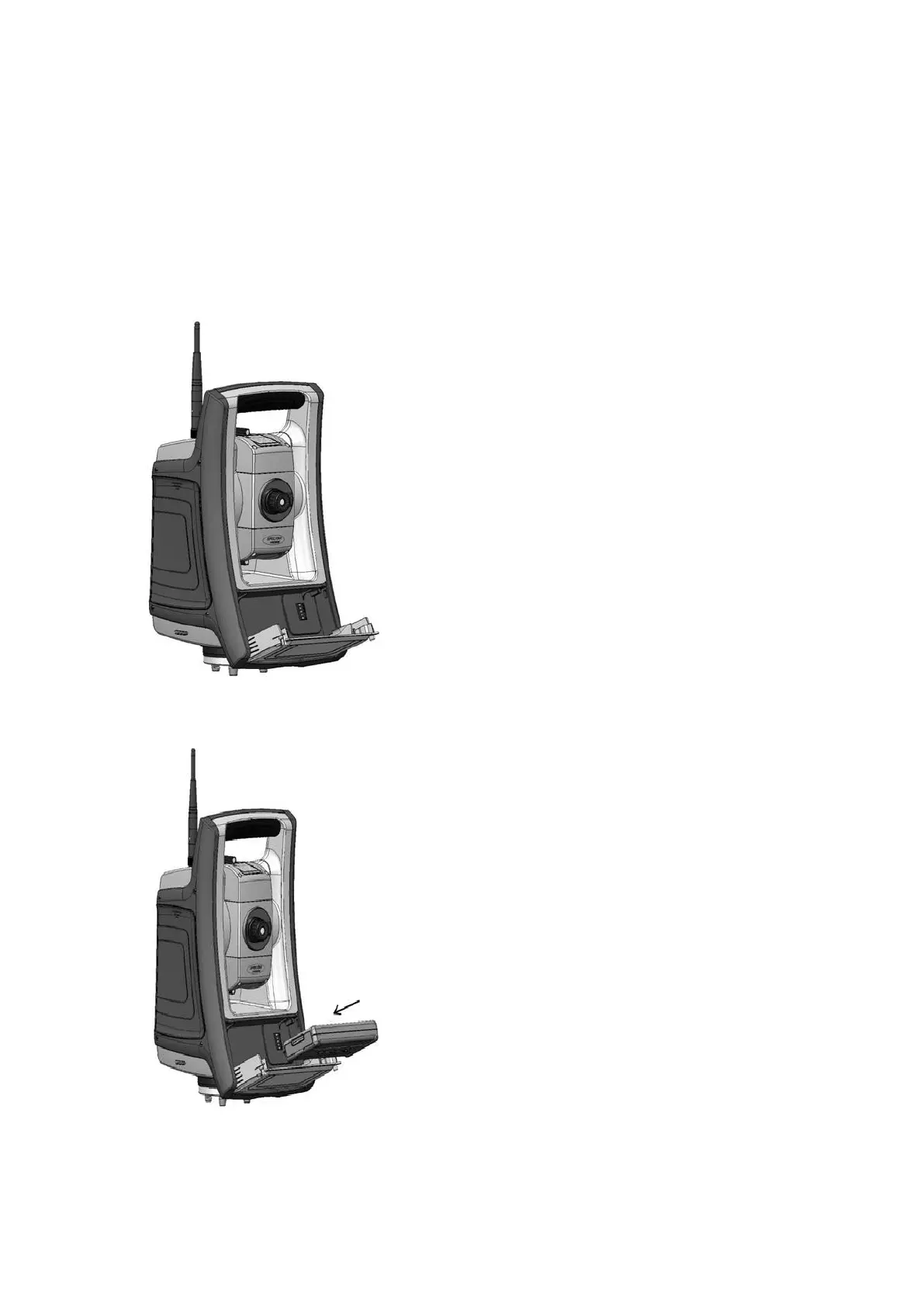
Inserting the Face 1 Battery (if Available)
On some FOCUS 35 Total Station models a second battery fits into the Face 1 battery compartment. This
battery can easily be removed and replaced.
To insert the battery:
1. Press gently on the two battery release buttons on either side of the compartment to open the
battery compartment door.
2. Slide the battery into the battery compartment door with the battery connectors positioned facing
upwards.
FOCUS 35 Total Station User Guide | 25



 To Next Page