4 Setup
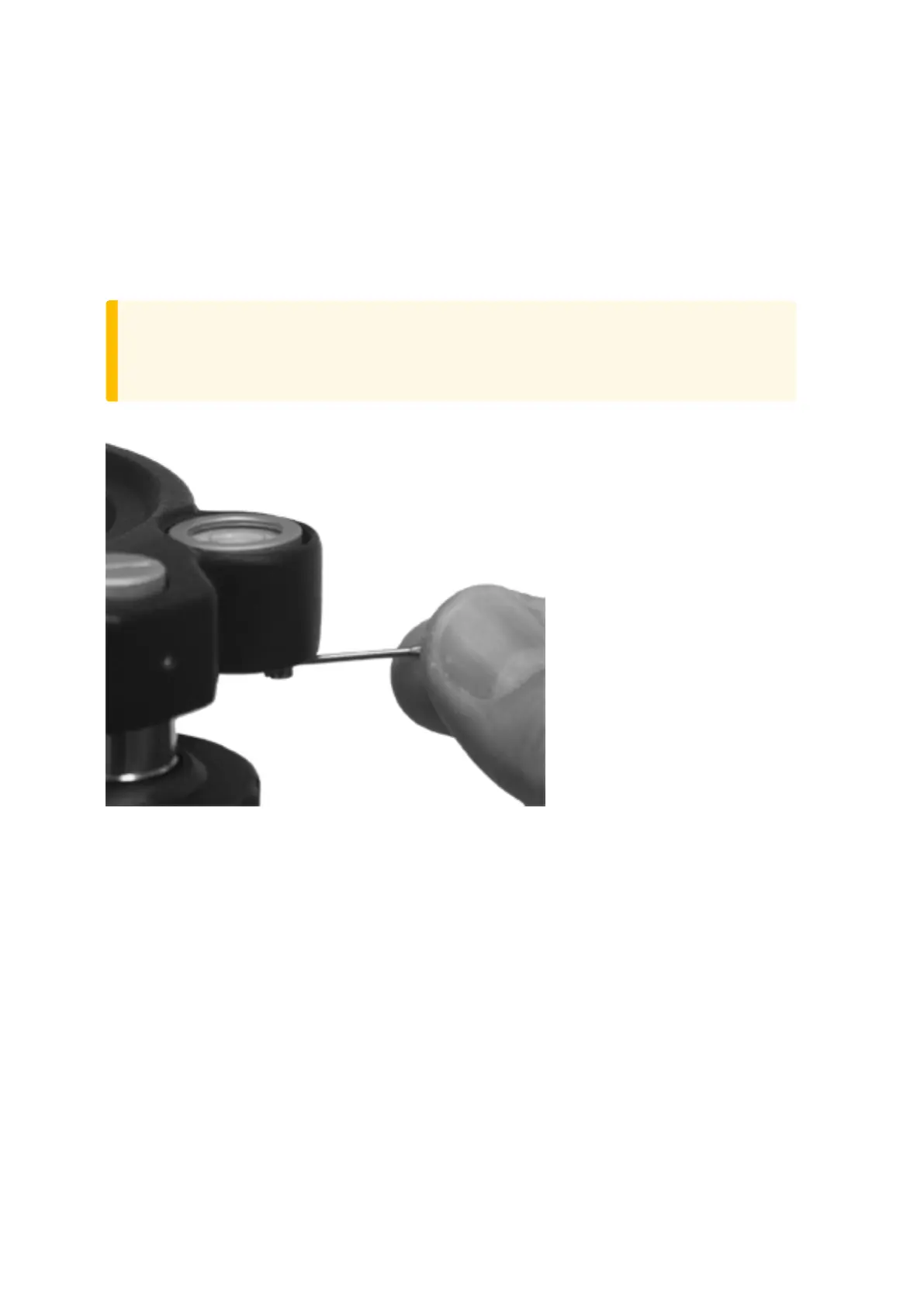
Tribrach Circular Level
1. Level the instrument with the electronic instrument bubble.
2. Remove the instrument from the tribrach.
3. Use the provided adjustment key and adjust the bubble with the three bubble screws. The bubble
must be centered.
CAUTION – When adjusting the Circular Level with the three adjustment screws it is important
that the screws are correctly adjusted. When one screw is adjusted the two opposite screw must
be adjusted equally in the reverse direction, in order to keep the correct tension on the Circular
level. Do not overtighten the screws.
Circular Level adjustment:
FOCUS 35 Total Station User Guide | 79



 To Next Page