4 Setup
Screen Actions and Comments
First Steps in the Survey Pro software
Spectra GeoSpatial recommends spending some time reading the Survey Pro User Guide to learn details
of the application program.
This section describes a brief overview.
Quick Shot Menu
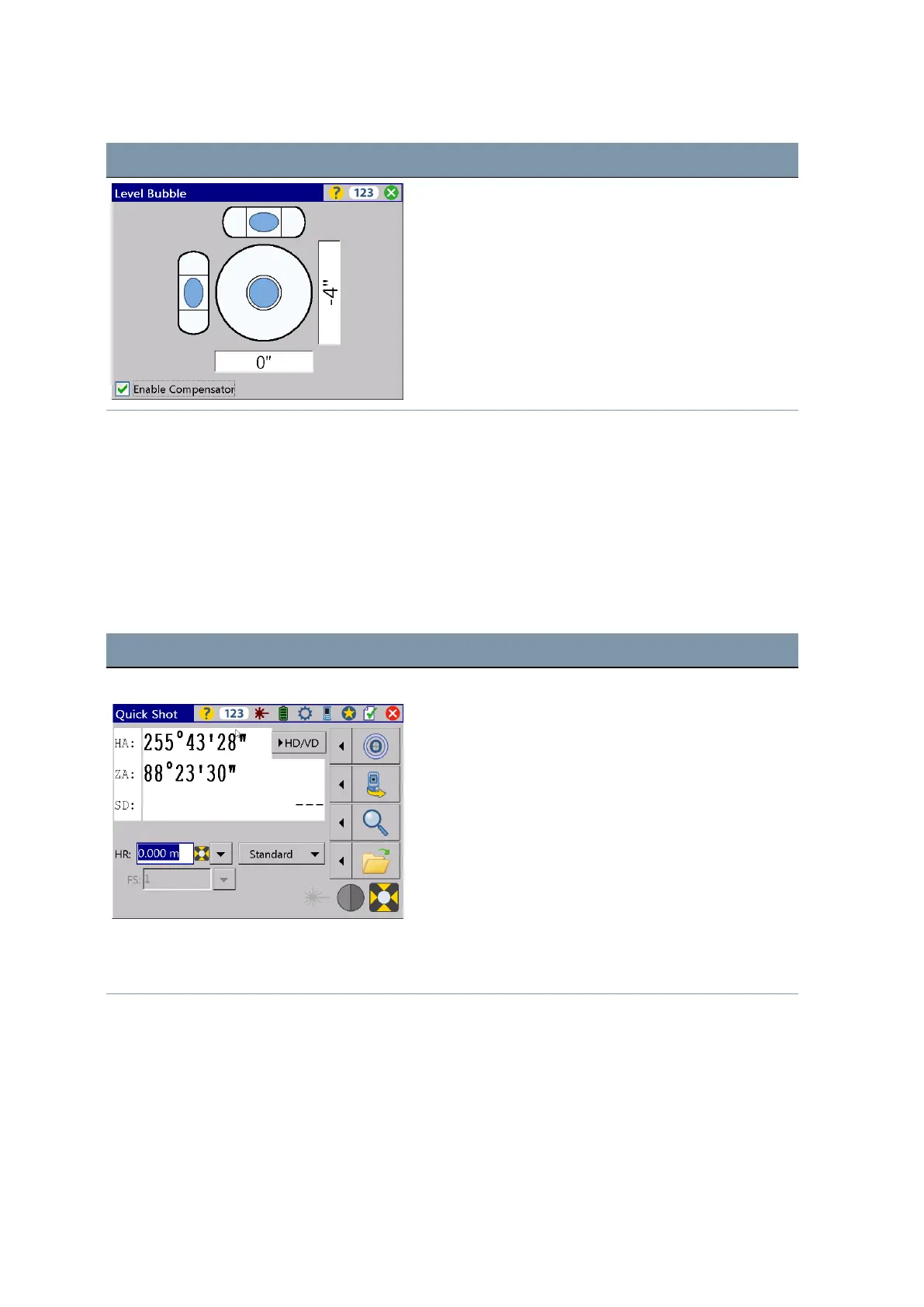
After confirming the Level Bubble menu the screen shows the Quick Shot menu.
Screen Actions and Comments
Quick Shot menu In Quick Shot menu it is possible to measure without
storing data if no project is active.
Quick Shot menu with distance values Start the measurement either with
L
,
M
(F1),
Q
(F2)
or
z
.
FOCUS 35 Total Station User Guide | 49



 To Next Page