3 Getting Started
The NAND flash storage memory is non-volatile, and protects valuable data and software against
memory loss.
Entering Information
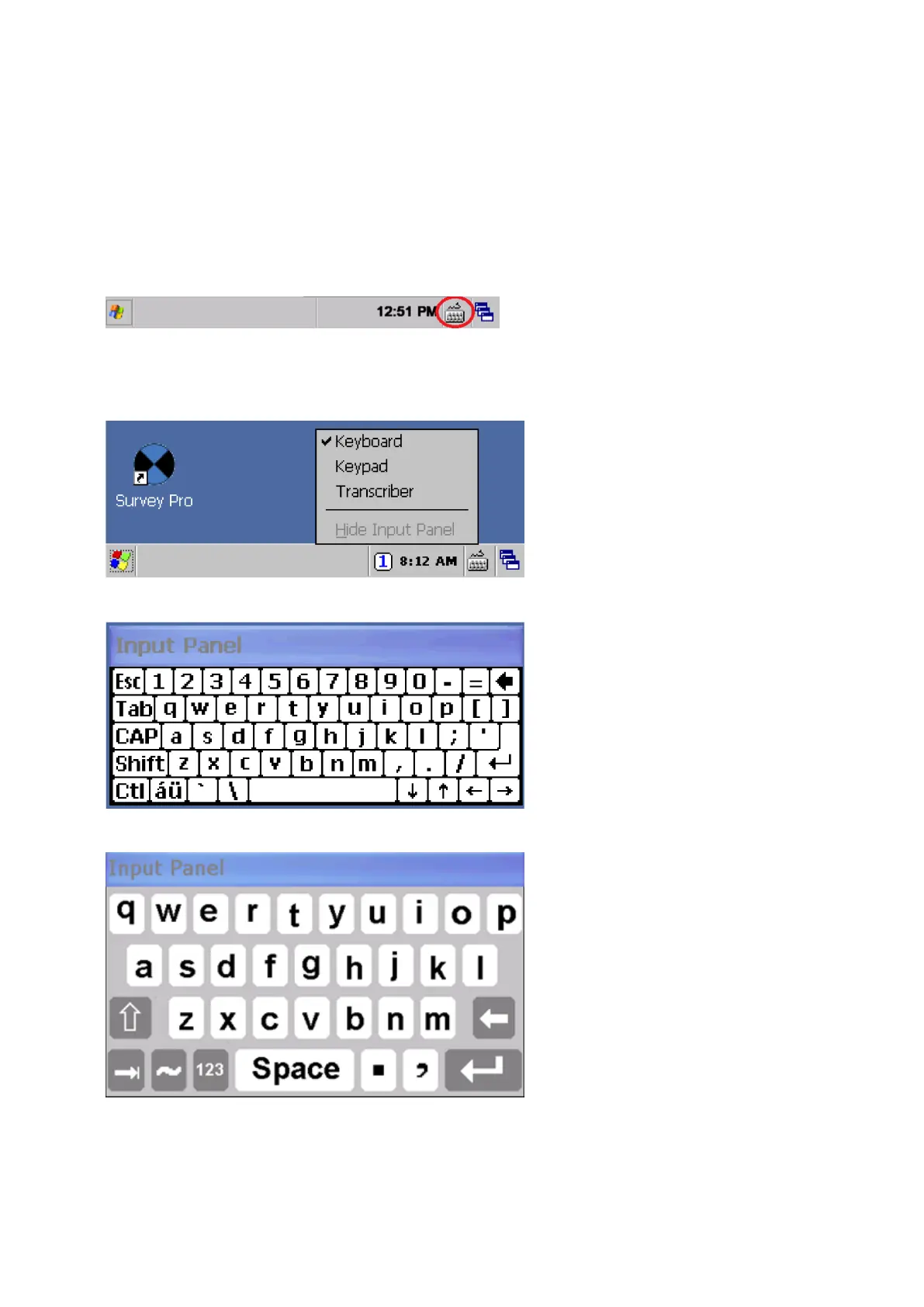
Tap once on the Input Panel icon that is located in the Windows CE Taskbar. The icon is selection
related.
Input Panel menu
The Input options are Keyboard or Survey Keyboard:
Keyboard — allows you to input data as if you were typing on a physical keyboard
Survey Keyboard — has larger keys than the keyboard
FOCUS 35 Total Station User Guide | 32



 To Next Page