4 Setup
Optical Collimation
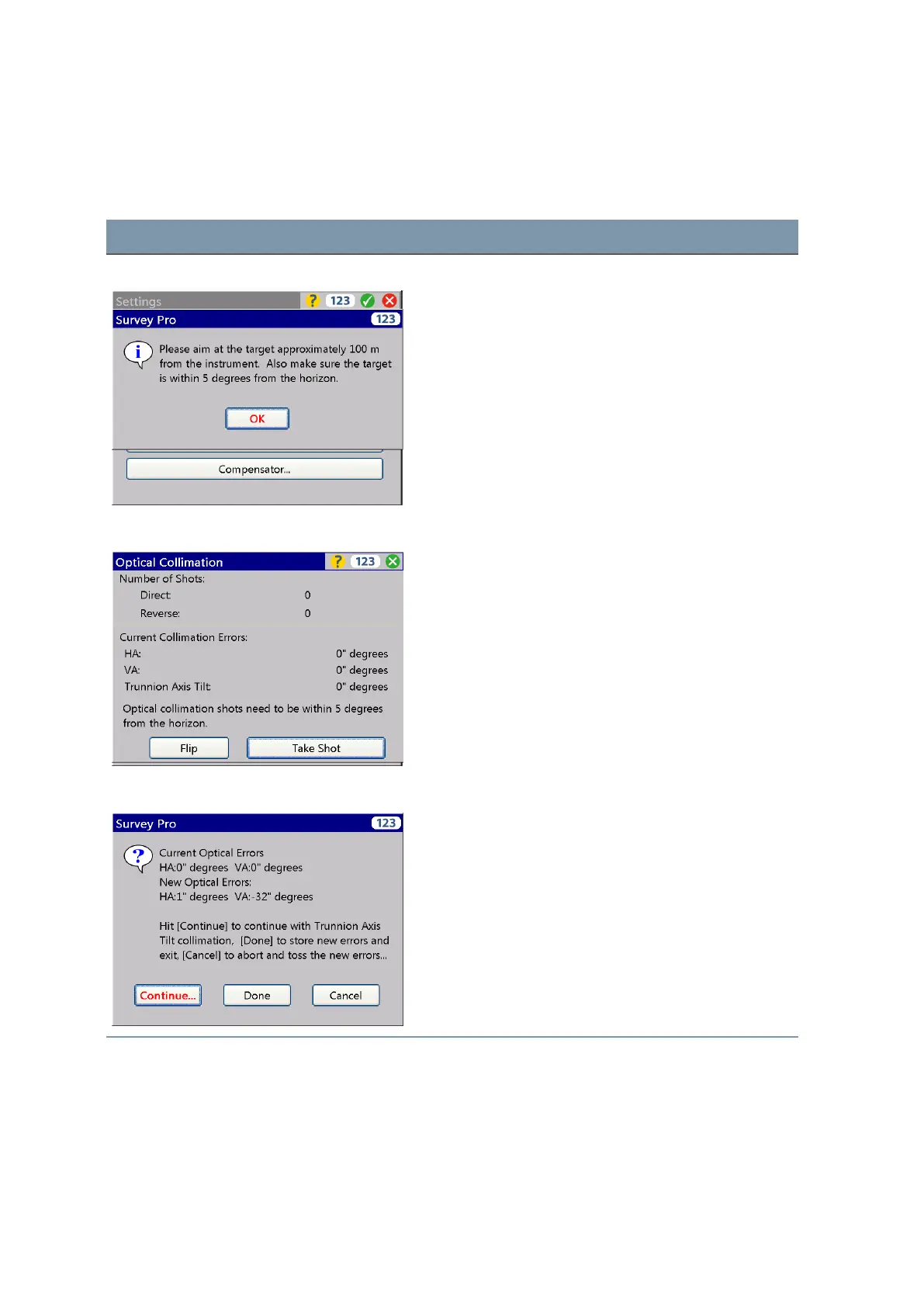
The workflow is structured as follows:
Screen Actions and Comments
Collimation conditions Make sure to measure with the stated conditions.
Optical Collimation measurements Make the measurements per the displayed information
and confirm and store the values.
Optical Collimation / Trunnion Axis Decide per the displayed information for trunnion axis tilt
collimation or confirm and store the new values for
optical collimation.
FOCUS 35 Total Station User Guide | 71



 To Next Page