Chapter 12: WAN Cards
WN-3441A, WN-3442A, WN-3445A SmartCards
SmartBits System Reference 169
WN-3441A, WN-3442A, WN-3445A
SmartCards
• WN-3441A SmartMetrics 4-port channelized
RJ-48T1(1.544Mbps)
• WN-3442A SmartMetrics 4-port channelized
RJ-48E1(2.048Mbps)
• WN-3445A SmartMetrics 1-port channelized
DS3 (44.736 Mbps)
Where Used: SMB-200 or SMB-2000.
Applications
Supported:
SmartWindow, SmartLib, SmartApplications, and SmartFlow.
Devices Tested: WAN switches, routers, access devices, and broadband access devices.
Test Objective: • To perform frame-level testing at up to full-wire rate for WAN and
broadband access devices, routers, and switches using Frame Relay/PPP. To generate
and analyze data network traffic over WAN links.
• To perform high-performance internetworking tests between WAN, LAN, and ATM
devices in combination with other SmartCards.
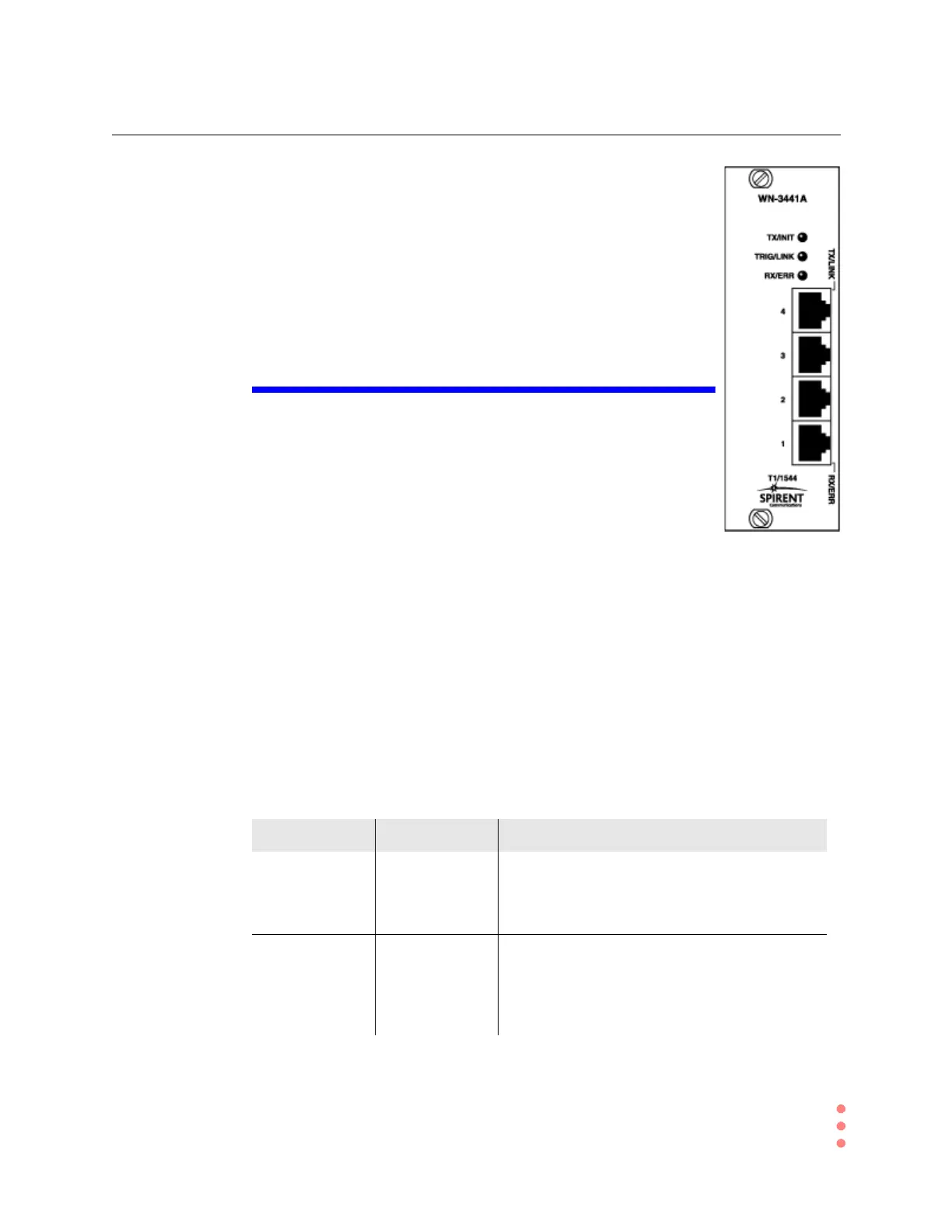
Port LEDs for the WN-3441A and WN-3442A Cards
Table 12-4 summarizes the functions of card LEDs. Each port has two LEDs (Figure 12-1
on page 170), designated TX/LINK and RX/ERR. These are labeled only on Port 1 (RX/
ERR) and Port 4 (TX/LINK), but their function is the same on all four ports.
Table 12-4. Port LEDS — WN-3441A and WN-3442A
LED Color Description
TX/LNK Green
Red
Off
Flashes when this port is transmitting data.
Port link is down.
Port link is up but not transmitting data.
RX/ERR Green
Red
Off
Flashes once for each frame received on this port.
Flashes once for each frame received with an
error on this port.
No data is being received.



 To Next Page