Chapter 3: Multiple Users Accessing a Chassis
Preparing for Multi-User Operation
SmartBits System Reference 29
Preparing for Multi-User Operation
In a multi-user environment, it is helpful to schedule and assign users to desired chassis
slots for specific time periods.
The SmartBits programs identify ports available to you and the ports reserved by other
users and are not available to you. When you have reserved one or more cards, you have
the ability to release them for other users to use.
Since your test requirements may dramatically vary at times and others may need the same
ports, we highly recommend that each multi-user location set up a scheduling board, either
posted or via a computer program scheduler.
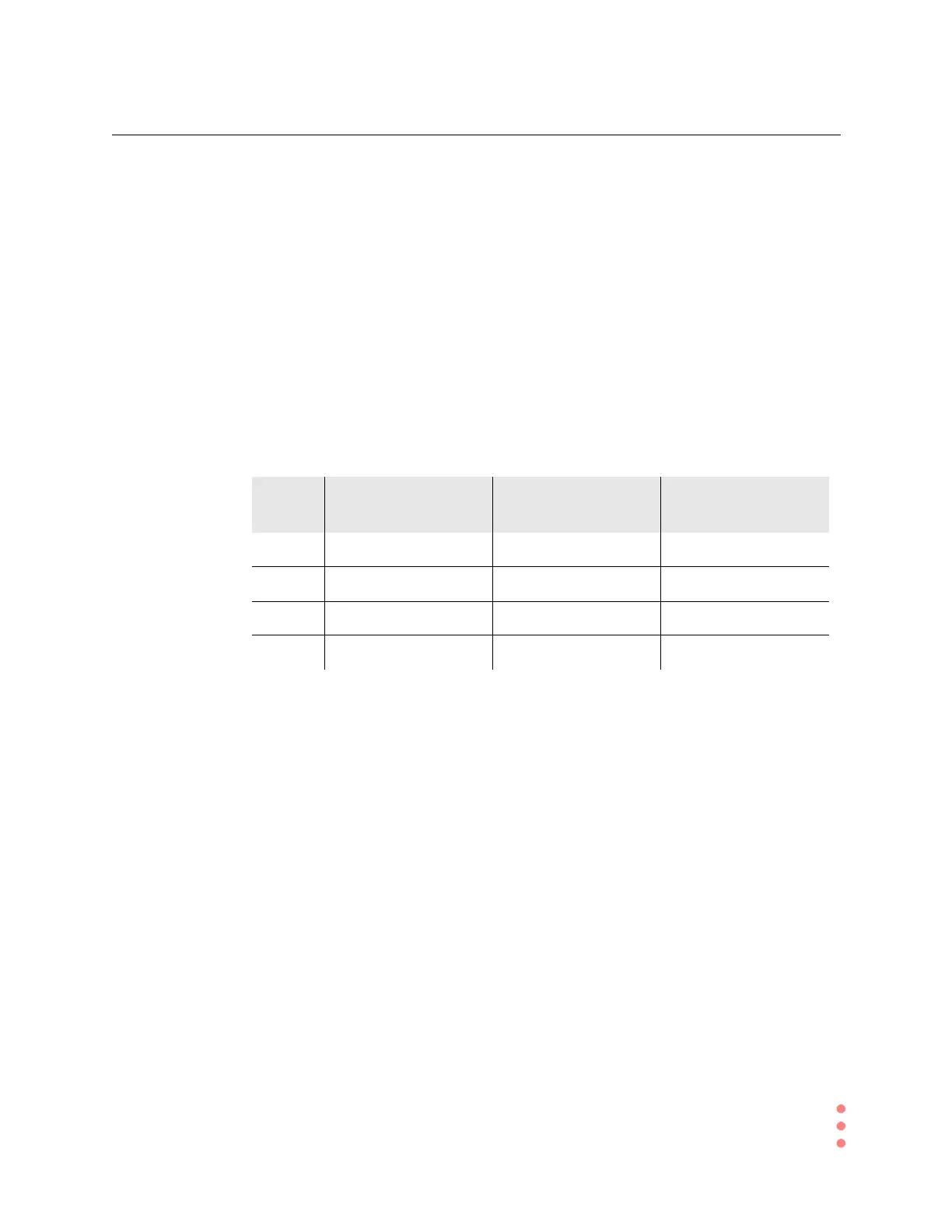
The following example shows one style of scheduling boards. Design a schedule that is
best suited for your environment.
Table 3-1. Example of a SmartBits Scheduling Board
How Does the Multi-User Feature Work?
With the multi-user feature, SmartBits chassis can be accessed and used by a maximum of
10 users simultaneously, after the users have accessed the chassis sequentially and
reserved their necessary ports.
Multi-user chassis allow multiple users to connect to the same chassis simultaneously, as
long as they each use different cards in that chassis. While connected to a multi-user
chassis, users can reserve available ports and:
• run multiple applications
• run multiple instances of a program that supports multi-users
• run any other Spirent Communications application
Week of
June 1
Morning
7:00-12:59
Afternoon
1:00-5:59
Evening
6:00-12:00
Dave chassis 1#, slots 2, 6, 8 chassis 1#, slots 10-20
Scot chassis 1#, slots 10-20 chassis 1#, slots 2, 6, 8
Joe chassis 2#, slots 1 - 6 chassis 1#, slots 2, 6, 8
Mark chassis 2#, slots 1-8



 To Next Page