Chapter 3: Multiple Users Accessing a Chassis
How Does the Multi-User Feature Work?
32 SmartBits System Reference
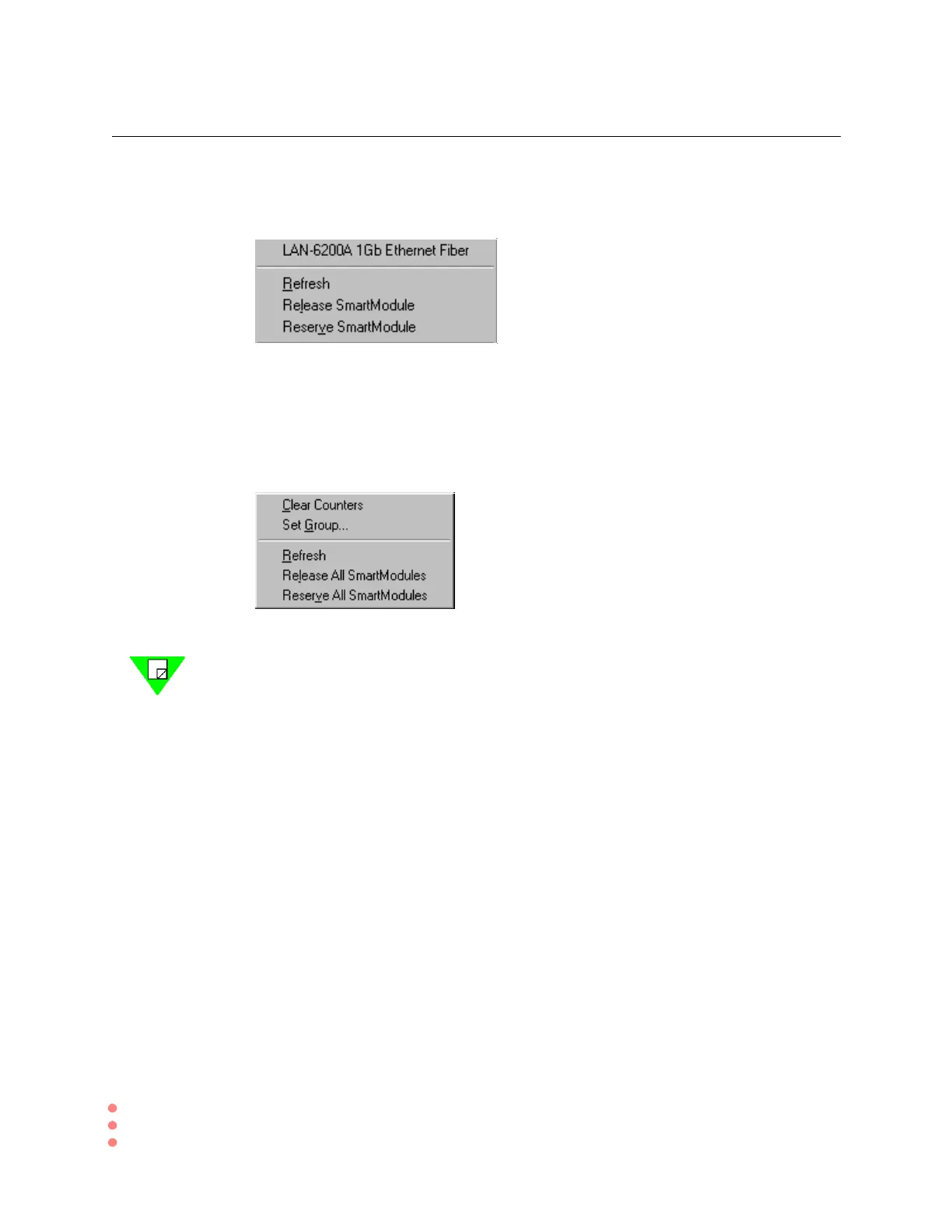
Reserve a Single Module
Right-click on the LED Panel to open the multi-user menu. You will see this dialog box.
Choose Refresh, Release or Reserve Module as needed.
Control Groups of Modules
Right-click anywhere within the Top Panel to open the multi-user menu that controls all
modules. You will see this dialog box.
Select the Refresh, Release or Reserve command as needed.
Note: When connected to the SMB-600 chassis, the SmartWindow interface adjusts to
display the more compact hardware platform. Each slot represents a module.



 To Next Page