Chapter 4: Maintenance and Upgrade Procedures
Changing Chassis Fuses
42 SmartBits System Reference
Important: When cycling power to a SmartBits chassis, be sure to let the power stay off
for a few seconds to allow the capacitors to discharge before restoring power to the unit.
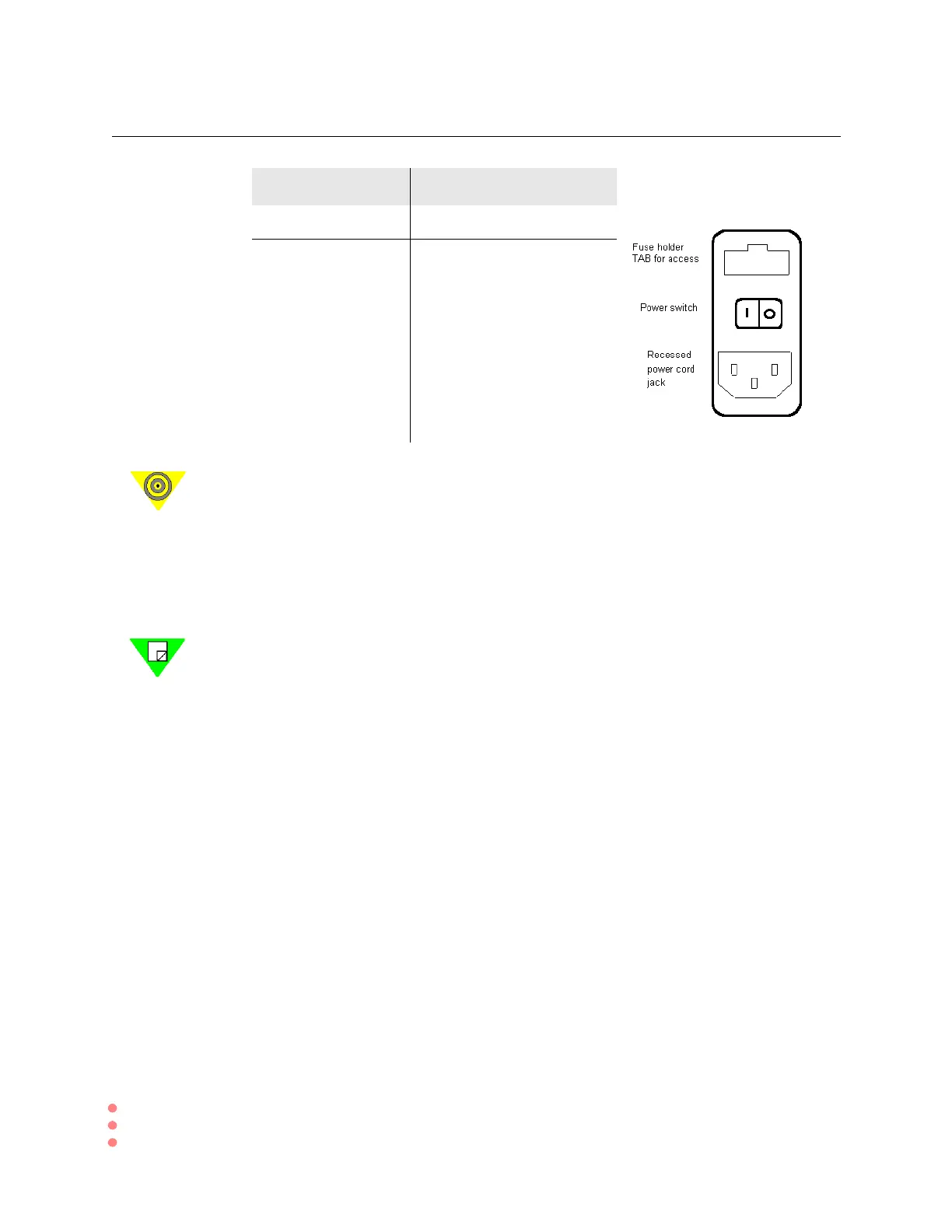
ß To remove the fuse holder:
1 Remove the power cord from the jack.
2 Lever out the fuse holder by prying outward on the tab using a small flat-head screw-
driver or other thin-edged tool.
Note: The SMB-200 employs a compact AC/DC power supply that provides a minimum
of 100-watt DC output at +5 volt. An additional DC/DC switching module is installed on
the backplane to provide a +12 volt DC output, that is used both by cooling fans and the
plug-in SmartCards.
Chassis Fuse Amperage
SmartBits 600 2.0 Amp, 250V, fast action
SmartBits 6000B 10.0 Amp, 250V, fast action



 To Next Page