Basic Call Handling
PCS 542 User Manual Version 3.3/0714/1
!12
!
Dial Ahead
The Dial Ahead facility allows you to enter a number on the keypad first before actually dialling the
number. This means you can check you have entered the correct number, which is useful when
dialling long international numbers, for example. Dial Ahead will also enable you to check the
availability of a colleague before making the call.
!
Entering an internal extension number
If you enter an internal extension number on the keypad Dial Ahead will check the status of your
colleague’s extension as follows:
!
!
!
!
!
!
!
You can then choose whether to dial the number, leave a voicemail message (if configured), enter
another number or ring back another time using the following options:
!
!
!
!
!
!
!
!
!
!
!
!
!
Entering an external number
!
!
!
!
!
!
!
!
!
!
!
!
!
!
!
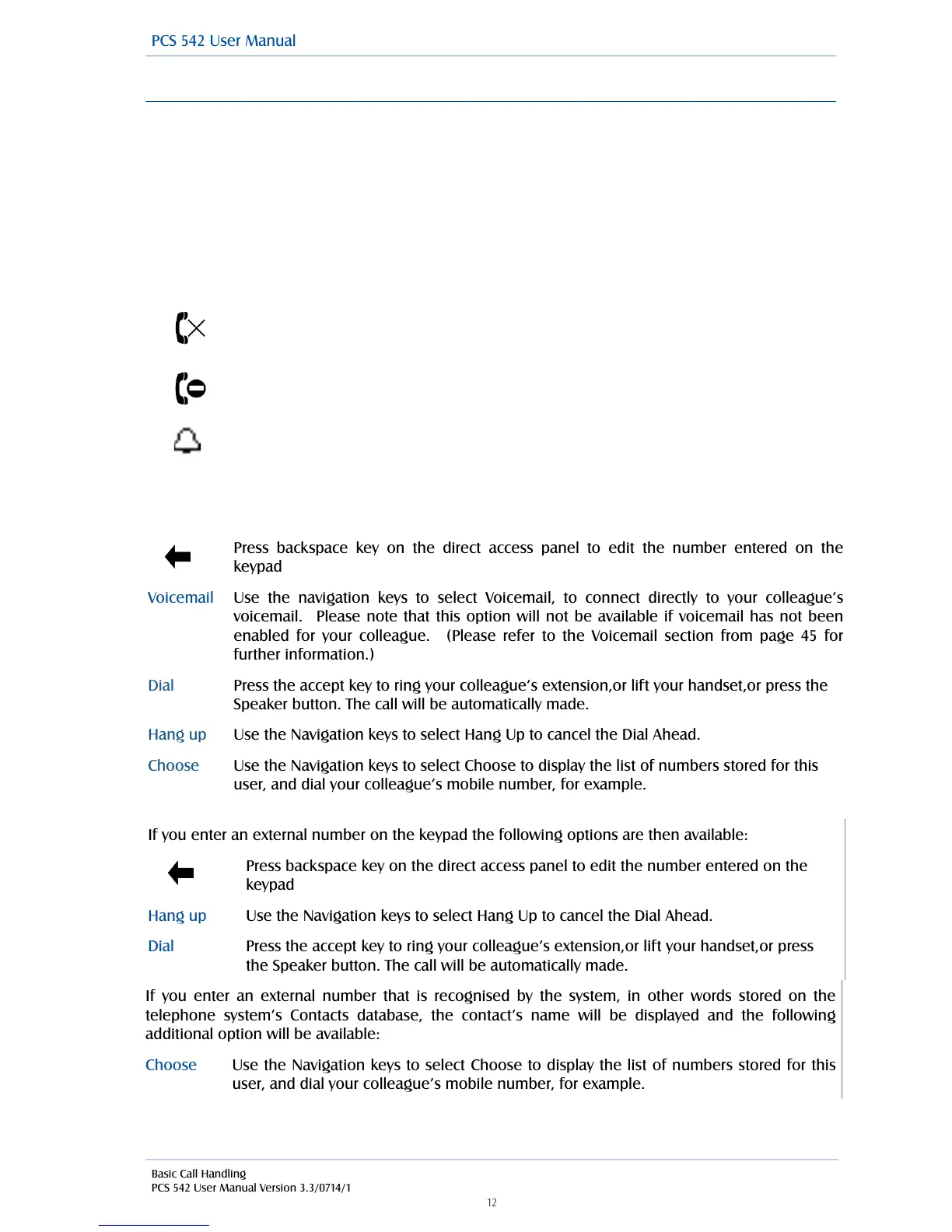
The DND symbol will be displayed if the extension has Do Not Disturb set and is
permanently busy.
The busy symbol will be displayed if the extension is busy; otherwise your
colleague’s extension is free.
If you enter an external number on the keypad the following options are then available:
Press backspace key on the direct access panel to edit the number entered on the
keypad
Use the Navigation keys to select Hang Up to cancel the Dial Ahead.
Press the accept key to ring your colleague’s extension,or lift your handset,or press
the Speaker button. The call will be automatically made.
Press backspace key on the direct access panel to edit the number entered on the
keypad
Use the navigation keys to select Voicemail, to connect directly to your colleague’s
voicemail. Please note that this option will not be available if voicemail has not been
enabled for your colleague. (Please refer to the Voicemail section from page 45 for
further information.)
Press the accept key to ring your colleague’s extension,or lift your handset,or press the
Speaker button. The call will be automatically made.
Use the Navigation keys to select Hang Up to cancel the Dial Ahead.
Use the Navigation keys to select Choose to display the list of numbers stored for this
user, and dial your colleague’s mobile number, for example.
If you enter an external number that is recognised by the system, in other words stored on the
telephone system’s Contacts database, the contact’s name will be displayed and the following
additional option will be available:
Use the Navigation keys to select Choose to display the list of numbers stored for this
user, and dial your colleague’s mobile number, for example.
The Bell symbol will be displayed if the extension is ringing.



 To Next Page