Contacts Directory
PCS 542 User Manual Version 3.3/0714/1
!29
Alternatively, this method will allow you to continue talking to the caller while searching the
directory for the contact you require.
!
!
!
!
!
!
!
!
!
!
!
!
For further information please refer to the Transfer a call section from page 14.
!
Alternative method to view the directory
An alternative way to search for entries within the Contacts Directory is to enter each letter of the
name required by pressing a key on the keypad multiple times until the letter required is entered in
the search facility. For example, if you wished to enter the letter R you would press the number 7
three times. To use this alternative search method you will need to change your default settings as
follows.
!
Disable the default Keypad Mode
!
!
!
!
!
!
Press the settings button
Use the navigation keys to select Defaults and then press accept
Use the navigation keys to select Keypad mode and then press
accept to remove the tick and disable this feature.
Use the navigation keys to select Back and then press accept
to return to the Settings menu.
Press the settings button to return to the home screen again.
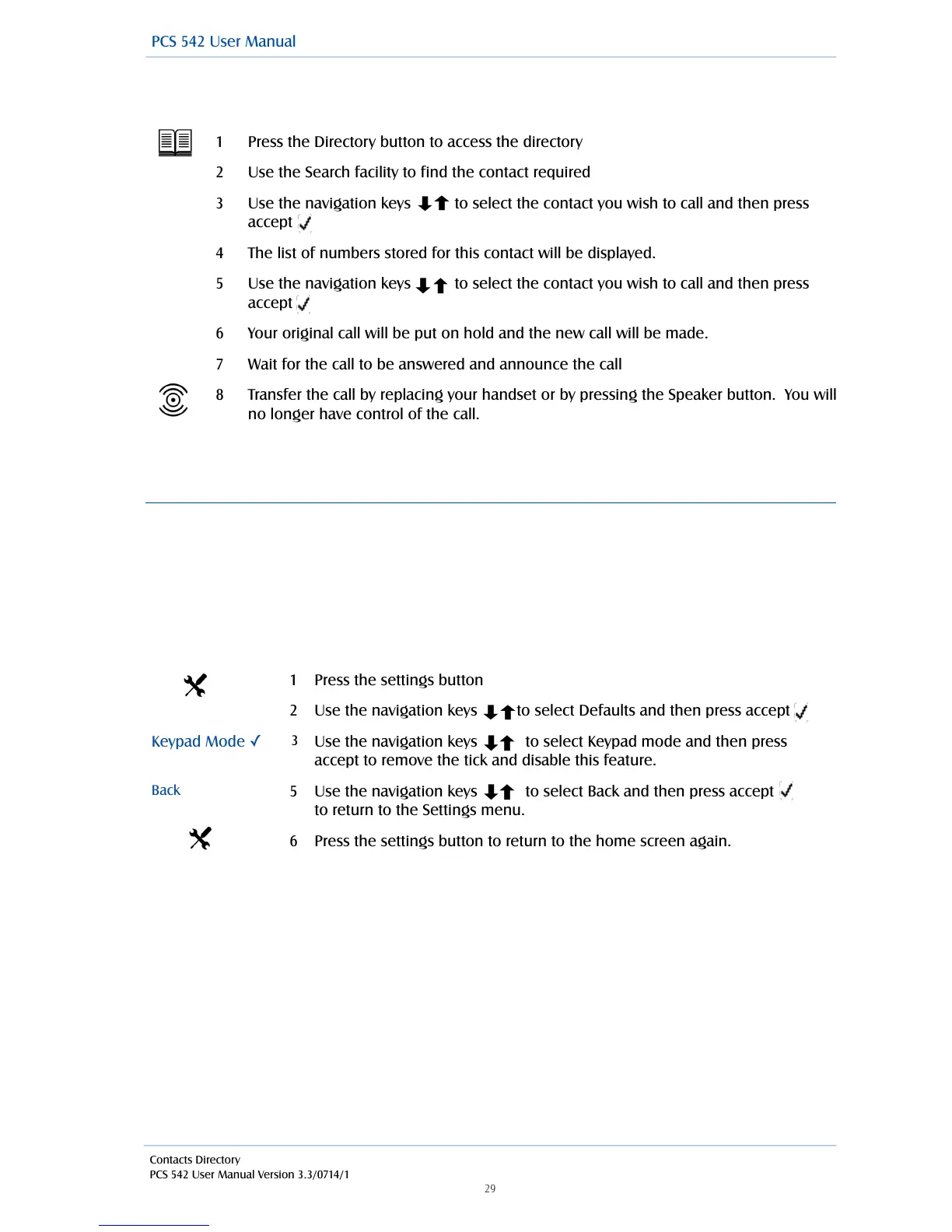
Press the Directory button to access the directory
Use the Search facility to find the contact required
Use the navigation keys to select the contact you wish to call and then press
accept
The list of numbers stored for this contact will be displayed.
Use the navigation keys to select the contact you wish to call and then press
accept
Your original call will be put on hold and the new call will be made.
Wait for the call to be answered and announce the call
Transfer the call by replacing your handset or by pressing the Speaker button. You will
no longer have control of the call.



 To Next Page