Status Message
When you are unable to answer your phone you may wish to inform your colleagues that you are at
lunch or in a meeting, for example. An Out of Office Message can be configured and this will be
displayed on your colleagues’ PCS 580, 570, 562, 560, 552 or Navigate when they attempt to call you.
By selecting an Out of Office Message this setting will also change your voicemail greeting; please
refer to your System Administrator for further information on how to record your Out of Office
voicemail greetings.
Setting a Status Message
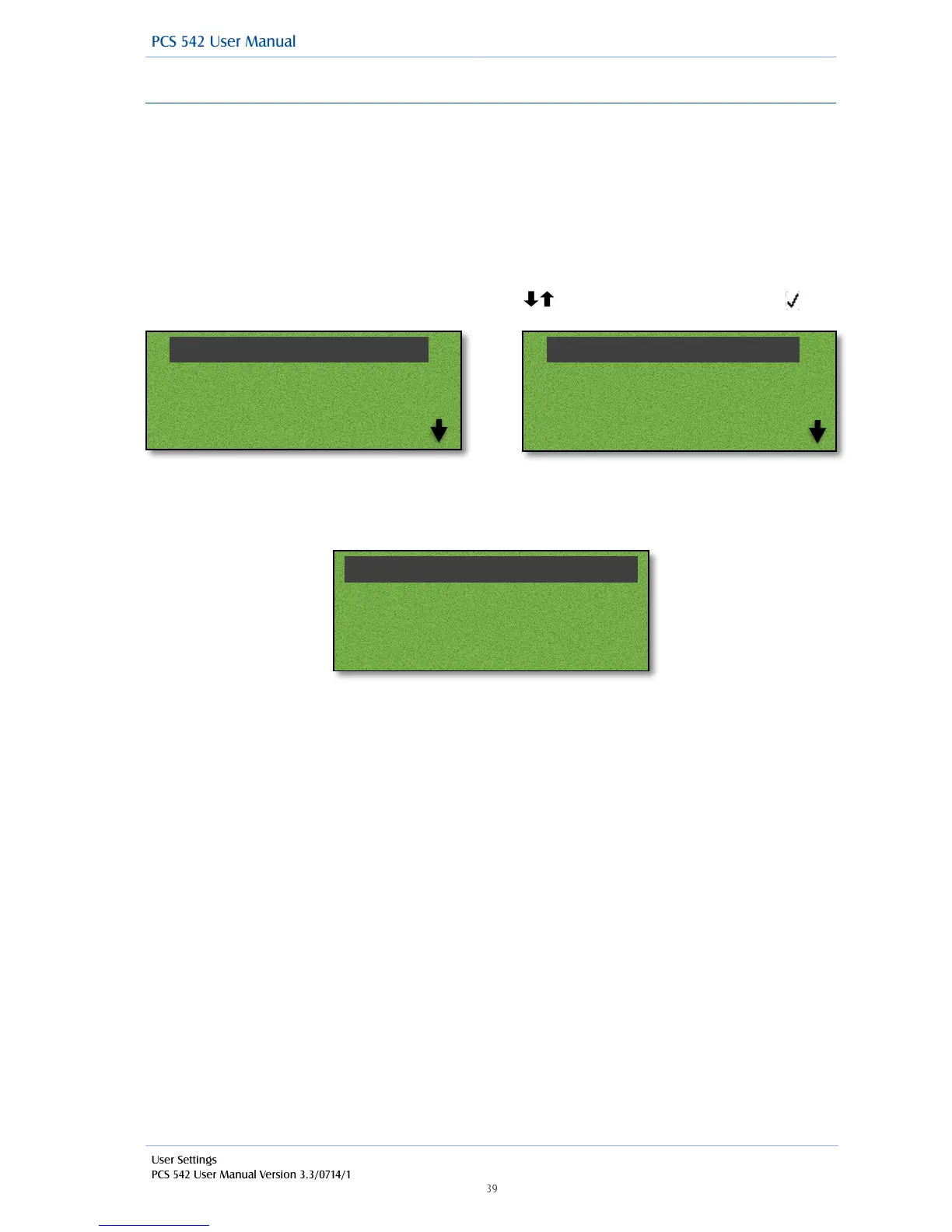
From the Quick Settings menu use the navigation keys to select Status and then accept
!
!
!
!
!
!
Use the navigation keys to select an out of office status to select that status press accept selecting
back or pressing the Quick status key again will take you back to the main menu and display your
current status.
!
!
!
!



 To Next Page