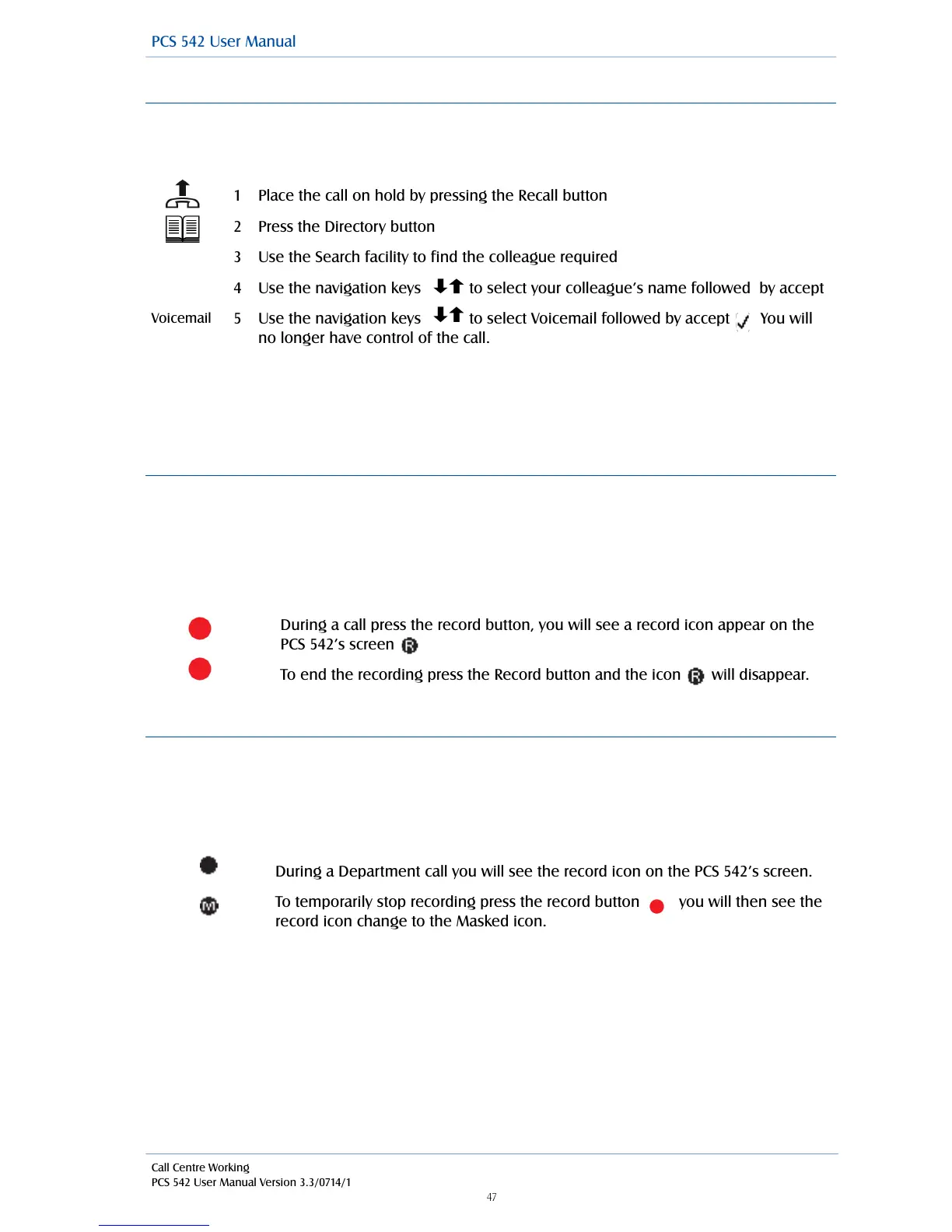
Transfer a call to a colleague’s voicemail using the Contacts directory
You may wish to transfer a call directly to a colleague’s voicemail which can be achieved via the
Contacts directory. (For further information on using the Contact directory please refer to page 26.)
!
!
Please note: that this facility will only be available if voicemail has been enabled for your colleague.
!
For further information on transferring a call please refer to page 14.
!
Record a call (Personal)
During any call (internal or external or conference call) you can record the conversation. The
resulting recording will become a new voicemail message and can be accessed in the usual way.
!
Please note that the use of this feature is controlled by your System Administrator. If the Record
option is not available please refer to your System Administrator.
!
Record a call (Department)
If you are answering calls on behalf of a Department, your system administrator may have setup
Mandatory recording for both in and outbound calls for training or legal purposes. However if when
you are on a call and a customer needs to give you their credit card details there is a feature called
CVV Masking that enables you to temporally stop the recording of these details.
!
Use the navigation keys to select Voicemail followed by accept You will
no longer have control of the call.
To temporarily stop recording press the record button you will then see the
record icon change to the Masked icon.



 To Next Page