!
!
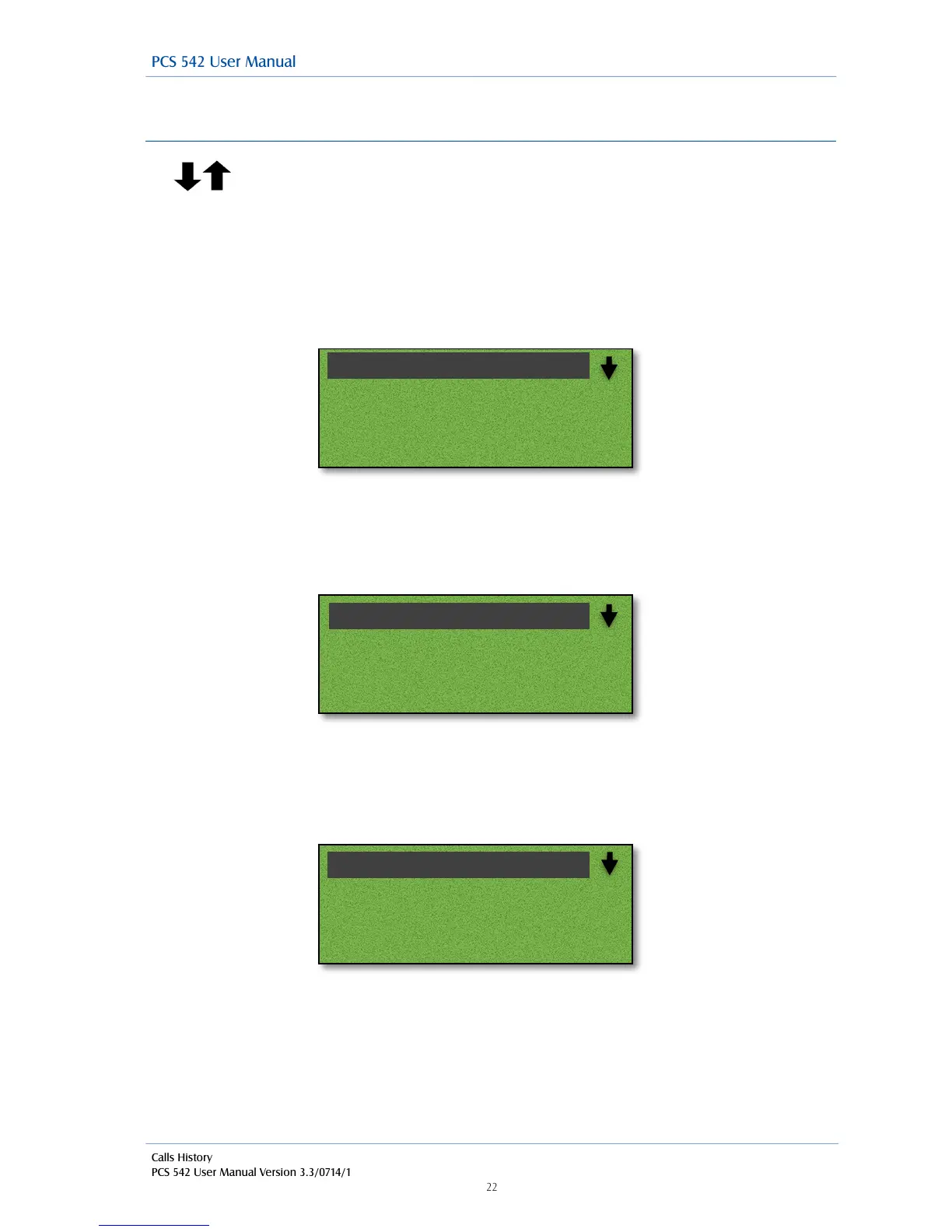
Viewing the details of a call
Use the navigation keys to select the call, and then press accept to see the call
details.
!
Incoming External Call
On selecting the call you will see the Time and date of the call, The name of the caller, if the
incoming number is recognised by the system, the number received with the call (if presented) and
your User name or the name of the colleague who has diverted their calls to you or the name of the
Department called.
!
!
!
!
!
!
!
!
Incoming internal call
You will see the Time and date of the call, the name of the caller, the callers extension number and
Your User name or the name of the colleague who has diverted their calls to you or the name of the
Department called.
!
!
!
!
!
!
!
!
Outgoing External Call
You will see the Time and date of the call, the name of the contact (If the number you dialled is
recognised by the system), The number you dialled and your user name.
!
!
!
!
!
!
!
!
!
!
!
!



 To Next Page