Record a Greeting
A default message will be played to your callers when they are transferred to your voicemail.
However you may wish to record your own personal message.
!
You can record two voicemail greetings. Firstly, you have a daily greeting that can be used to inform
a caller of your whereabouts on a particular day, for example – “You have reached Alice Barker’s
voicemail on Tuesday, 4 July. I am currently in a meeting until 11 o’clock. Please leave a message
and I will call you on my return.” Your second greeting, the permanent greeting, can be used to give
a message that can be used on any day, for example – “You have reached Alice Barker’s voicemail.
Sorry I am unable to take your call. Please leave a message and I will get back to you as soon as
possible.” If you record a permanent greeting your daily greeting is deleted at midnight and the
permanent greeting is then used until a new daily greeting is recorded.
!
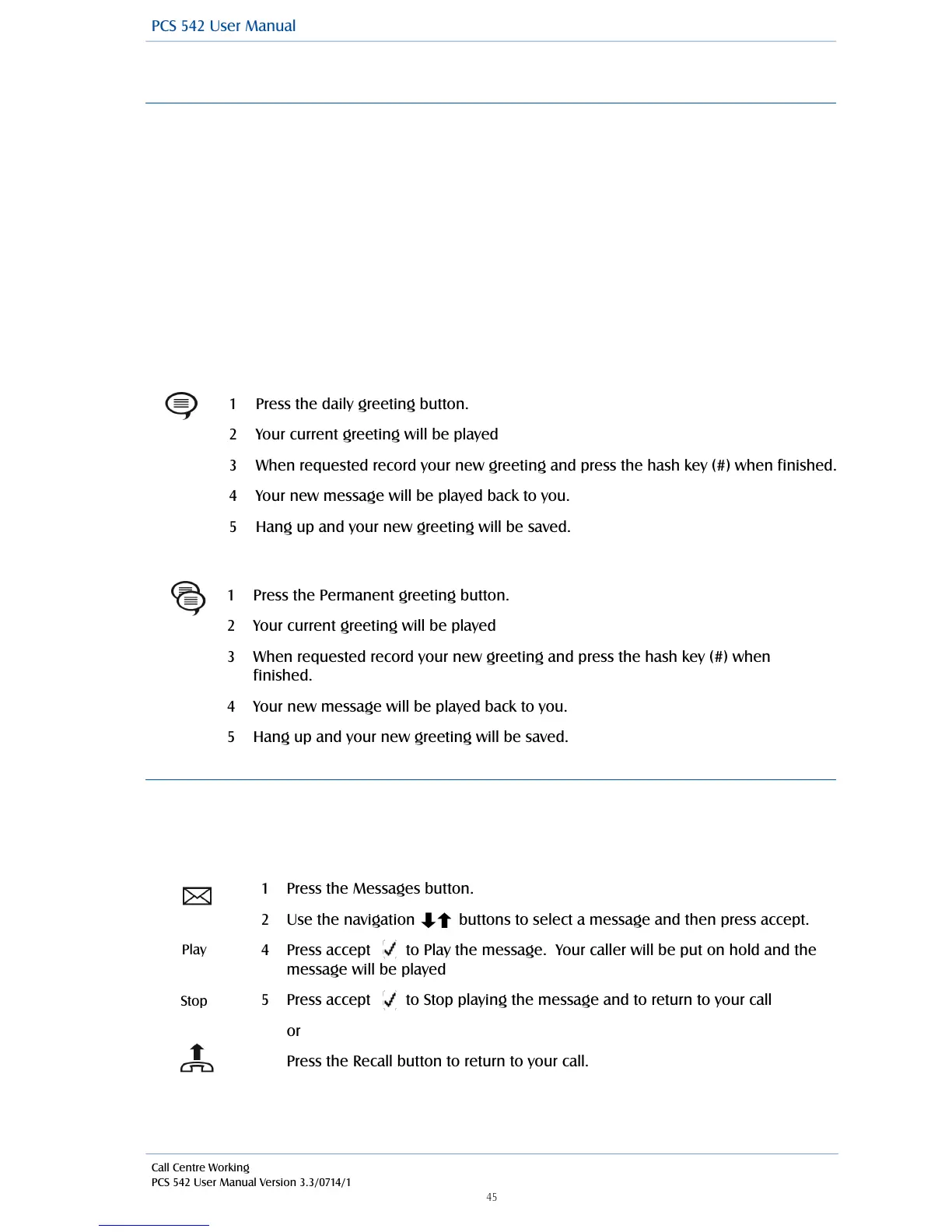
Record a daily greeting
!
!
!
!
!
!
!
!
!
Record a Permanent greeting
Listen to a message while on a call
While on a call you can listen to a message. This would be useful if, for example, you wish to check
the content of a message that relates to your current call. Your call will be put on hold while you
listen to the message.
!
!
!
!
!
!
!
!
!
!
!
!



 To Next Page