!
Ring back a caller
You may wish to call the number received from a previous caller; this can be done by selecting the
call from your Calls History.
!
!
!
!
!
!
!
!
!
Please note that if the caller’s number has been withheld or not received by the system this facility
will not be available.
!
Select an alternative number to dial
If a call has been made to or received from a number recognised by the system, ie a colleague’s
extension number or a number stored in the central Contacts database, alternative numbers stored
with the User account or Contact can be accessed via the call details.
!
!
!
!
!
!
!
!
!
!
!
!
!
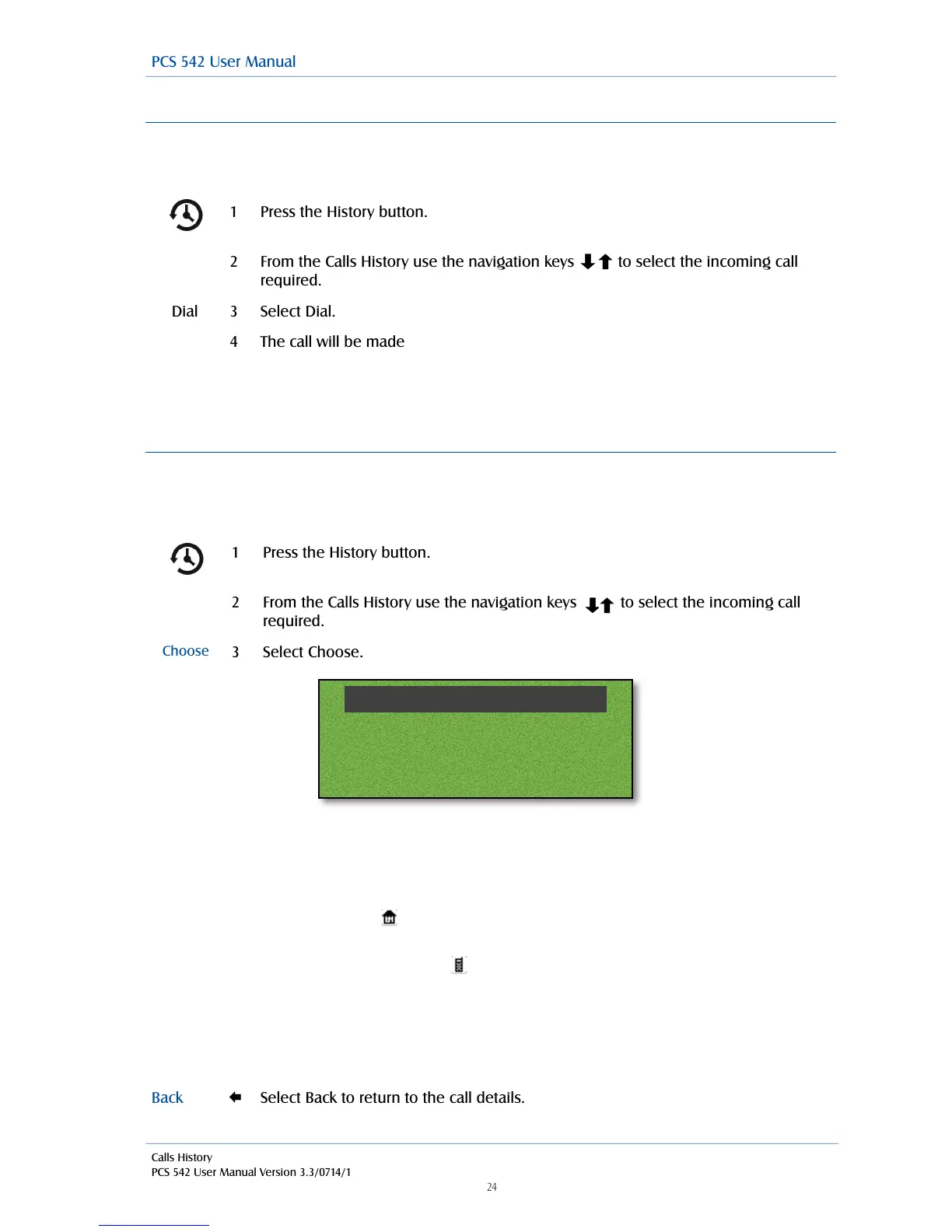
The number received with the call or the number you dialled is displayed at the top of the list.
The extension number of the relevant User or the number stored in the Contact’s Telephone
Number field is displayed in the second line.
If there is a number stored in the User’s or Contact’s Home Telephone Number field this will be
display against the house symbol.
If there is a number stored in the User’s or Contact’s Mobile Telephone Number field this will be
displayed against the mobile phone symbol.
If there are numbers stored in the User’s or Contact’s Spare 1 or Spare 2 Telephone Number fields
these will be displayed in the next two lines against the telephone handset symbol, use the
navigation keys to display these if present.
Alternatively,



 To Next Page