Delete a message
Ring back a caller
After listening to a message you may wish to ring the caller back. The number that they rang from
will be displayed with the message details. (Please note that if the caller’s number has been
withheld this feature will not be available.)
Ring back the caller on an Alternative number
If a caller that has left you a message is recognised by your telephone system, further numbers
stored for this contact may be available when viewing the message details and these numbers can
be dialled.
!
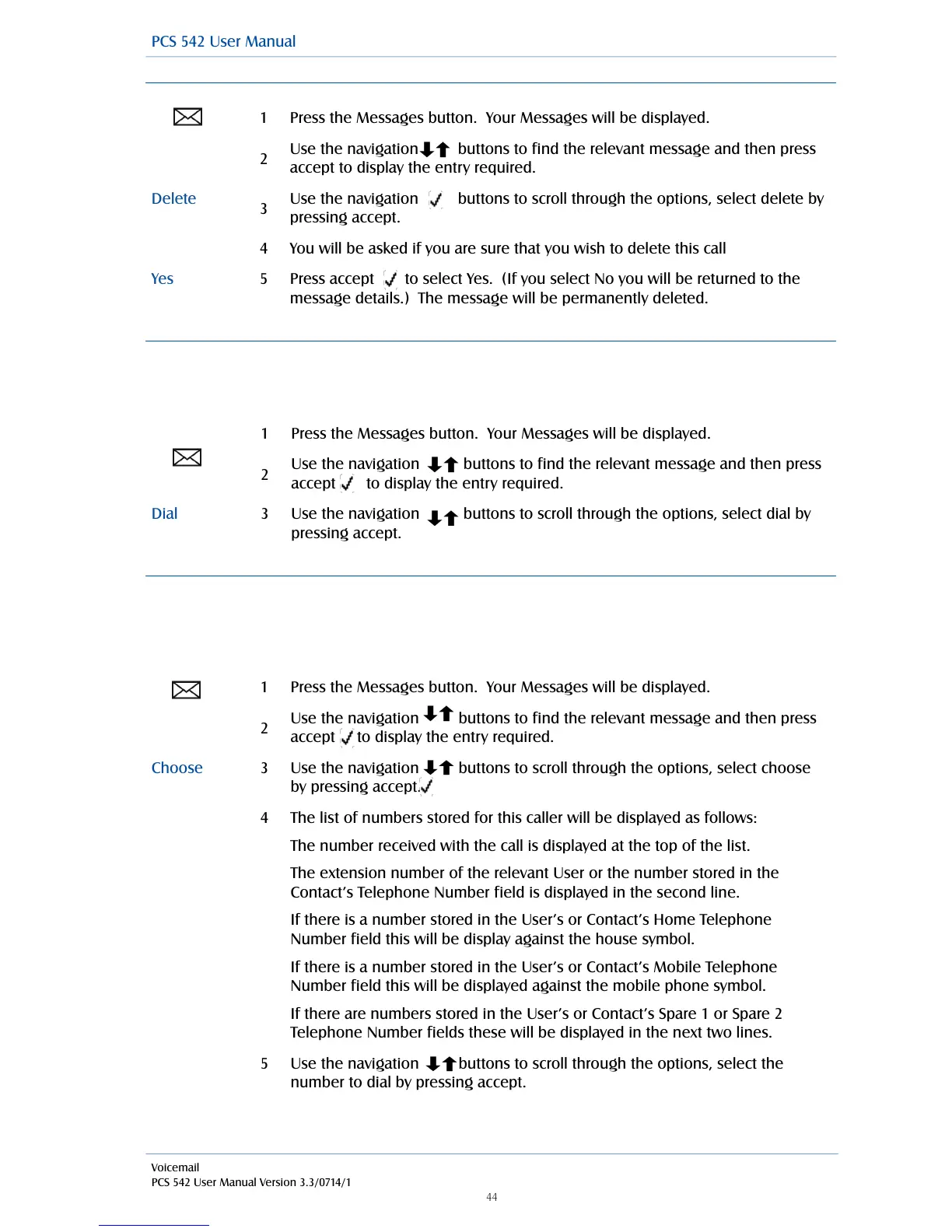
Press the Messages button. Your Messages will be displayed.
Use the navigation buttons to find the relevant message and then press
accept to display the entry required.
Use the navigation buttons to scroll through the options, select delete by
pressing accept.
You will be asked if you are sure that you wish to delete this call
Press accept to select Yes. (If you select No you will be returned to the
message details.) The message will be permanently deleted.
Press the Messages button. Your Messages will be displayed.
Use the navigation buttons to find the relevant message and then press
accept to display the entry required.
Use the navigation buttons to scroll through the options, select dial by
pressing accept.
Press the Messages button. Your Messages will be displayed.
Use the navigation buttons to find the relevant message and then press
accept to display the entry required.
Use the navigation buttons to scroll through the options, select choose
by pressing accept.
The list of numbers stored for this caller will be displayed as follows:
The number received with the call is displayed at the top of the list.
The extension number of the relevant User or the number stored in the
Contact’s Telephone Number field is displayed in the second line.
If there is a number stored in the User’s or Contact’s Home Telephone
Number field this will be display against the house symbol.
If there is a number stored in the User’s or Contact’s Mobile Telephone
Number field this will be displayed against the mobile phone symbol.
If there are numbers stored in the User’s or Contact’s Spare 1 or Spare 2
Telephone Number fields these will be displayed in the next two lines.
Use the navigation buttons to scroll through the options, select the
number to dial by pressing accept.
Voicemail
PCS 542 User Manual Version 3.3/0714/1
!44



 To Next Page