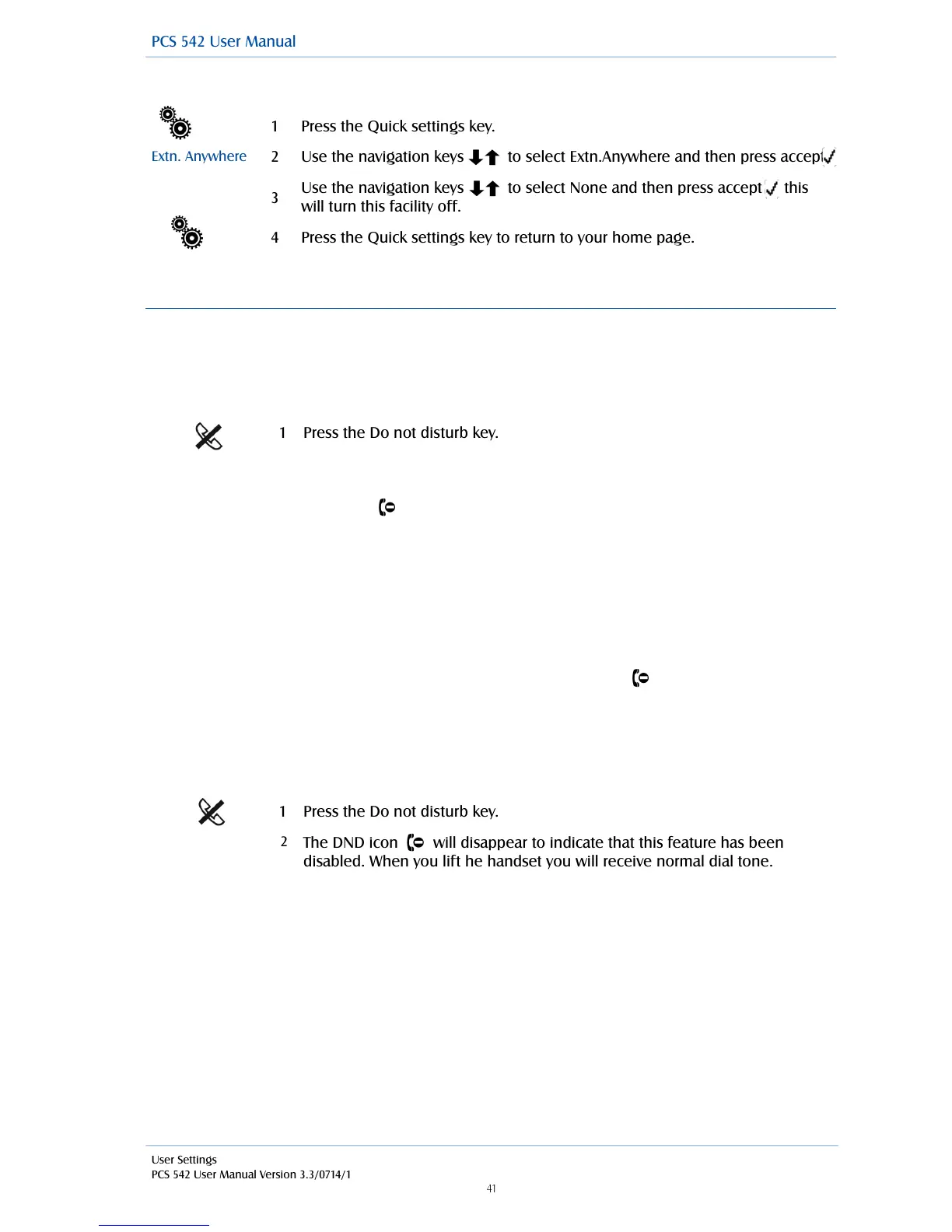
Disable Remote PSTN
!
Do Not Disturb
The Do Not Disturb facility allows you set your extension as permanently busy. This useful if, for
example, you are holding a meeting in your office and do not wish to be disturbed.
Turn on Do Not Disturb
!
When DND is enabled:
•
The Do Not Disturb symbol will be displayed within your home page.
•
The message LED will flash.
•
Your telephone handset will provide a broken dial tone to remind you that this feature has
been enabled.
•
Your calls will be automatically passed to your Forward on Busy number, if configured, or to
voicemail, if enabled, or the caller will receive the busy tone. (For further information on your
Forward on Busy Number please refer to your System Administrator.)
•
When a colleague uses the Dial Ahead facility on a PCS5xx handset to your extension the
relevant DND symbol will be displayed to indicate that you have Do Not Disturb set.
•
Your entry in the Contacts Directory will display the DND symbol to inform your colleagues
that your extension has Do Not Disturb set. Your colleagues who are using Navigate or a PCS
5xx handset will also be informed that you have Do Not Disturb set via their respective
directories.
Turn off Do Not Disturb
!
The DND icon will disappear to indicate that this feature has been
disabled. When you lift he handset you will receive normal dial tone.



 To Next Page