!
Please note that if the Overlap Dial feature has been disabled on your handset Dial Ahead will be
the only method of making a call. Please refer to the Overlap Dial section from page 33 for further
details.
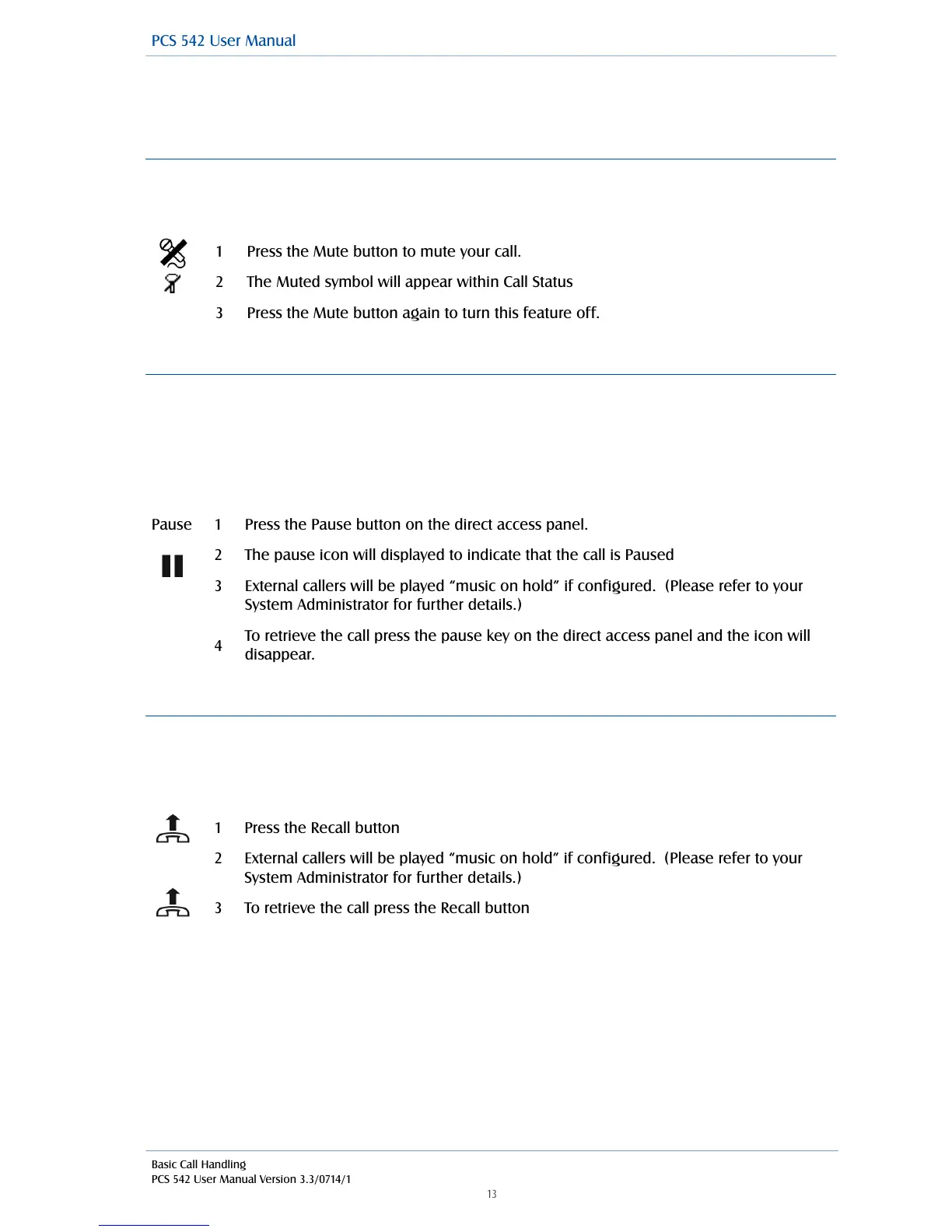
Mute a call
The Mute facility will allow you to prevent a caller from hearing, for example, your conversation with
another colleague. You will be able to hear the caller but they will not be able to hear you.
!
Pause a call
You may wish to Pause a call when you need to look up information for the caller, for example. The
caller will be placed on hold and played the hold music (if configured). However, dial tone is not
given, which is useful when you are using a headset, for example, as no sound is heard. (Please
note that this feature cannot be used to make a new call when transferring a call or creating a
conference, for example.)
!
!
Place a call on hold
When you put a call on hold the caller is played “music on hold”, if configured, and you will be given
the dial tone. This facility is used when you wish to make a new call when transferring a call or
creating a conference call, for example.
!
!
!
!
!
External callers will be played “music on hold” if configured. (Please refer to your
System Administrator for further details.)
External callers will be played “music on hold” if configured. (Please refer to your
System Administrator for further details.)



 To Next Page