User Settings
PCS 542 User Manual Version 3.3/0714/1
!38
Please note:
•
When Follow Me has been set
•
your handset will provide a broken dial tone to remind you that this feature has been
enabled.
•
The Divert symbol " will be displayed within your home page.
•
If your calls are forwarded to an internal extension and that extension is not answered or busy
the caller will be passed to your voicemail (if enabled) or logged as a missed call on your PCS
542.
!
Turn off Follow Me
!
You do not need to change the Divert To number as you may wish to use this number again.
!
Press Quick Settings key to return you to your home page. Note that Divert no longer displays a tick
indicating that Follow Me has been turned off.
!
Receiving a Diverted Call
When a colleague’s calls have been diverted to your extension your colleague’s name will be
displayed in Call Status under the caller’s number or name. This information will enable you to
identify and answer a diverted call correctly.
!
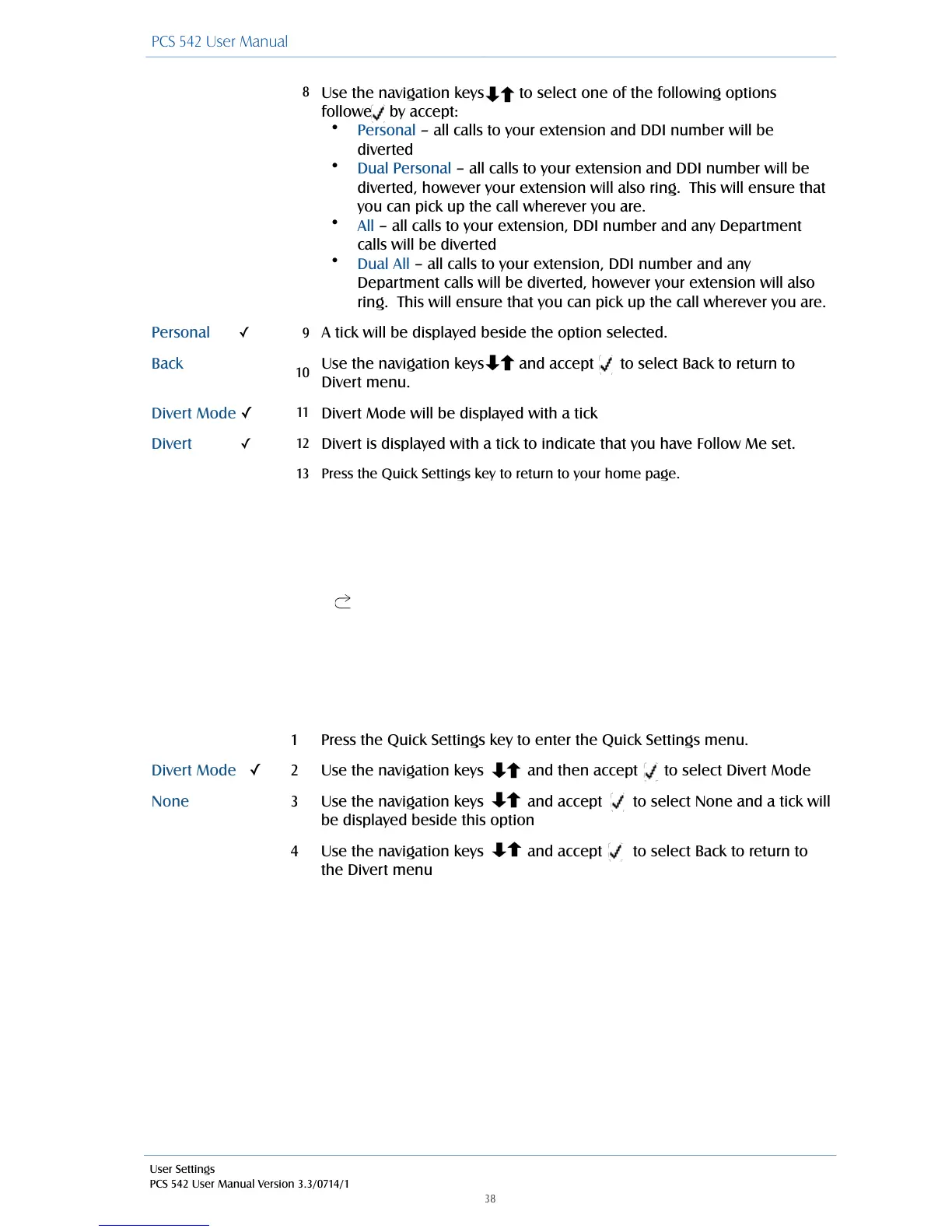
Use the navigation keys to select one of the following options
followed by accept:
•
Personal – all calls to your extension and DDI number will be
diverted
•
Dual Personal – all calls to your extension and DDI number will be
diverted, however your extension will also ring. This will ensure that
you can pick up the call wherever you are.
•
All – all calls to your extension, DDI number and any Department
calls will be diverted
•
Dual All – all calls to your extension, DDI number and any
Department calls will be diverted, however your extension will also
ring. This will ensure that you can pick up the call wherever you are.
A tick will be displayed beside the option selected.
Use the navigation keys and accept to select Back to return to
Divert menu.
Divert Mode will be displayed with a tick
Divert is displayed with a tick to indicate that you have Follow Me set.
Press the Quick Settings key to return to your home page.
Press the Quick Settings key to enter the Quick Settings menu.
Use the navigation keys and then accept to select Divert Mode
Use the navigation keys and accept to select None and a tick will
be displayed beside this option
Use the navigation keys and accept to select Back to return to
the Divert menu



 To Next Page