EasyManua.ls Logo

Splicecom PCS 542 - Page 34

Default Icon
60 pages
Print Icon
To Next Page IconTo Next Page
To Previous Page IconTo Previous Page
Loading...
Departments
PCS 542 User Manual Version 3.3/0714/1
!30
!
!
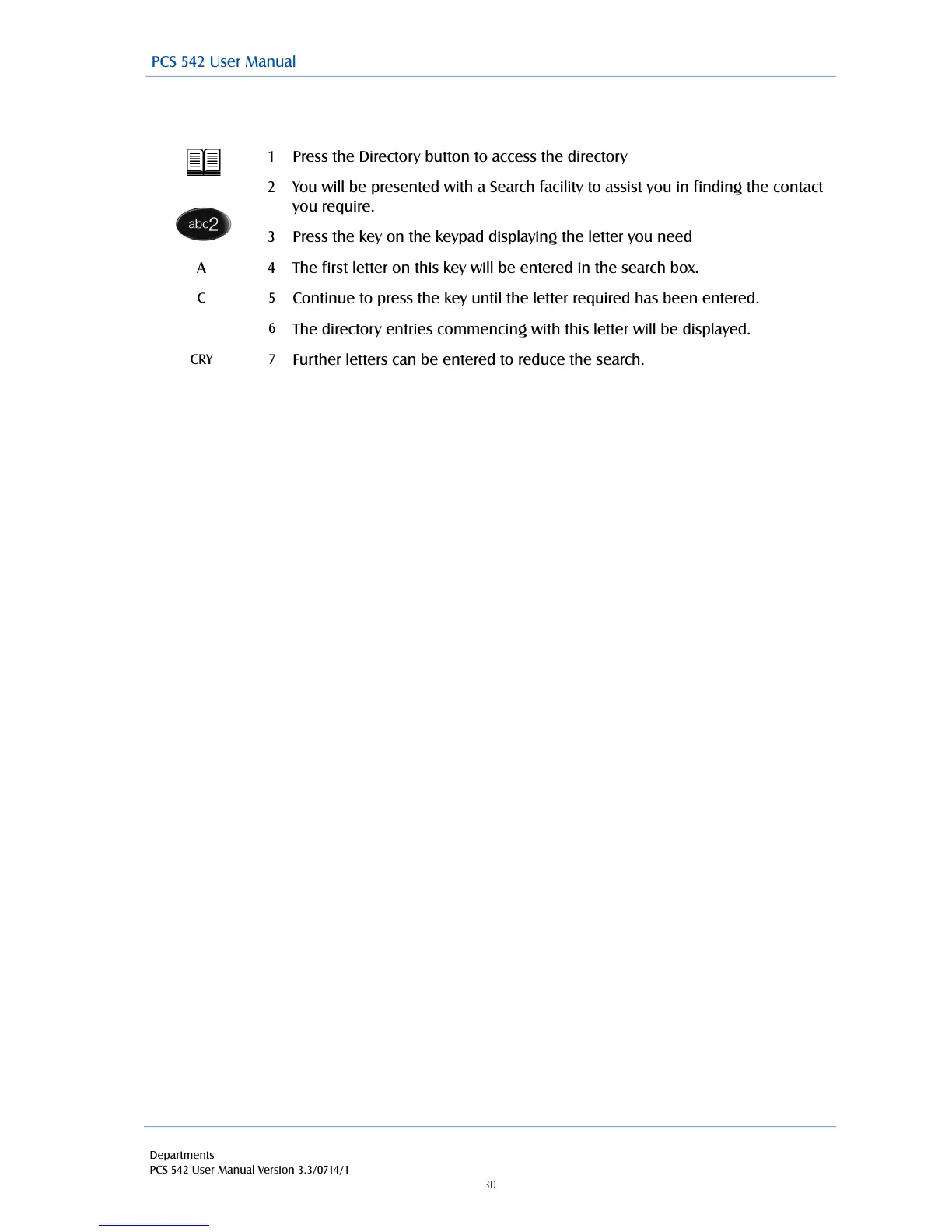
Searching the directory with the Keypad Mode turned off
!
!
1
Press the Directory button to access the directory
2
You will be presented with a Search facility to assist you in finding the contact
you require.
3
Press the key on the keypad displaying the letter you need
A
4
The first letter on this key will be entered in the search box.
C
5
Continue to press the key until the letter required has been entered.
6
The directory entries commencing with this letter will be displayed.
CRY
7
Further letters can be entered to reduce the search.
PCS 542 User Manual

Table of Contents

Other manuals for Splicecom PCS 542

Related product manuals