!
Pick up a parked call
To pick up a call parked by another user, press the Park key in the Special function
keys area,
!
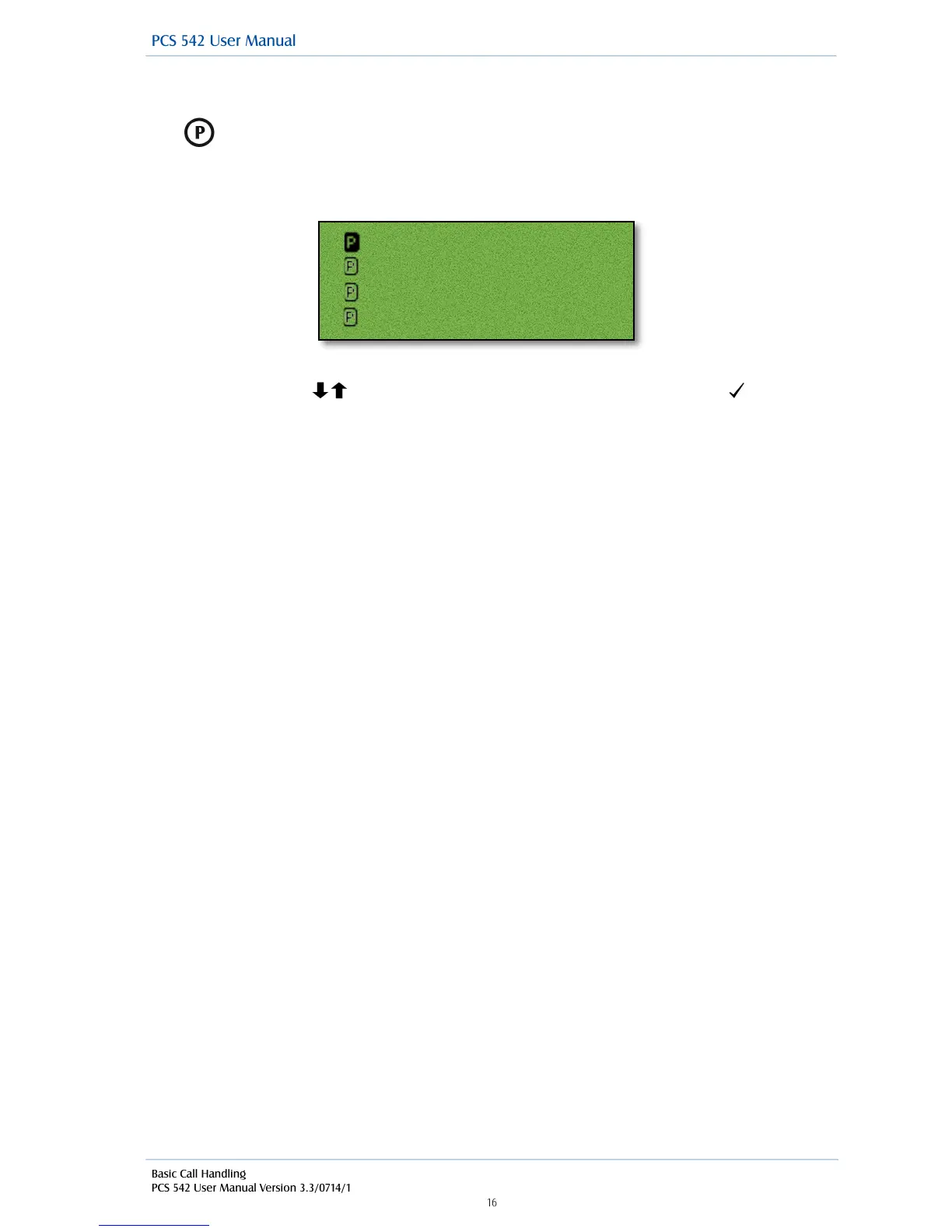
you will be presented with all the available park slots, the callers details are displayed by each park
slot.
!
!
!
!
!
!
Use the navigation keys to select the required park slot and then press accept The call will
then be presented to you.
!
!
Please note:
•
If you pick up a parked call while in the progress of another call, this call will be automatically
parked in the next available slot.
•
Calls can be parked via a short code. This is useful if you wish to park a call into a park slot not
displayed on your PCS 542. Please refer to your System Administrator for the relevant short
code.
•
Calls can be picked up via a short code. This is useful if you wish to pick up a call parked in a
slot not displayed on your PCS 542. Colleagues who are using an analogue handset may also
need to use a short code to pick up a call. Please refer to your System Administrator for the
relevant short code.
•
If a parked call is not picked up within 5 minutes (the default Park Timeout) the call will be
represented back to you and can be answered in the normal way.
•
If the Companies feature is being used on your telephone system and
•
you are unable to pick up a call parked by a colleague you may be operating within a
different “Company” to your colleague. Please refer to your System Administrator for
further details.
•
you belong to a “Company” this Company may be configured with a different Park
Timeout to the default 5 minutes described above. Please refer to your System
Administrator for further details.
•
By default your User account will give you access to Park slots 1, 2, 3 and 4. However if you
wish to access alternative Park slots in order to create either group or “private” park slots or
you wish to remove them altogether please refer to your System Administrator for further
assistance.
!
!



 To Next Page