Introduction
PCS 542 User Manual Version 3.3/0714/1
!4
!
Feature Keys
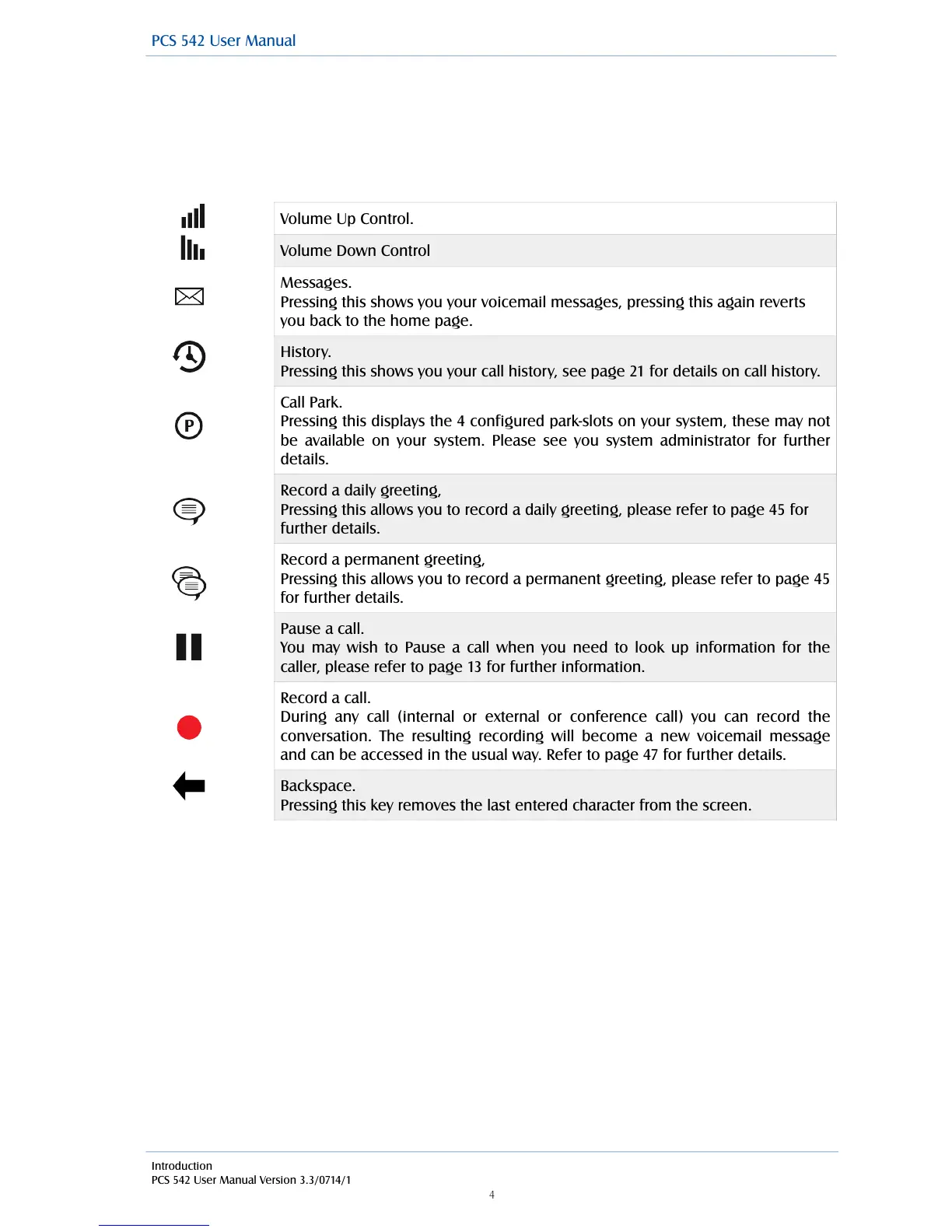
The 10 Feature Keys on the right hand side of the allow you to quickly access some of the most
common phone features via a single button press. Pressing the button again returns you to the PCS
542’s home screen.
!
!
!
!
!
!
!
!
!
!
!
!
!
!
!
!
!
!
!
!
"
Messages.
Pressing this shows you your voicemail messages, pressing this again reverts
you back to the home page.
History.
Pressing this shows you your call history, see page 21 for details on call history.
Call Park.
Pressing this displays the 4 configured park-slots on your system, these may not
be available on your system. Please see you system administrator for further
details.
Record a daily greeting,
Pressing this allows you to record a daily greeting, please refer to page 45 for
further details.
Record a permanent greeting,
Pressing this allows you to record a permanent greeting, please refer to page 45
for further details.
Pause a call.
You may wish to Pause a call when you need to look up information for the
caller, please refer to page 13 for further information.
Record a call.
During any call (internal or external or conference call) you can record the
conversation. The resulting recording will become a new voicemail message
and can be accessed in the usual way. Refer to page 47 for further details.
Backspace.
Pressing this key removes the last entered character from the screen.



 To Next Page