25
Technical data are subject to change without notice.
ISO 9001 certified. © Copyright SPM 1996-9. 71416.B
SPM Instrument AB • Box 4 • S-645 21 Strängnäs • Sweden
Tel +46 152 22500 • Fax +46 152 15075 • info@spminstrument.se • www.spminstrument.se
Measuring Sequence, VIB in Data Logging Mode
A400.001
Raw water pump no. 6,
motor N
VIB H 002
1 Measurement: VIB
A400.001
ISO 2372
CLASS 2 1 . 7
920911 mm/ s
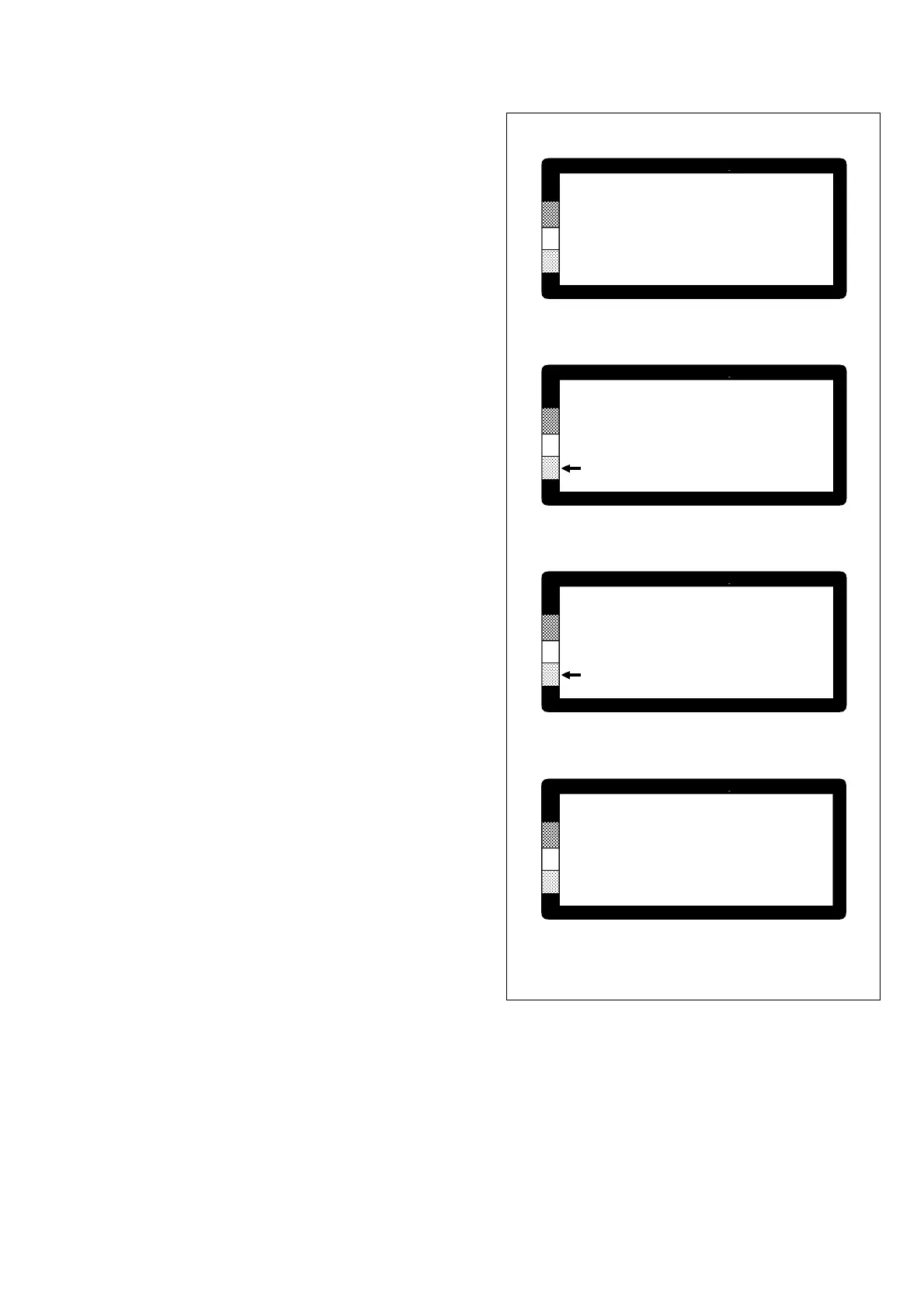
A vibration measurement is similar: you also start with
a screen displaying measuring point number, measur-
ing point name, measuring technique and direction
(VIB H, V, or A), and the running number of the read-
ing (1).
• Press ENT to continue.
The display of the previous reading (2), downloaded
from the PC, is recognized by the date in line 4, below
the machine class.
• Connect the transducer to the measuring point.
Press M and hold down the key until the reading
stabilizes, then release the M key.
When the M key is pressed, the date on line 4 is
replaced by READ 1. This will not change if you repeat
the reading, the A2011 stores one VIB reading only (3).
Now you have these alternatives:
• You can press ENT to store the reading and
continue to the next measurement.
• You can press and hold down M to take another
reading.
• You can press SET and select one or more of the
downloaded comments (see previous page).
Notes on Comments
Comments are attached to the measuring point, not
to the reading. If you measure both SPM and VIB on
the same measuring point, you can store one com-
ment or a group of comments which you set either
from the SPM menu or the VIB menu. You cannot
have different comments under both.
You can make new selections up to the time where
you transfer the data to the PC. The last selection
confirmed with ENT will be transferred.
If you set several comments, their markers will be
placed on top of each other on the CONDMASTER
graphics display.
A400.001
ISO 2372
CLASS 2 1 . 9
READ 1 mm/ s
DI03
*
Extra lubri
LU01 cation nee
> LU04 ded
MA03
2 Display of previous reading
4 Set comment
3 Display during / after measurement
Fig. 5



 To Next Page