7
Technical data are subject to change without notice.
ISO 9001 certified. © Copyright SPM 1996-9. 71416.B
SPM Instrument AB • Box 4 • S-645 21 Strängnäs • Sweden
Tel +46 152 22500 • Fax +46 152 15075 • info@spminstrument.se • www.spminstrument.se
▼▼
EXT VIB
M
▲
ENT
▲
▼
SET
SPM
▼
PEAK
DATA LOGGER
BEARING TEST
CODE C ACC 3
LUB — LR 28
COND 28 HR 20
➞
Shock Pulse Analyzer A2011
SPM
VIB
rpm
Data Logging with A2011
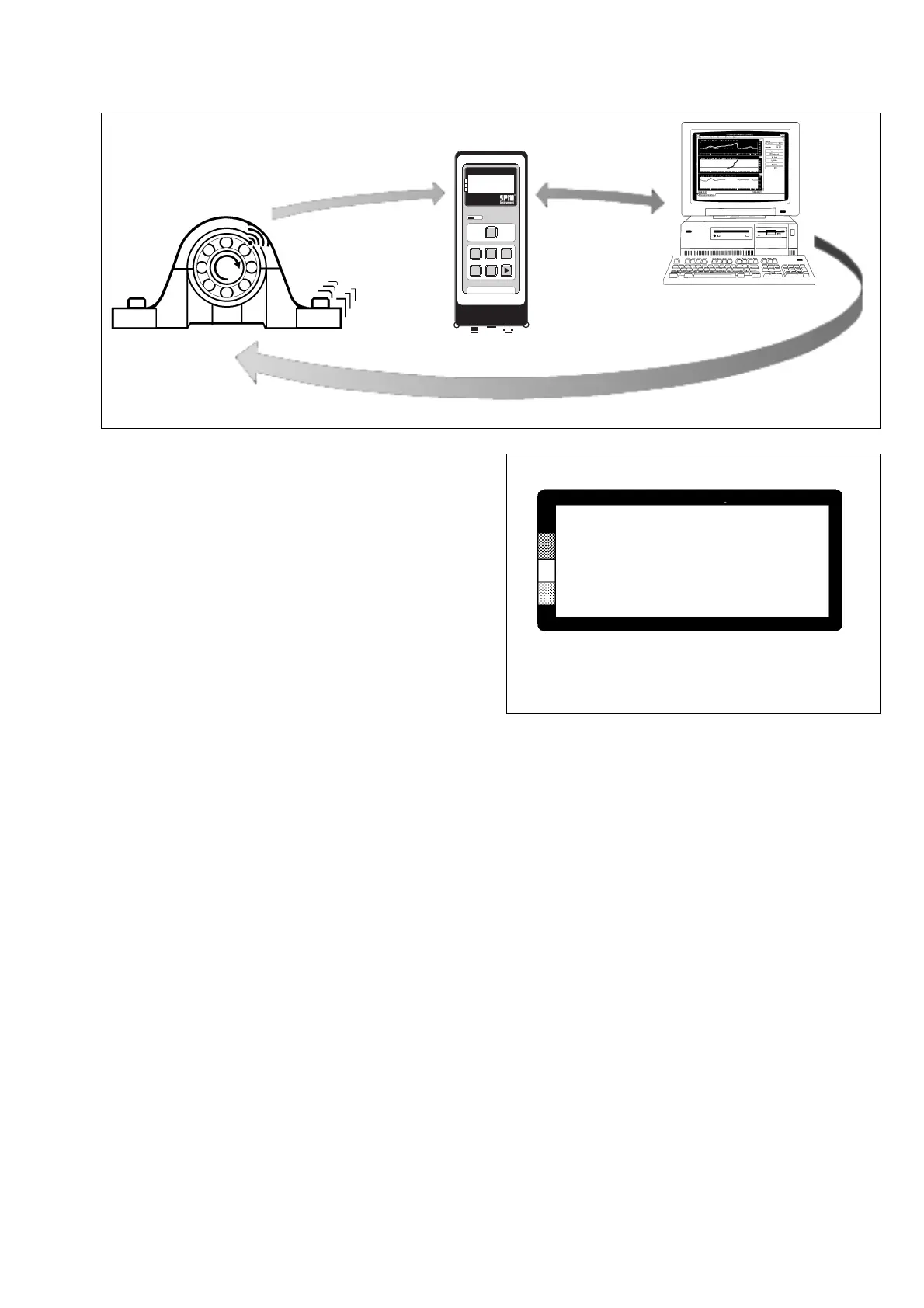
The simplest and most effective way of using the
A2011 is as a data logger, in combination with the
SPM software CONDMASTER.
The CONDMASTER program is used to
• set up measuring points and store all necessary
input data (NORM and TYPE numbers for bearing
monitoring, machine class for vibration monitor-
ing).
• create measuring rounds and/or work orders,
containing a number of measuring points which
are to be monitored at predetermined intervals
and in a fixed order.
The hierarchy is measuring point - round - work order,
which means that a work order can contain several
rounds and also individual measuring points. For both
rounds and work orders, the user defines a measuring
interval in days. The PC will display the date when the
work is to be carried out, and set a new date when the
measuring results are reported back to the PC.
Downloading Measuring Point Data
Measuring point data are transferred to the A2011 as
follows:
• On the PC, select a round/work order for trans-
fer.
• Connect the A2011 to the PC via the communica-
tion unit.
• Select COMMUNICATION on the A2011 Select
menu, press ENT.
The A2011 has a 32 kb memory and can store at least
257 measuring points. The number is normally greater:
it depends on the length of measuring point number
and name as well as on the number of measuring
techniques used.
A400.001
Raw water pump No. 6
Motor N
SPM 0 0 1
Measuring point data
Fig. 5
Fig. 4
Measuring Point Display
The A2011 will display the measuring points in the
preprogrammed order, showing
• Measuring point number (for very long numbers,
it displays the last 16 characters).
• Measuring point name (on two lines).
• Measuring technique (in the sequence rpm – SPM
– VIB if several are used).
• Running number in the round or work order.
Pressing ENT will display the results of the last read-
ing. To take the new reading, connect the appropri-
ate transducer and press the M key, as described on
the following pages.
One can measure in any order by selecting points
with the UP/DOWN keys. Readings can be repeated -
the last reading stored with ENT will be transferred to
the PC when the measuring results are reported back.
For details, see page 23 to 26.
Route
Input data
Readings



 To Next Page