27
Technical data are subject to change without notice.
ISO 9001 certified. © Copyright SPM 1996-9. 71416.B
SPM Instrument AB • Box 4 • S-645 21 Strängnäs • Sweden
Tel +46 152 22500 • Fax +46 152 15075 • info@spminstrument.se • www.spminstrument.se
Manual Shock Pulse Measurement
Bearing condition measurements require an input of
the basic bearing data, i.e. the bearing's NORM No.
(10 to 58) and its TYPE No. (1 to 8). TYPE numbers for
the various types of rolling bearings are shown on
page 29. The lowest NORM No. for all types is 10.
When the probe transducer is used, the lowest ac-
ceptable NORM No. is 18.
For unnormalized readings, the NORM No. is set to 0.
The result of an unnormalized reading is LR and HR
value only (not CODE, LUB, and COND, and no arrow
displayed against the condition scale).
Compensation
The COMP No. is used to calibrate the measuring
point. It is normally set to 0. If, however, you suspect
signal losses, you can set a COMP. No. (see page 31).
Accumulation
The digit behind Acc (see fig. 7) sets the number of
consecutive measuring cycles. The maximum number
of cycles is 9. If the reading consists of more than one
measuring cycle, the A2011 displays and evaluates an
arithmetic average of the measured LR/HR values.
At least 3 measuring cycles are needed for bearings
with NORM Nos. below 30. As a rule, the lower the
rpm of the bearing, the more measuring cycles are
needed to obtain a reliable measuring result.
Setting Basic Data
All data input to the A2011 follows the same princi-
ple:
• The SET key gives access to the data input menu
and moves the cursor from one data entry field to
the next within each menu.
• The UP key increases the number at the cursor
position. The DOWN key decreases the number.
• Long numbers are changed one digit at a time.
The RIGHT or the LEFT key moves the cursor
from one digit to the next.
• The ENT key is used to store the data and the set
mode after all data are input.
Changing Data, Example
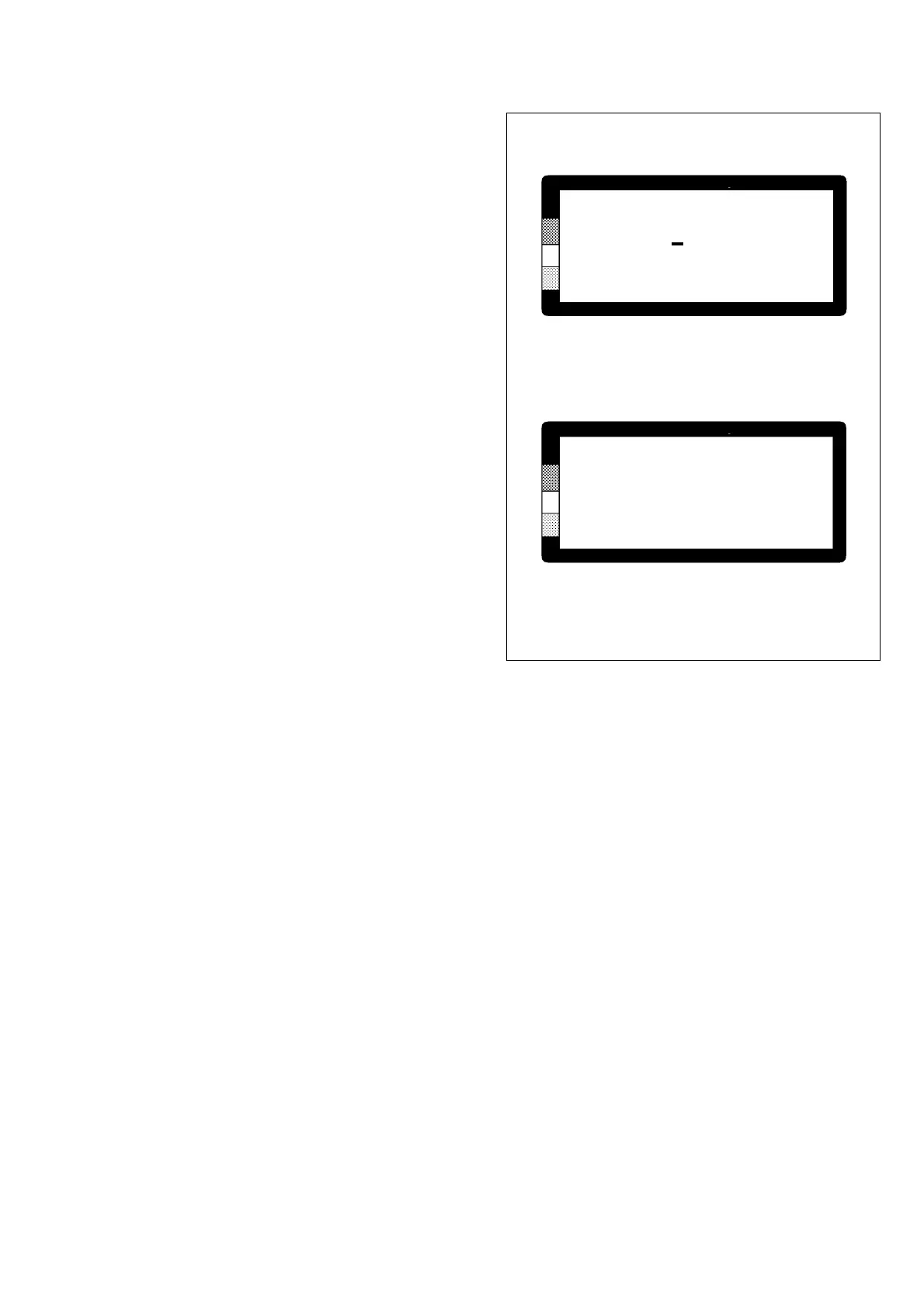
In the example shown in figure 7, you have started
from the Bearing test menu and pressed SET to ob-
tain the Bearing data menu. You want to change the
NORM No., the TYPE No., and the number of accu-
mulated measuring cycles.
With the menu shown in figure 7A on the screen:
• Press and hold down the DOWN key until the
NORM No. reads 28. Press SET.
• Press and hold down the UP key until the TYPE
No. reads 5. Press SET twice.
• Press and hold down the UP key until Acc reads
3. Press ENT.
On leaving the Set mode with ENT, the display changes
to the last SPM measuring results. Pressing the M key
will start a new reading, using the new basic bearing
data.
BEARING DATA
NORM 36 Acc 1
TYPE 1
COMP 0
Fig. 7
BEARING DATA
NORM 28 Acc 3
TYPE 5
COMP 0
A Menu before changing data
B Menu with new data



 To Next Page