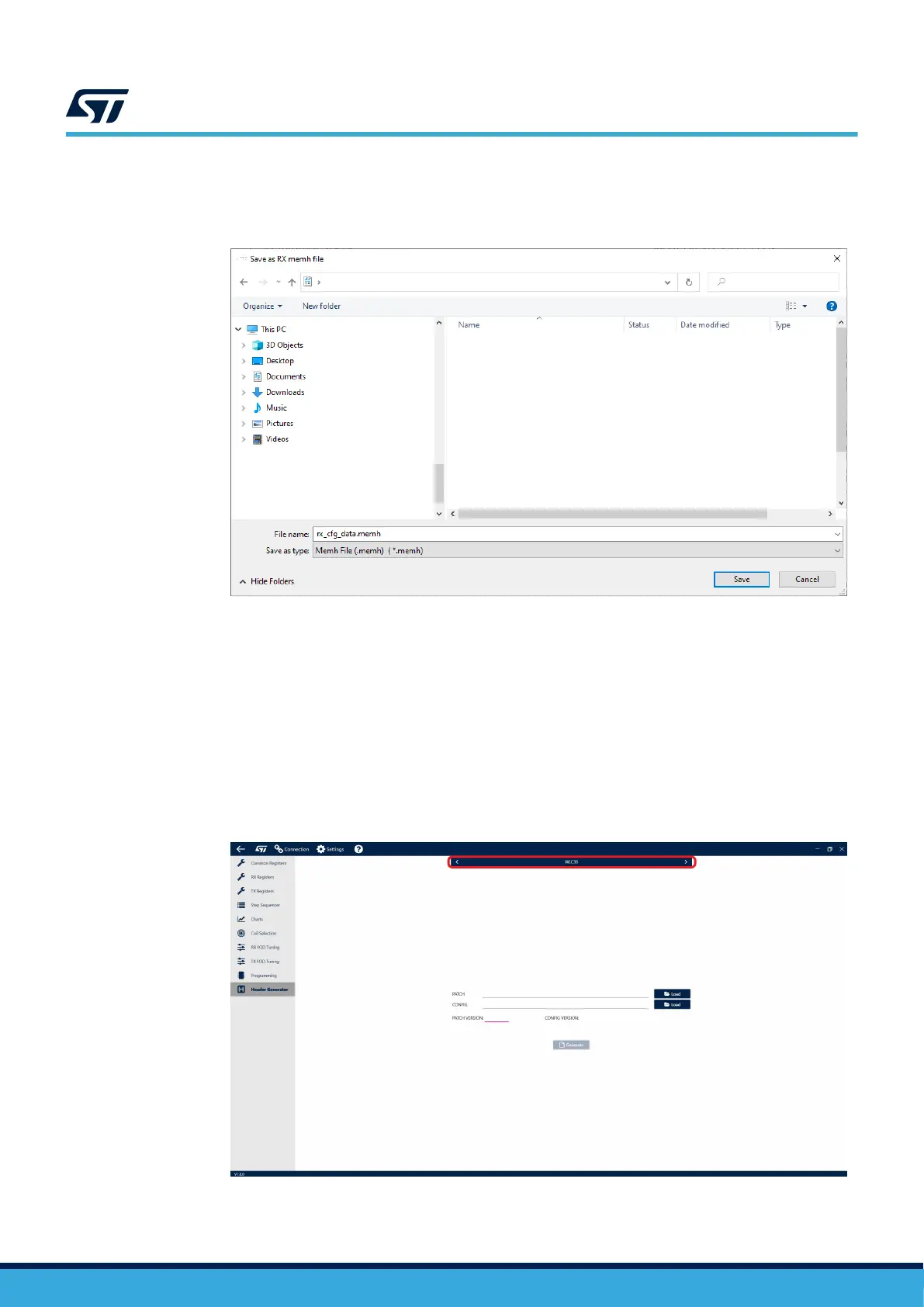
Step 5. Choose your location for the save file.
After choosing a location, the configuration will be saved as a .memh file in the selected folder.
Figure 9. Save folder selection
4.4 Header file
The GUI can also be used to generate a Header file, a binary .h file containing both Configuration and Patch files.
The Header file makes programming the device using a host MCU easier, as both Configuration and Patch can be
loaded at once by simply including the Header file in the host code.
4.5
Header file generation
A custom Header file can be generated in the Header Generator tab.
Step 1. Start by selecting [WLC38] in the top menu.
Figure 10. Device selection
UM3154
Header file
UM3154 - Rev 2
page 10/81


 To Next Page